Preparing next season
How a club admin copies teams into next season and moves each player into their new age band.
For club admins
At the end of a season, players move up age bands. RinkTracker can do the moves for you, and you can prepare them early.
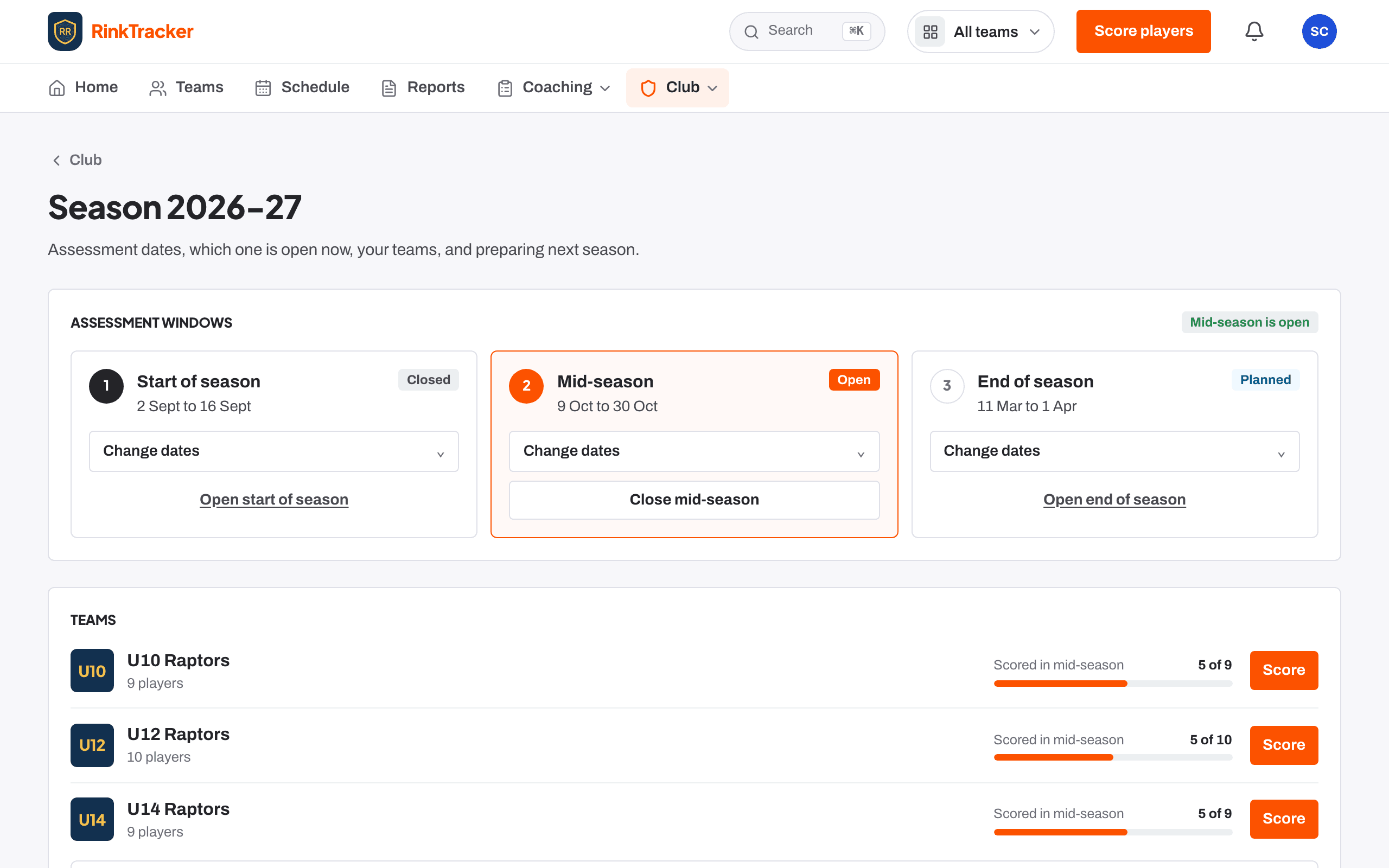
Where to find it
Open the Season page. When the next season is available, a club admin sees a card headed Next season: [code]. It explains that RinkTracker copies your teams into the next season and moves each player into the age band for their birth year.
Check, then prepare
- Look at the teams listed for next season. A team that already exists is marked ready.
- Open Player moves to see each player's team this season and next. Anyone too old for junior hockey shows Ages out of junior hockey.
- Fix anything that looks wrong first, such as a missing or wrong date of birth, on the player's page or the roster.
- Tick I have checked the moves above.
- Press Prepare [code].
Before you prepare, finish the current season: close the last skills check, publish reports and look at the club dashboard. The close the season guide walks through it.
Related
- Close the season Step-by-step guide
- Teams and rosters Help article
- Assessment windows: start, mid and end of season Help article
Still stuck? Email hello@rinktracker.com and we'll help.