From the scores to goals, practice and a report the family reads
Scores suggest goals. The family starts on them straight away and logs practice. A coach reviews each goal every fortnight, and the next report shows what the work did.
Goals suggested from the scores
After a skills check, the app suggests goals for each player from skills that are below the band, below their age expectation or have dropped, plus one strength to build on. Each suggestion says why, and attaches drills from the library where there is one. A coach ticks the ones to keep, or writes their own.
Reasons you can explain
Chips such as Below age expectation, Lowest rated or Build on a strength show why a goal was suggested.
A whole team at once
Set these goals for N players sets the suggestions across the team in one go.
Off-ice work attached
Each goal carries off-ice exercises for its skill, picked by the coach or by the app.
No sign-off: the player just practises
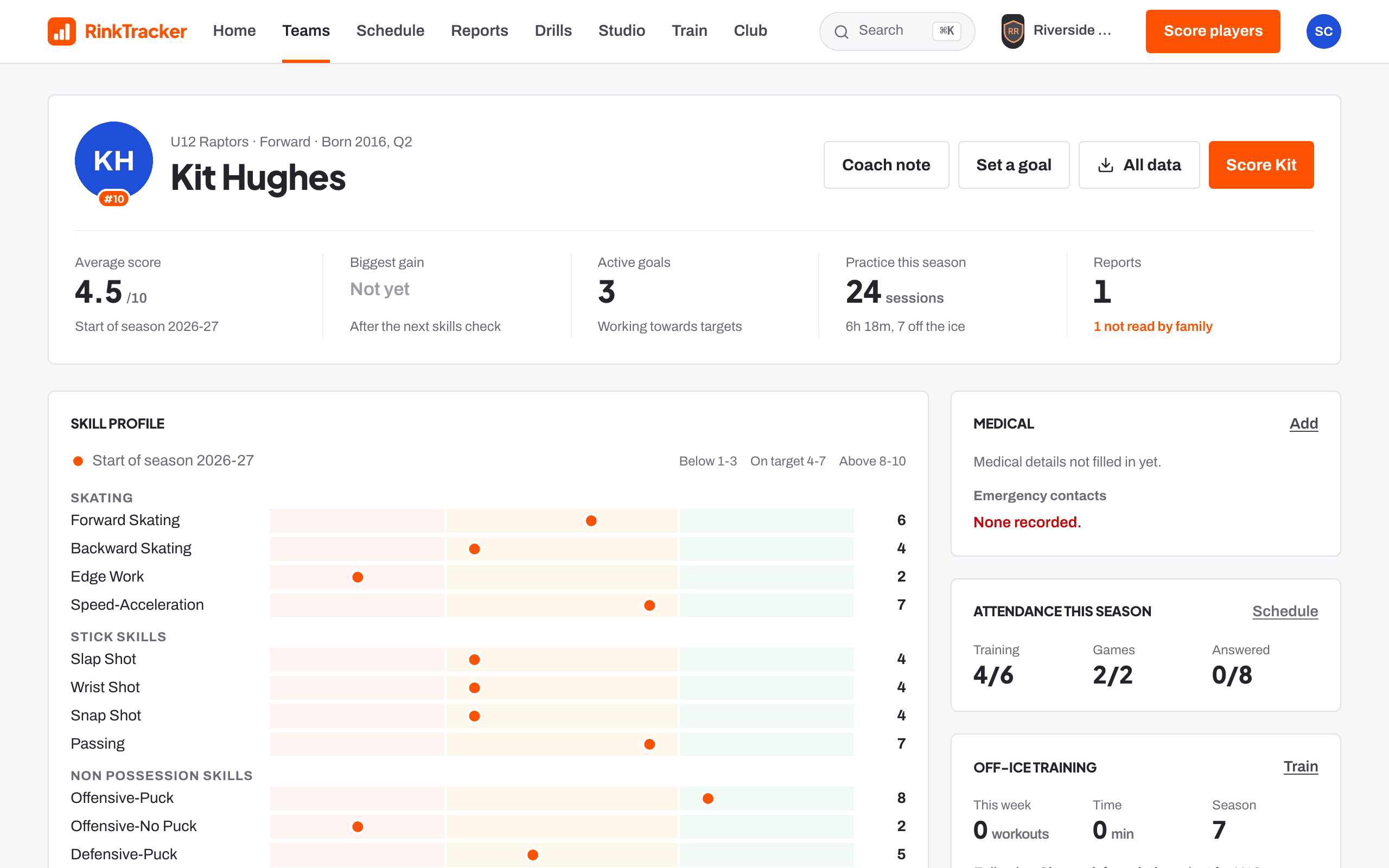
Families see each goal as soon as the coach sets it, with nothing to sign off. Practice at home is logged in a few taps, and an off-ice workout with the goal's exercises counts as practice automatically. Coaches see it straight away.
Ten minutes counts
Log practice records what was practised, for how long and when.
Quiet at home
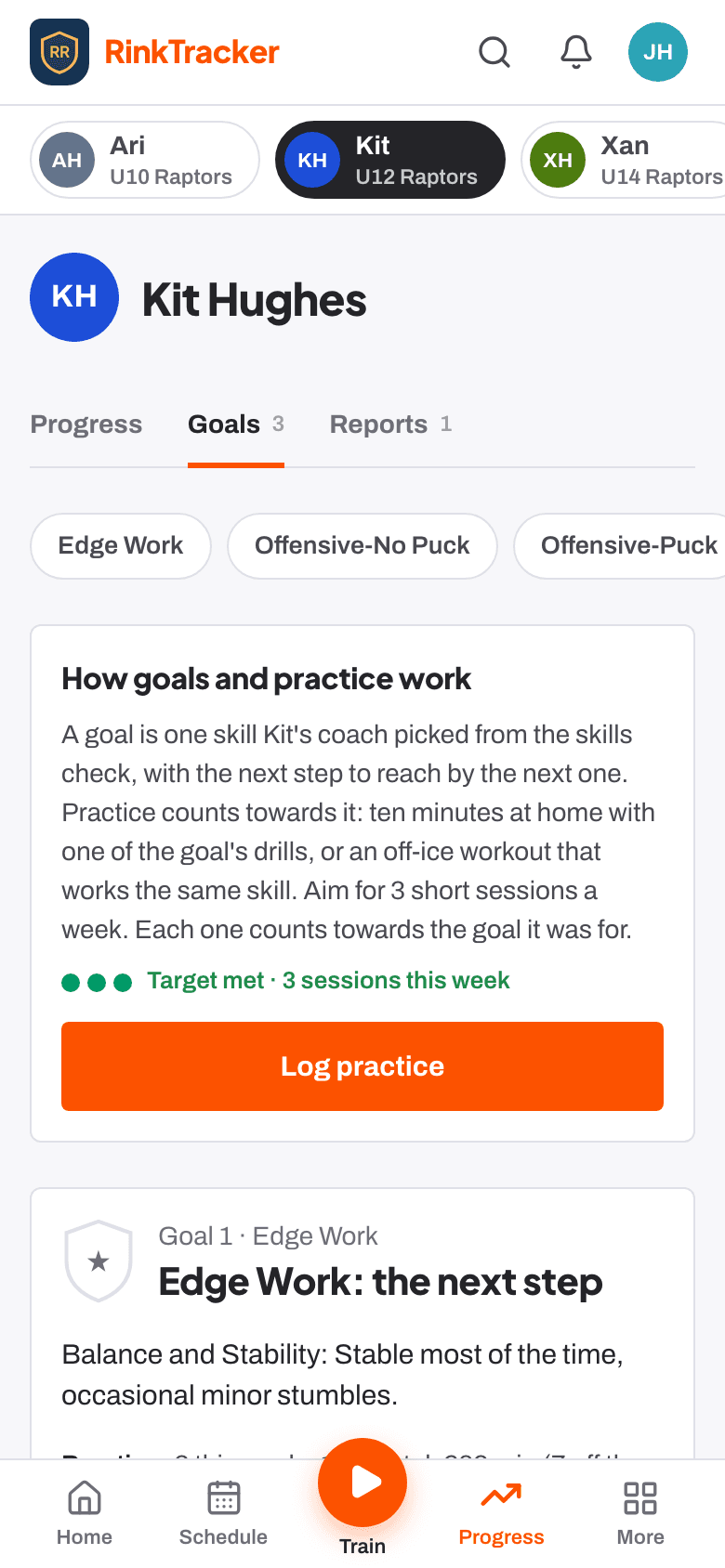
The board flags players with nothing logged for two weeks, so a coach can check in.
High fives
Coaches can give a High five on a practice entry from the activity feed.
Fortnightly reviews, with the player's own rating
Each goal is reviewed every 14 days by default; the club can choose anywhere from a week to six weeks. The coach rates it Not yet, Getting there, Most of the time or Got it, can add an optional 1 to 10 spot check and a note, and shares it with the family. The player rates it too, so the two ratings sit side by side.
Reviews due
Home and the team board list which goal reviews are due or overdue.
A word for the coach
Families can add a short note with their rating and Send to coach.
Close it when it's done
Goal achieved: close it marks the goal reached.
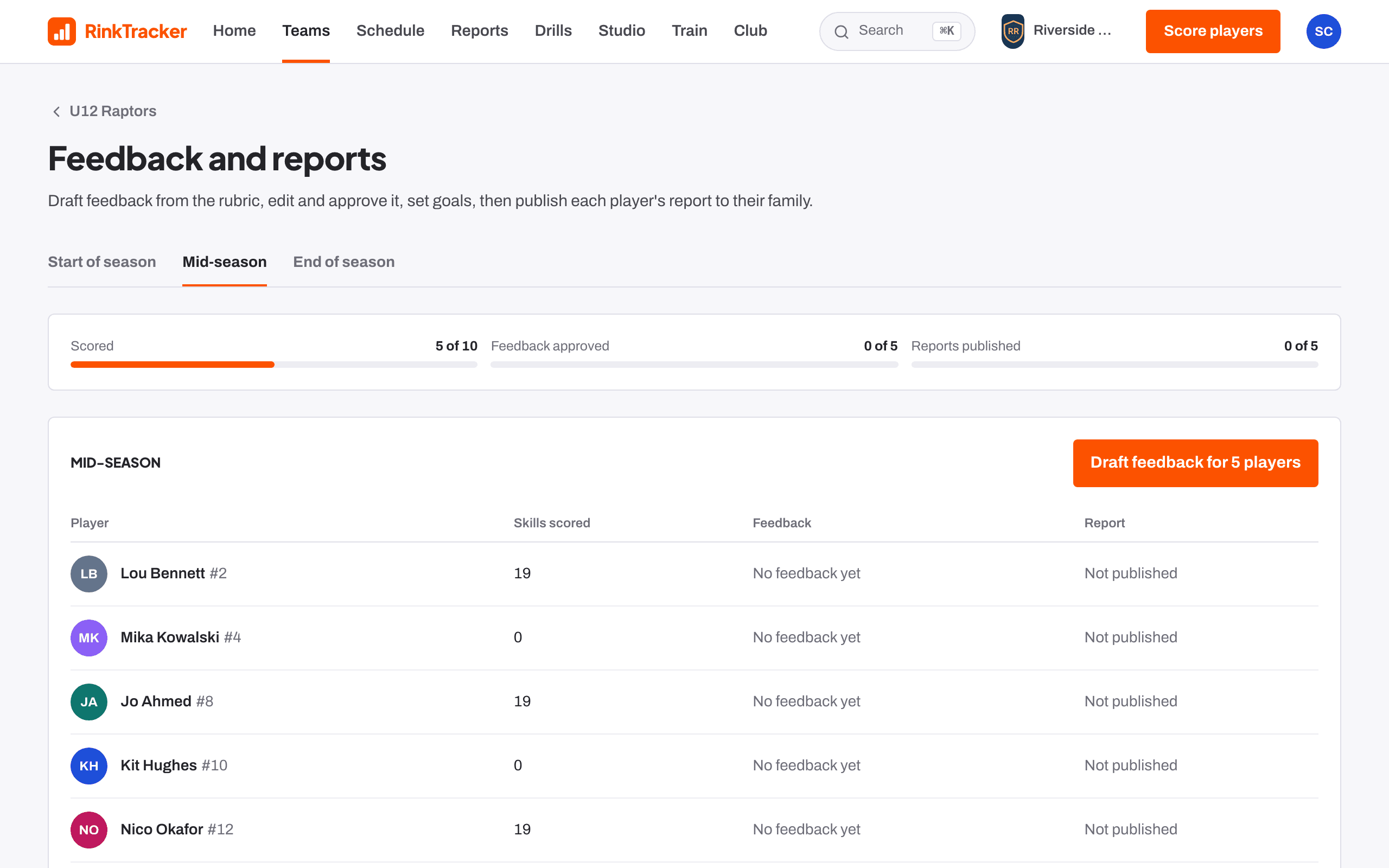
Feedback drafted from the rubric, approved by a coach
On Feedback and reports, Draft feedback writes each player's feedback from the rubric's descriptions of their scores. A coach edits and approves it, item by item or all at once. If the club switches it on, Suggest with AI offers a rewrite that a coach must read and approve; the prompt never contains the child's name, date of birth or club.
Where coaches differ
The page flags when two coaches' scores for a skill are far apart.
Nothing goes unapproved
Only approved feedback can be published.
Who publishes
A head coach or club admin publishes the reports to families.
Reports families read, and you can see they did
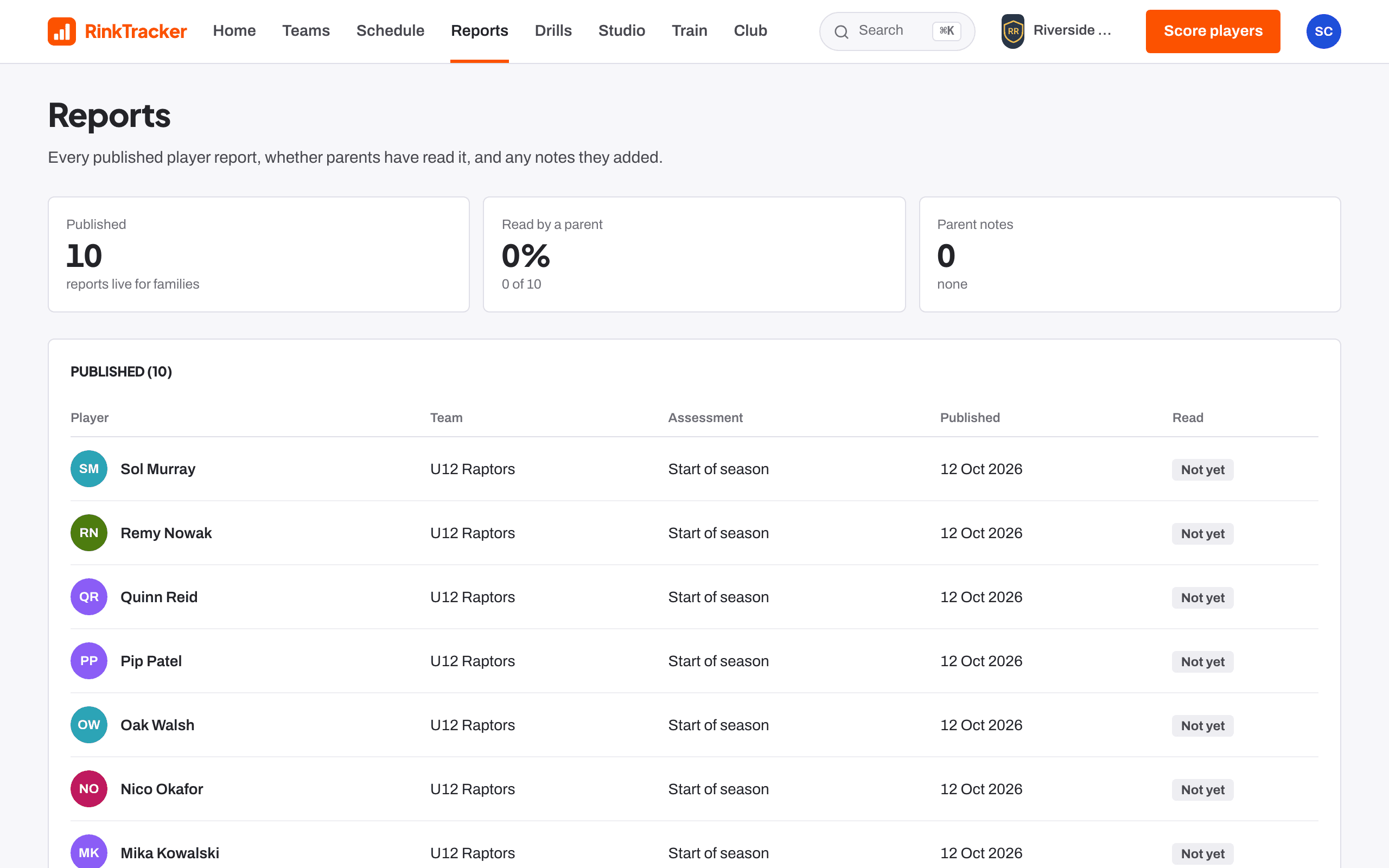
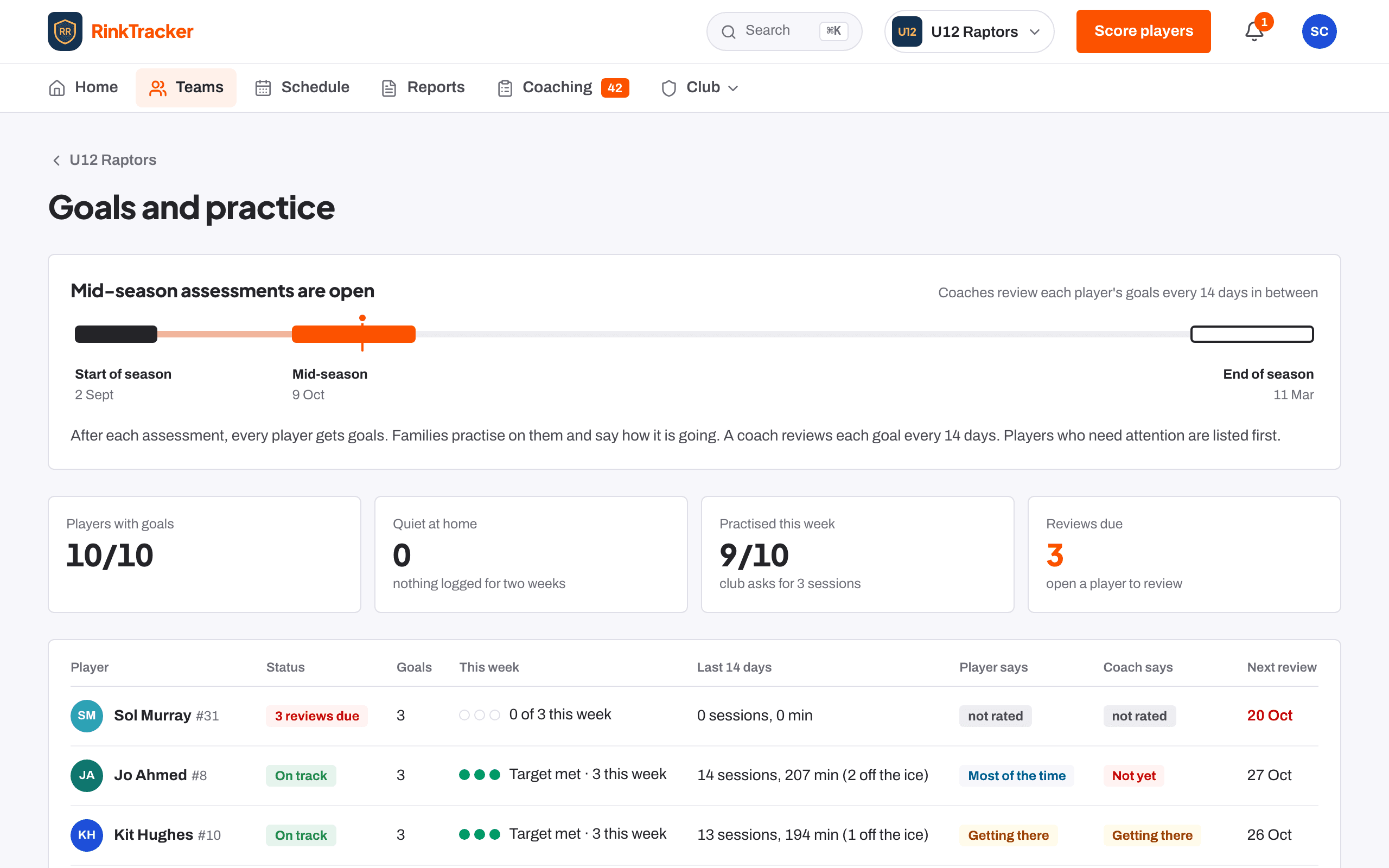
A published report shows the average, the change since last time, what the goals did, goals for next time and practice ideas for home. Each family who has joined gets an email when it is published, and can mark it read or add a note if they disagree. The Reports page shows which reports have been read.
PDF
Staff and the child's own parents can download the report as a PDF.
Notes from parents
A parent's note is kept with the report and the coaches are told; it never changes the scores.
Kept up to date
If scores change after publishing, the app tells you to publish again.