Built for children's data, with the club in control
Families see only their own child, coaches only their teams, and players only themselves. Consent, data requests, edit history and an audit log are part of the app.
Who sees what
Families see only their own children and players with their own login see only themselves. For them the database itself limits each account to its own rows, not only the screens. Coaches and team managers see only the teams they are on. Children are never ranked and there are no leaderboards.
Staff only
Coach notes, team footage and the attendance table are for club staff.
Answers kept private
Other families never see whether your child is coming.
Club averages
Club-wide skill averages are hidden where fewer than three players are scored, so no cell is one child's score.
Consent families control
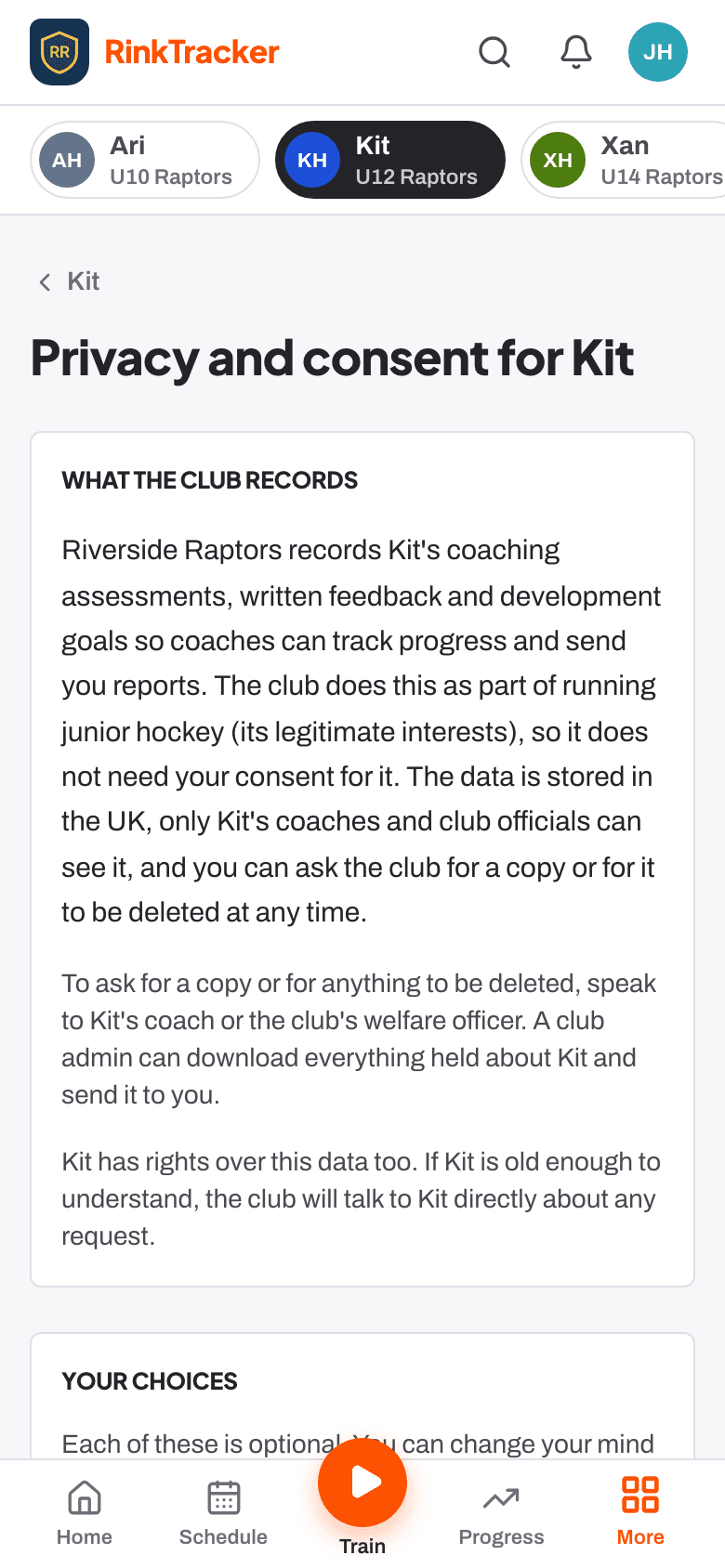
Each family chooses about photos, video for coaching, club promotion, livestreams, the player's own login and sharing with the GB pathway. Withdrawing takes effect straight away, and turning off coaching video deletes that child's coaching clips and reviews for good. Staff see each player's consent badges.
No names on photos
Team photos are shown without a name, and club promotion without a surname.
Logins at 13
A player's own login needs a parent's consent and starts at 13.
Medical details, where they're needed
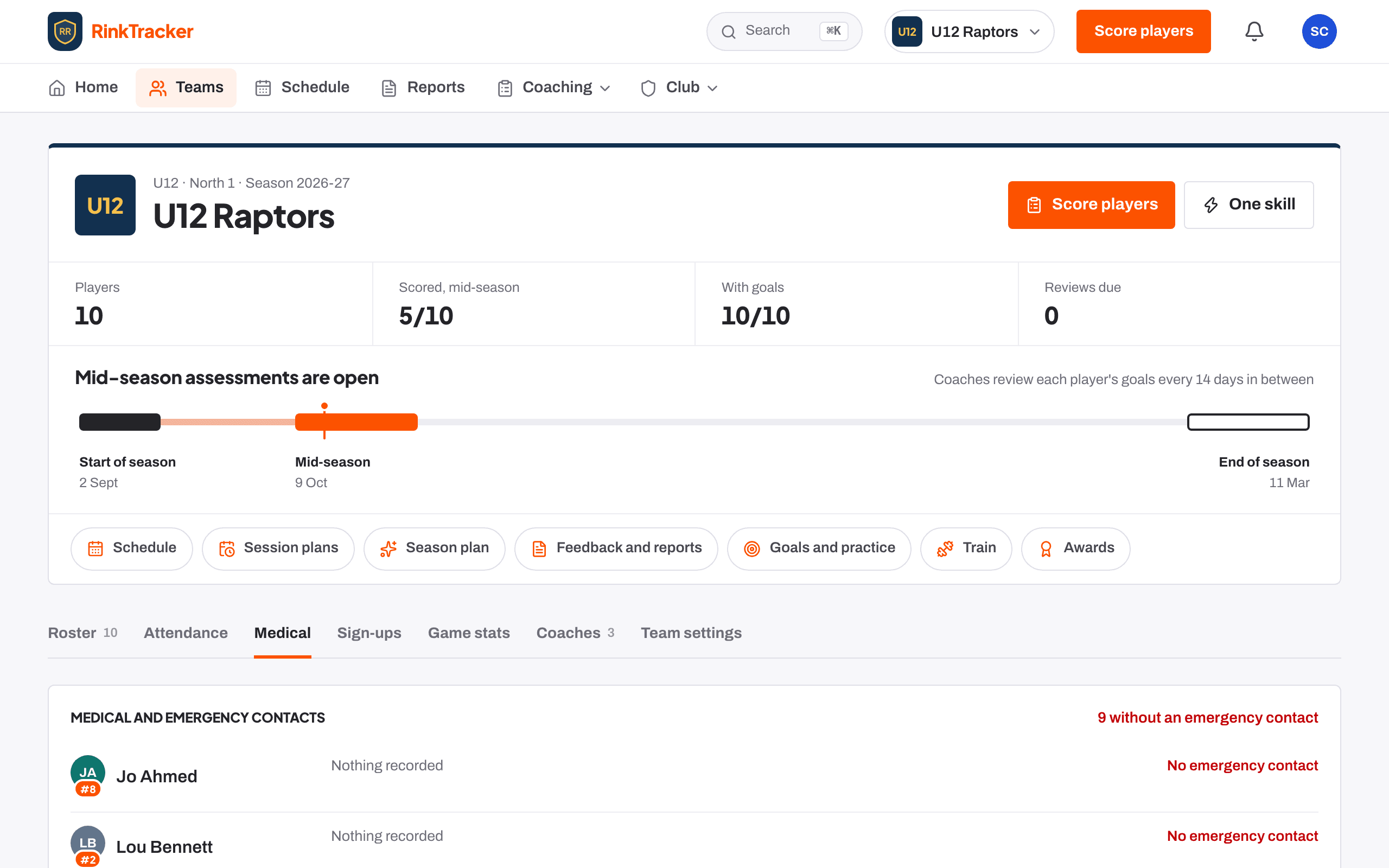
Conditions, allergies, medications, dietary needs and emergency contacts are seen only by club staff and the player's family. The team's Medical tab lists every player's alerts with the first emergency contact to tap and call. The game-day sheet can carry medical notes on a staff copy.
Kept current by families
Parents update medical details and contacts from their own account.
Only if agreed
Medical details sent with a sign-up are kept only if the parent ticks consent.
Data requests, erasure and the audit log
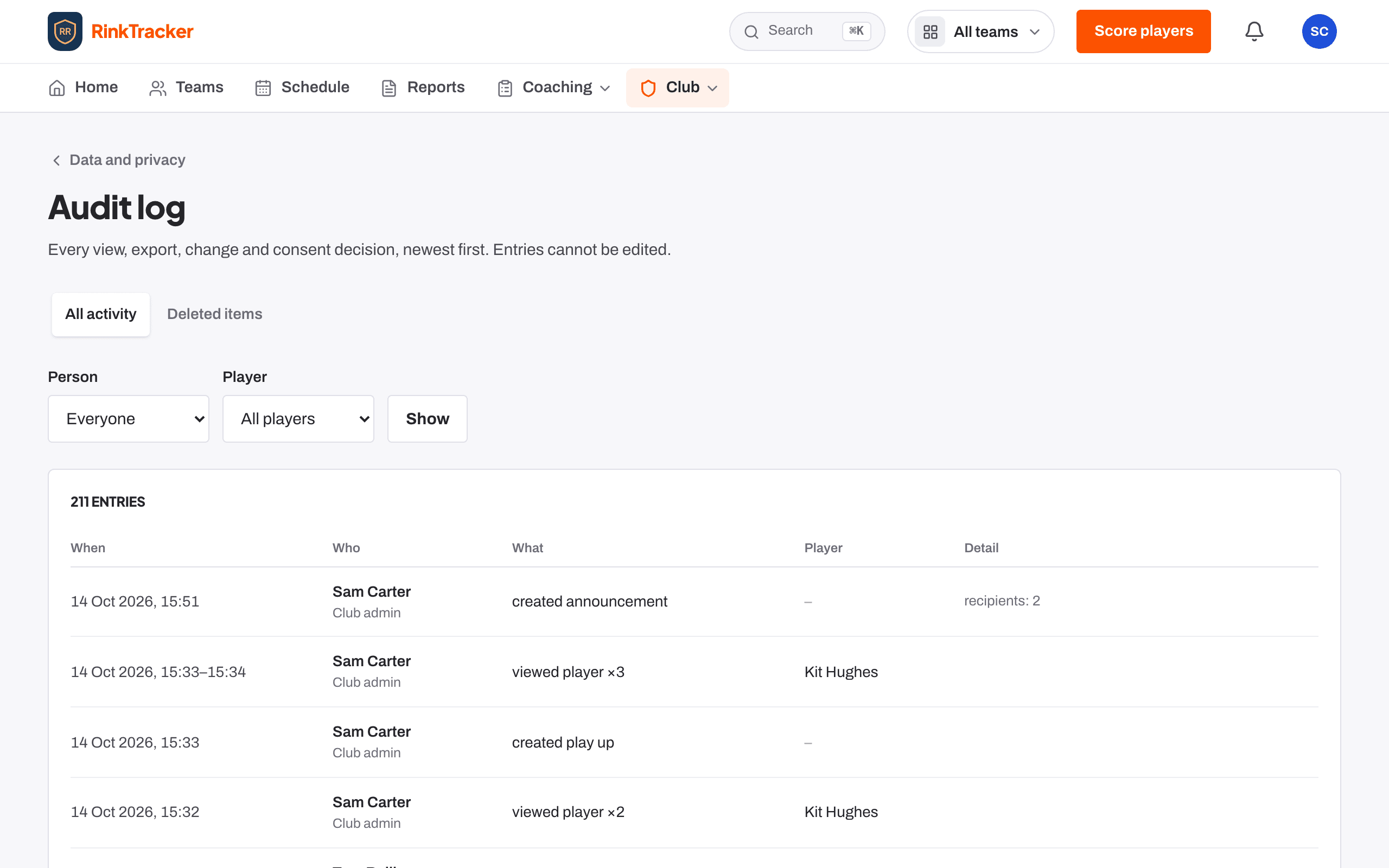
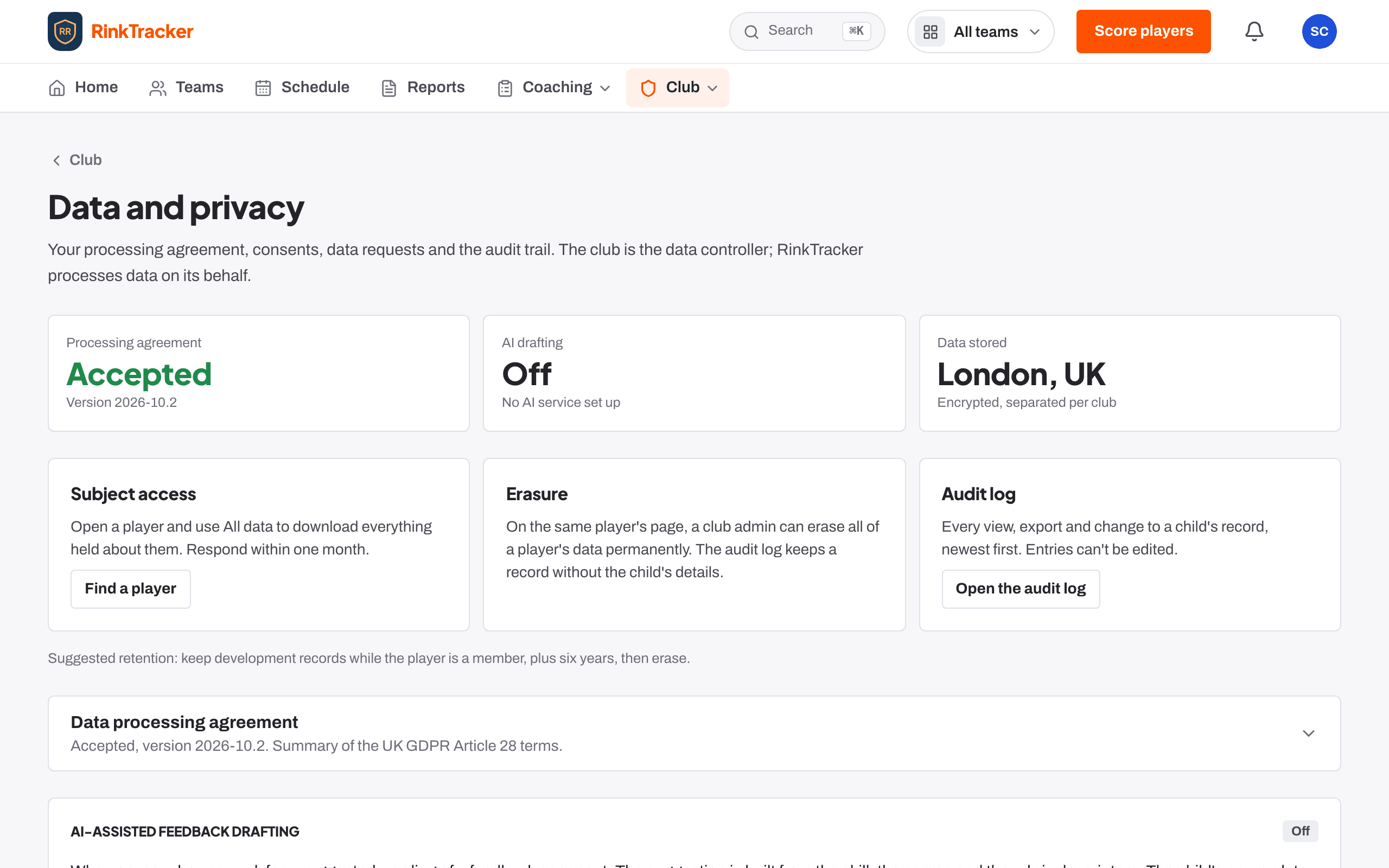
A club admin or the safeguarding lead can download all of a player's data for a subject access request. A club admin can erase a child's data permanently; the log keeps that it happened, without the child's details. The audit log records every view, export, change and consent decision, and entries cannot be edited. The club accepts a UK GDPR data processing agreement before inviting families, and the Data and privacy page shows records stored in London, encrypted and separated per club.
All data
A full export of one player's records for a subject access request.
Erase permanently
Confirmed by typing the child's full name.
Audit log
Filter by person or player, newest first.
AI is opt-in
AI help with feedback stays off unless a club admin switches it on.
Edit history
Earlier versions and deleted items are kept for two years, seen only by the author, club admins and the safeguarding lead.