The schedule, the register and the lines, in one place
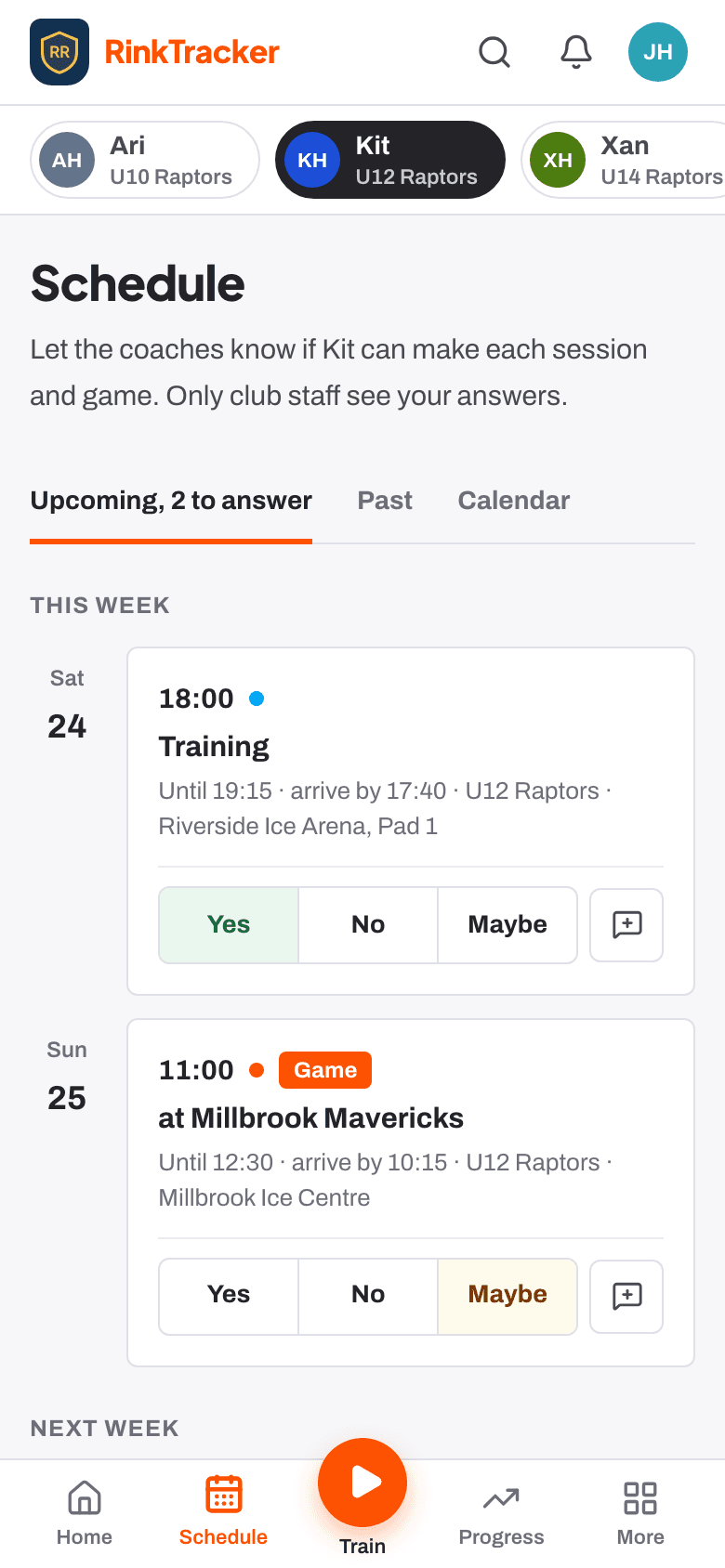
Add training and games, see who's coming, take the register at the door and build lines from the yes answers. Families answer from their phones.
Events families answer
Add a training, game or event once, or Repeat every week until a last date. Invite the whole team, only the players you tick, or guests from other teams. Families answer Yes, No or Maybe for each child, with an optional note for the coach, and get an email reminder two days before if they haven't answered.
Changes and cancellations
Families are emailed when an event changes, is cancelled or is back on.
Day-before summary
Coaches get who's coming, who hasn't answered and any notes the day before.
Private answers
Only club staff see a family's answer, not other families.
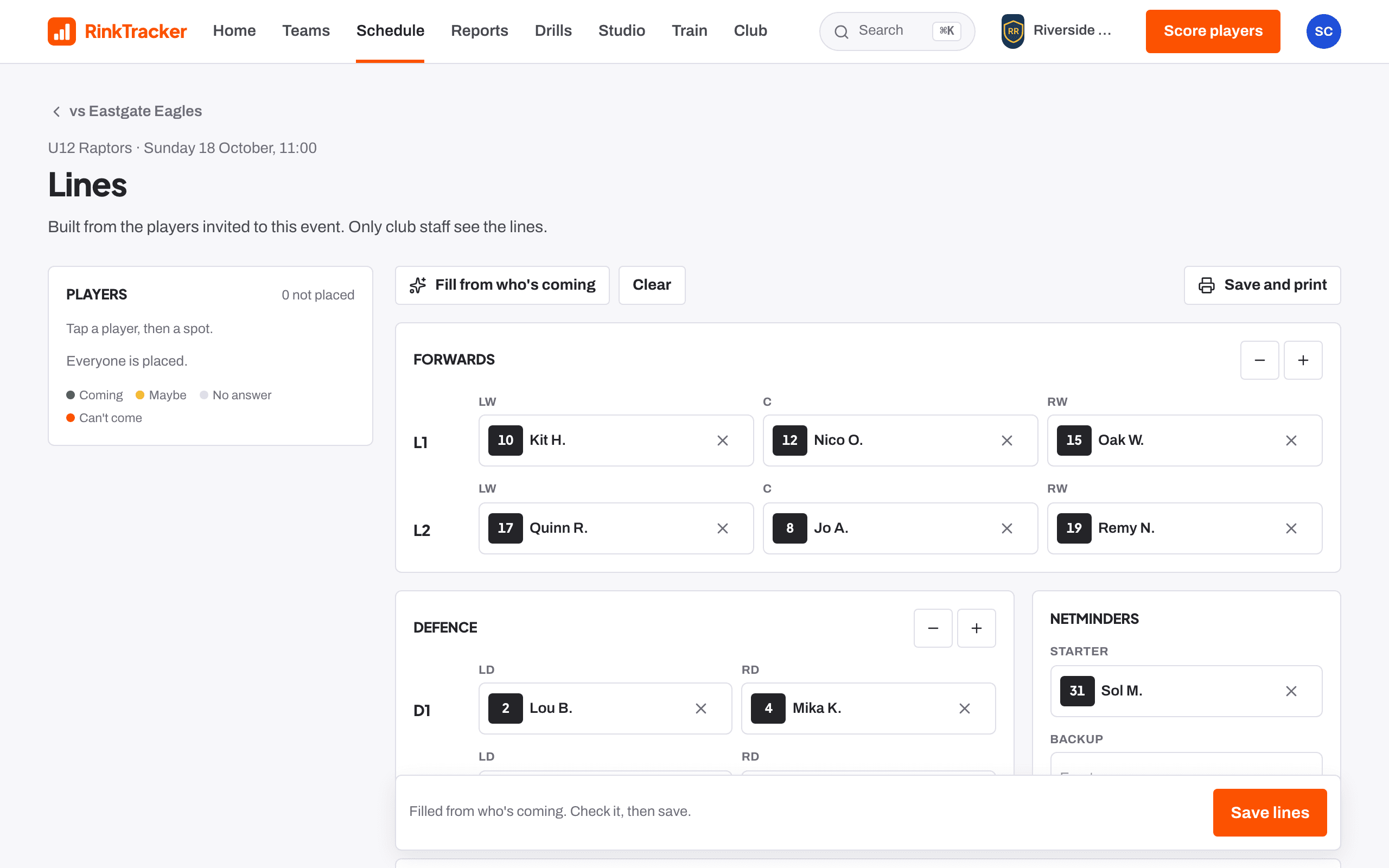
The register and the lines
The register is pre-filled from the answers, so you mark Here, Late, Absent or Excused at the door. Lines are built by tapping a player then a spot, or Fill from who's coming. The Game-day sheet prints the lines, pairs, netminders and bench staff, with medical notes on the staff copy if you choose.
Attendance builds up
Training percentage, lates and games are counted from registers, for staff only.
Captains and notes
Pick a captain and alternates and add notes for the bench.
Linked session
A training can carry its session plan, ready to run.
Announcements, without a chat
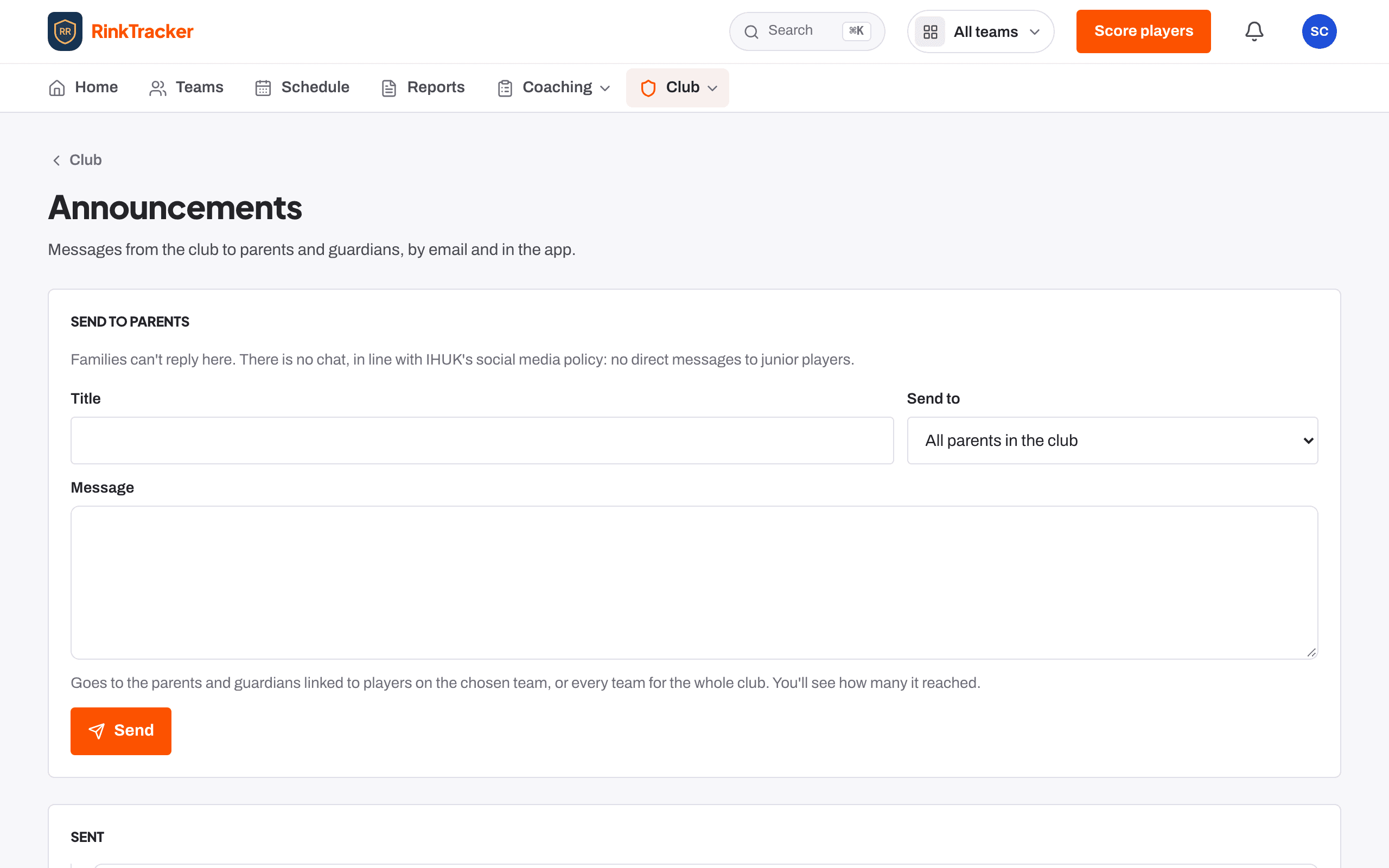
Head coaches, club admins and team managers can send an announcement to a team or every parent in the club, by email and in the app. Families can't reply there. There is no chat and no direct messaging, in line with IHUK's social media policy.
Reach
The Sent list shows how many people each message reached.
Can't be unsent
The app asks you to confirm before it goes.
Find anything, on any screen size
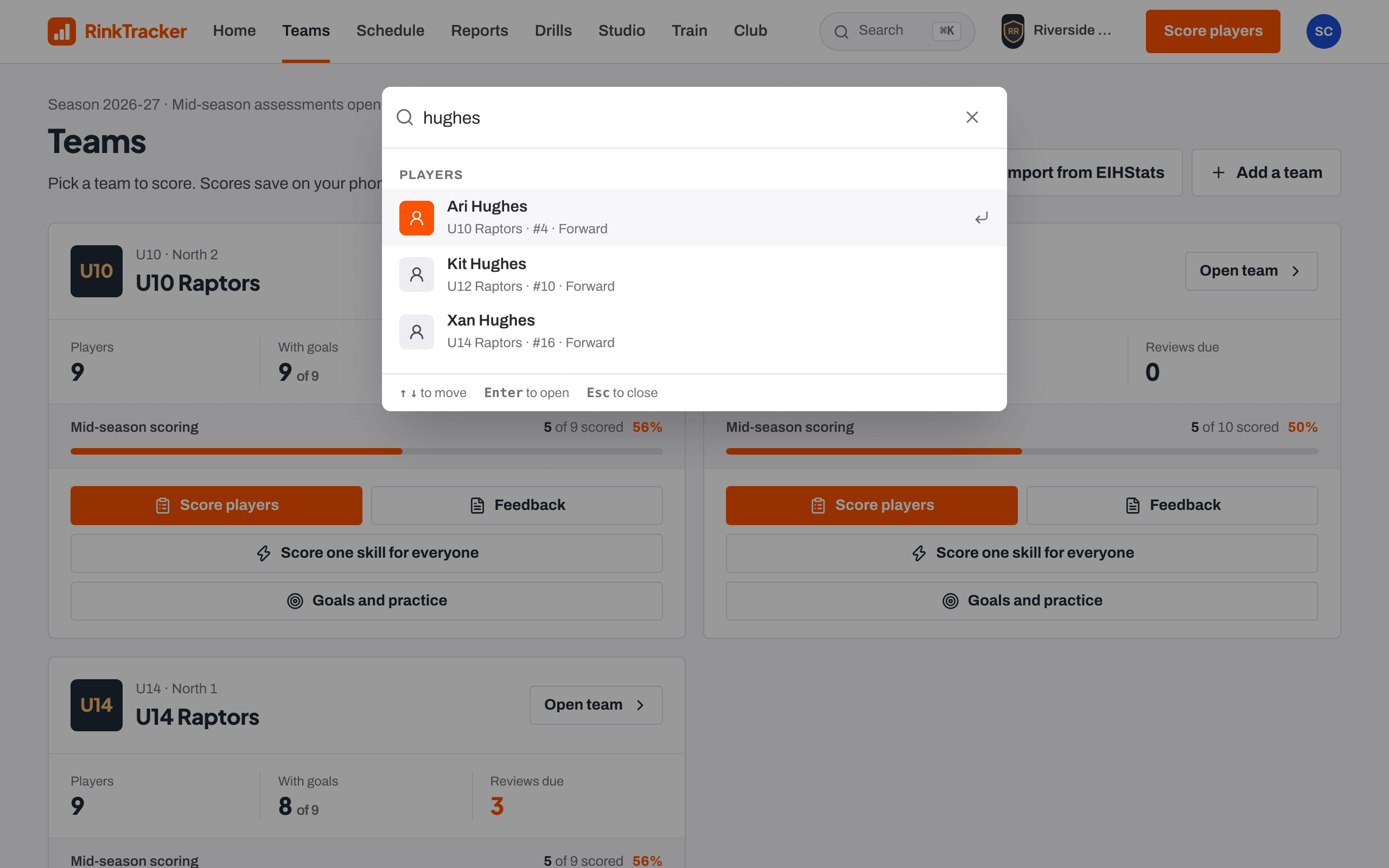
Search opens with Ctrl or Cmd and K from anywhere, and finds players by name or shirt number, teams, drills, session plans, videos, staff and events. On a phone the bottom menu keeps the main sections and the orange action to hand, with everything else under More.
Names stay private
Search terms are never put in a web address.
Installs like an app
Add RinkTracker to a phone's home screen.
Notifications people choose
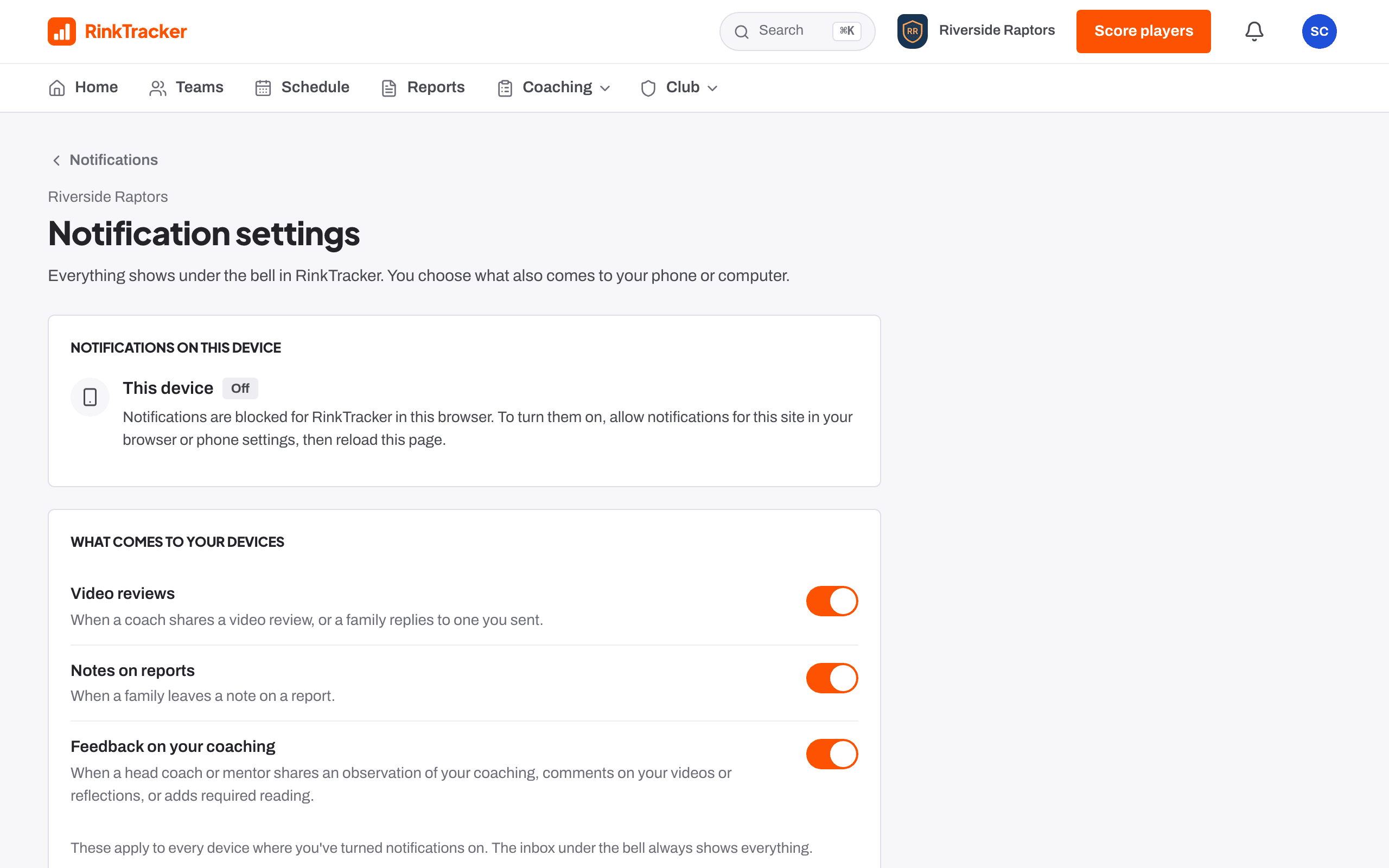
Everything lands in the inbox under the bell, and a Turn on notifications card on Home makes switching them on one tap (on an iPhone, Show me how explains adding RinkTracker to the Home Screen first). Each person picks what also comes to their phone or computer: goal reviews, video reviews, reports, announcements, changes to training and games, awards and workout reminders for families; notes on reports, video replies and feedback on their coaching for staff.
Never to a child
A player's own login gets notices in the app, never a push to their phone.
Nothing about yourself
Nobody is notified about their own action.
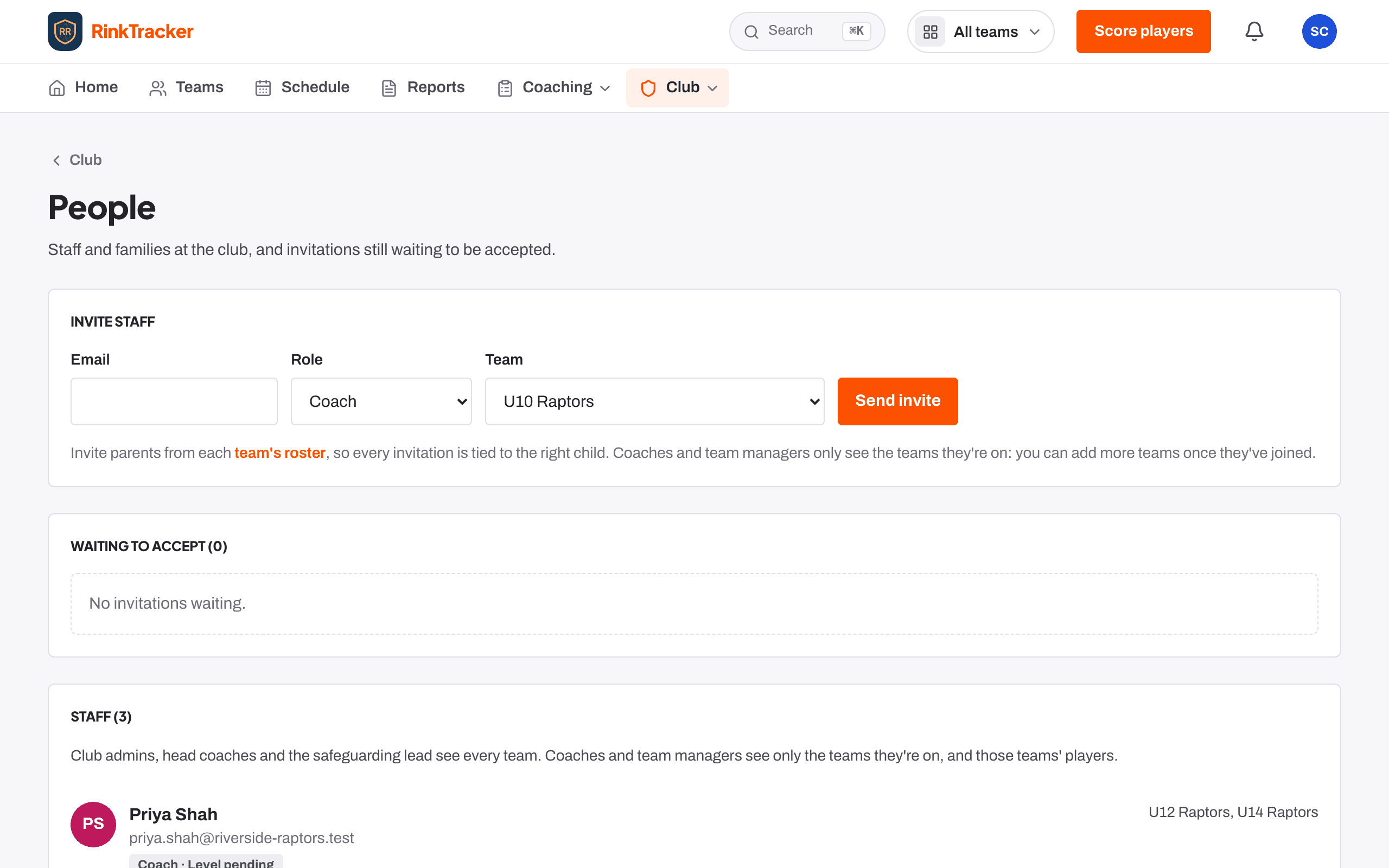
Roles scoped to each team, and EIHStats
Coaches and team managers see only the teams they are on; club admins, head coaches and the safeguarding lead see every team. Import teams from EIHStats to bring in rosters, shirt numbers, season stats, fixtures and results, or import a roster from a GameDay or Flexviews export.
Six staff roles
Club admin, head coach, coach, assistant coach, team manager and safeguarding lead, each with its own access.
Remove players
Take one player or the whole roster off a team. They stay in the club with their history.
Switch team
The header shows the club crest and a team switcher that keeps you on the same page.
Nobody removed
An EIHStats sync adds new players and never removes anyone.
Fixtures to the schedule
Upcoming EIHStats games can be added to the schedule.