Rink codes and family sign-ups
How to share a rink code so families send their details, and how to match each sign-up to the right player.
For club admins, families
A rink code lets families send the club their details without you typing them in. Nothing is linked to a child until a member of staff checks and matches it.
Make and share a code
- Open the team and go to the Sign-ups tab.
- Press Make a rink code. Codes are six characters, such as K7Q-M4P.
- Use Copy join link or Copy code and share it with the team's families.
New code replaces the code, and the old one stops working straight away. Turn off stops sign-ups; any already sent stay on the tab.
What families fill in
Families open the link, or go to Join your team and enter the code. The form takes about three minutes: their own details and home address, up to three children in that team, optional medical details, and up to two emergency contacts. They confirm they are the child's parent or legal guardian, and medical details are only kept if they tick to agree. They get a receipt email after Send to the club.
Match a sign-up
- Home shows Sign-ups to match. Press Match, or open the team's Sign-ups tab.
- Check the contact, address, emergency contacts and medical details.
- For each child, under This is, choose the roster player (the best match is marked), a new player to add to the team, a player in another team, or Leave out.
- Press Link and invite [name]. Their address, contacts and medical details are copied to each child's profile, and they get a sign-in link.
If the birth date the parent gave differs from the club's record, you are warned. If a sign-up is wrong, Decline and delete these details deletes it and emails the parent asking them to contact you.
Manual invites
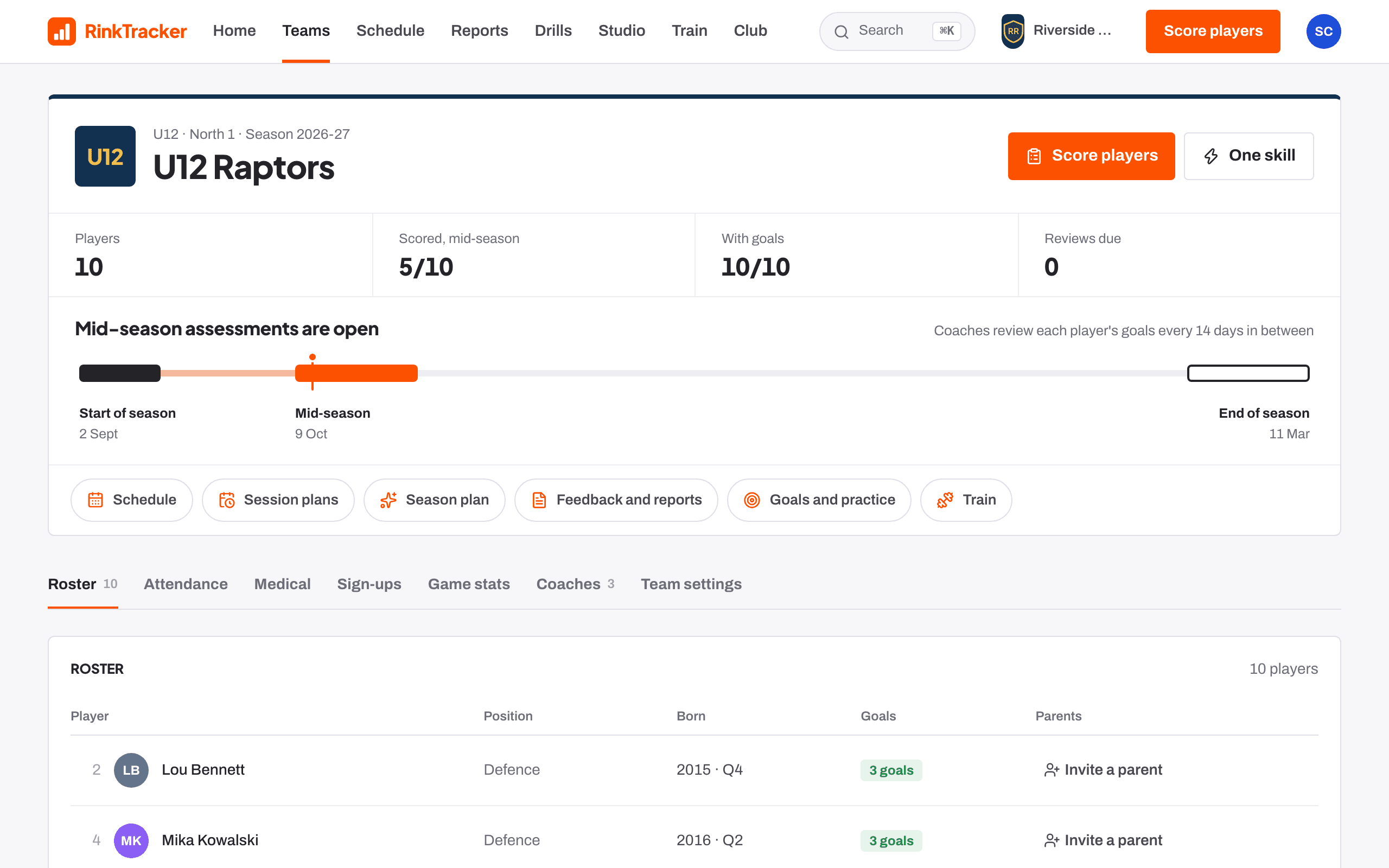
Invitations you send with Invite a parent on the roster are listed on the same Sign-ups tab under Manual invites: the child, the parent's email, when it was sent and by whom, and when it expires. Resend emails the invitation again with another 30 days; Withdraw stops its link working. An invitation leaves the list once the parent signs in.
- Teams and rosters Help article
- Medical details and emergency contacts Help article
- Invite staff and families Step-by-step guide
Still stuck? Email hello@rinktracker.com and we'll help.