The whole club at a glance, set up the way you work
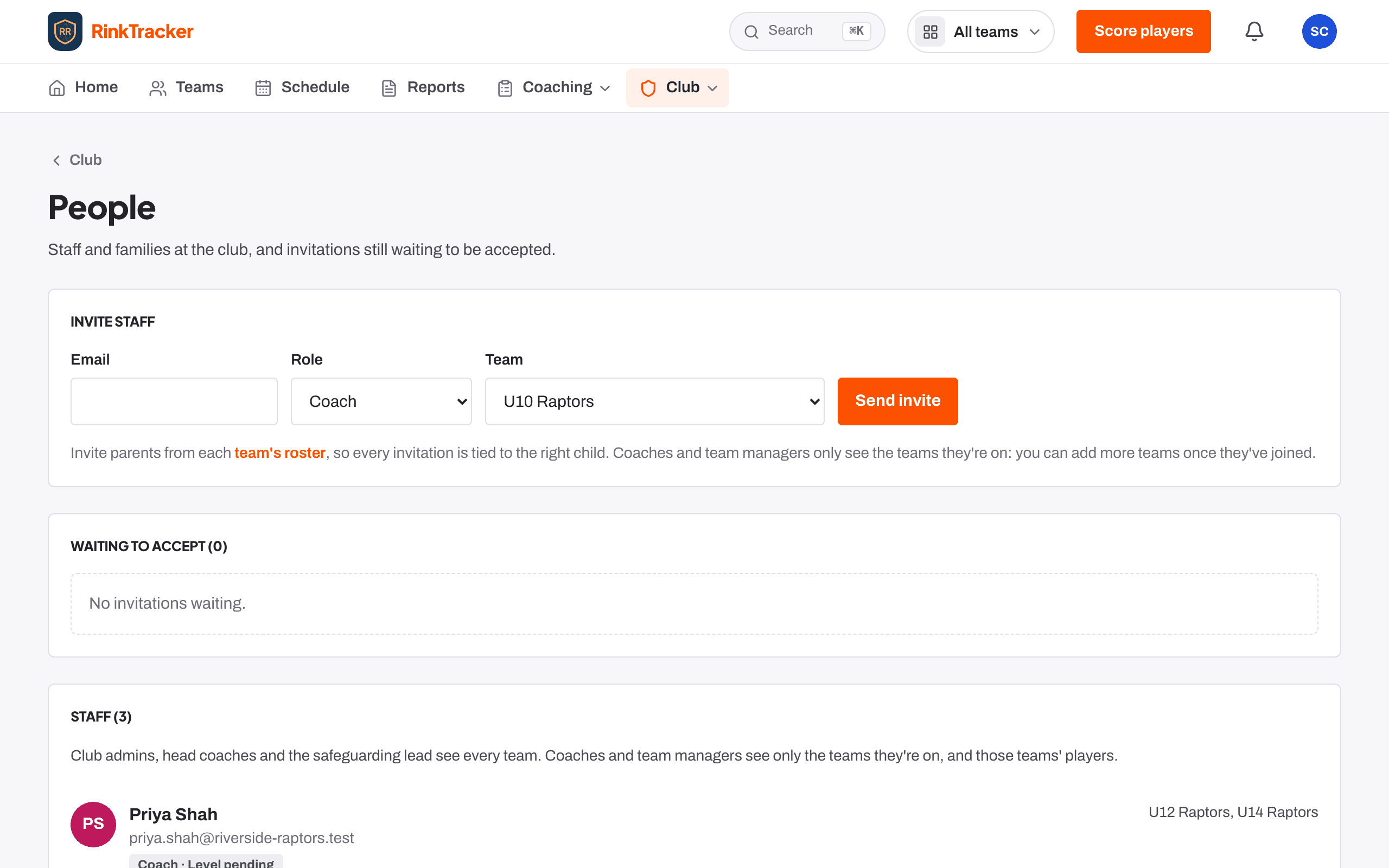
A dashboard for how the club is developing, the season's skills checks, people and roles including assistant coaches and volunteers, EIHStats imports, and switches for the features you don't use.
How the club is developing
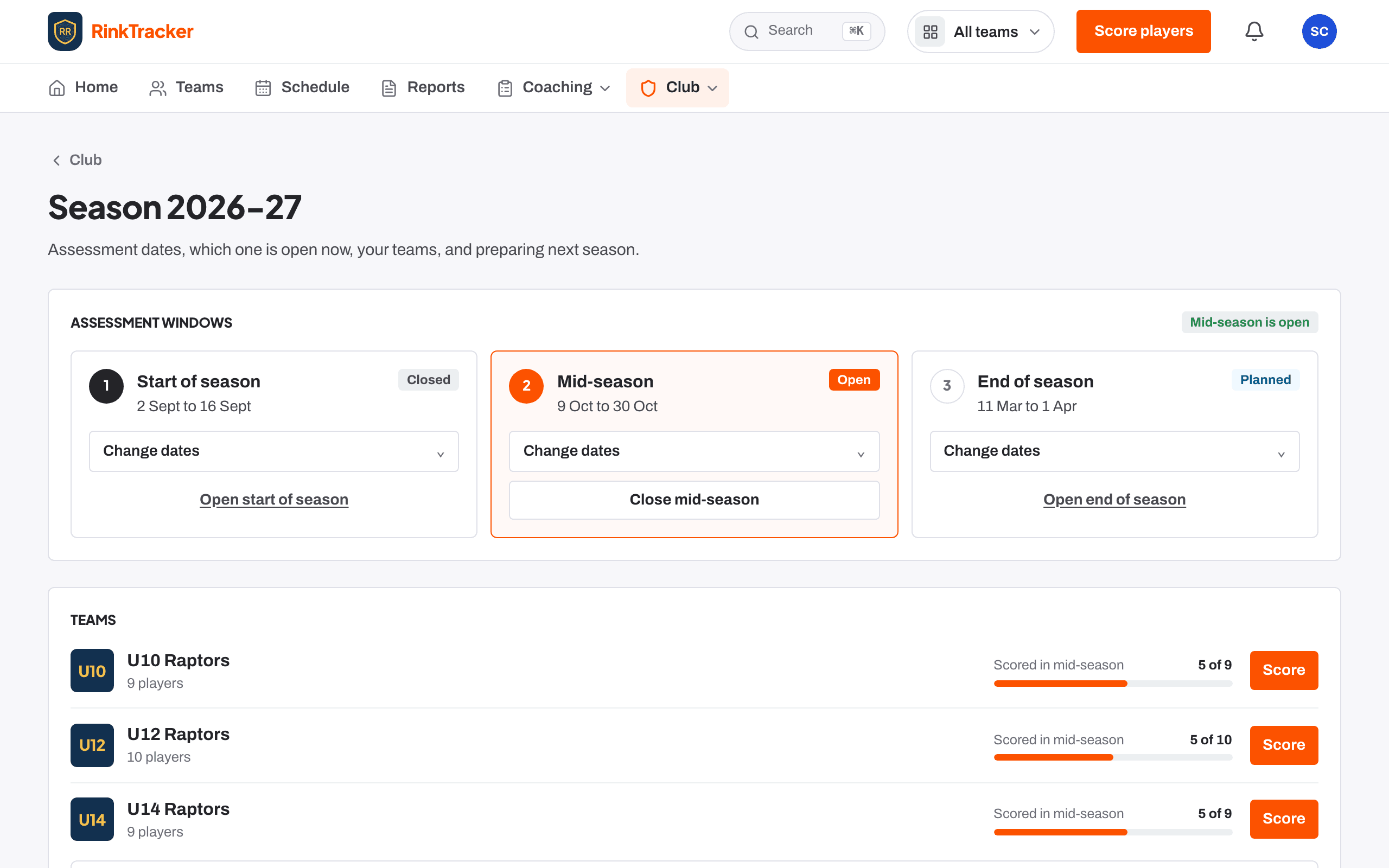
The Club dashboard shows how many players are scored in the open check, reports published, progress by skill and age band, and for each team whether goals and practice are happening between checks. The Season page holds the three skills-check dates and gets next season ready.
Switch off what you don't use
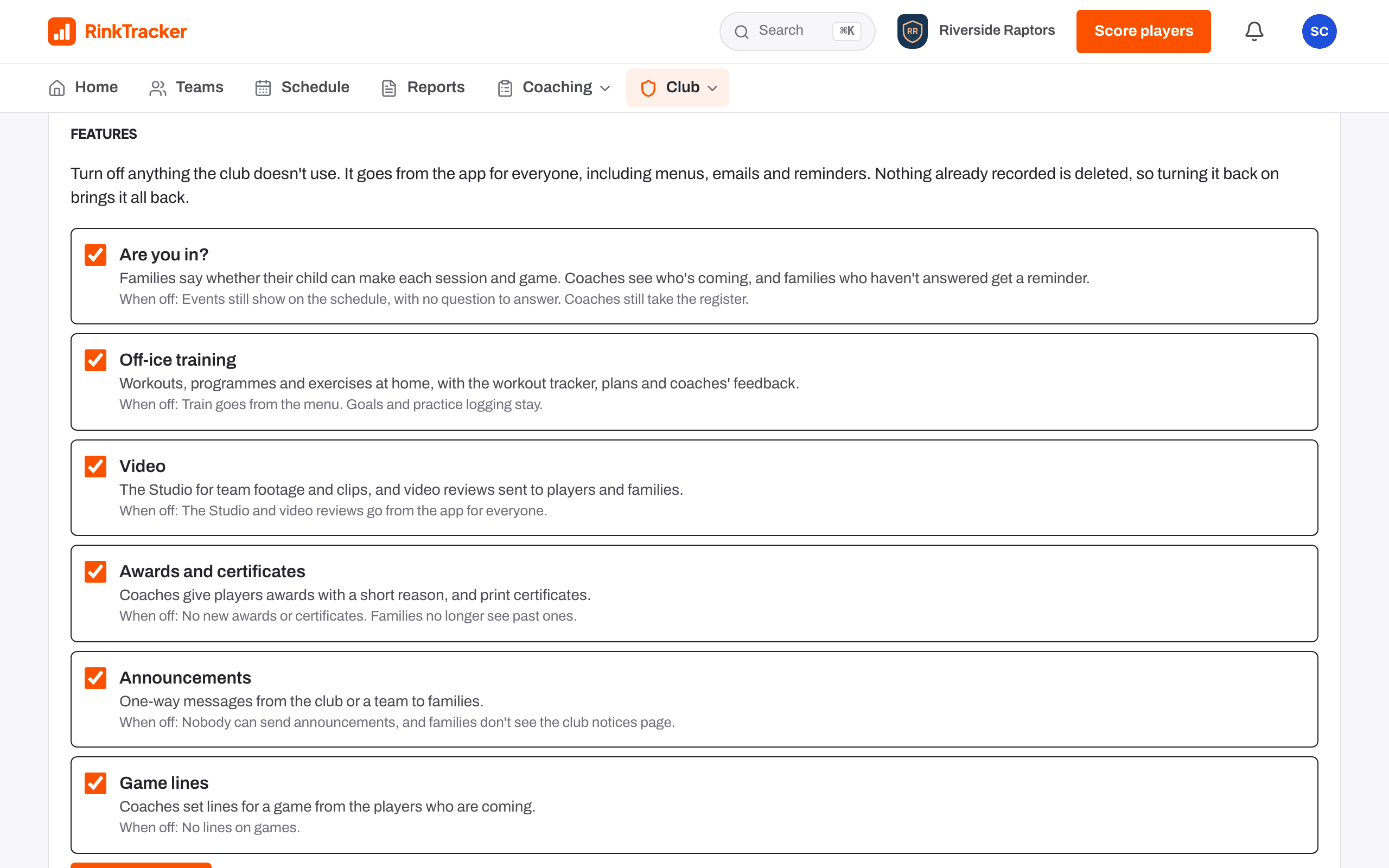
Under Club settings, a club admin can turn off Are you in?, Off-ice training, Video, Awards and certificates, Announcements or Game lines. Each goes from the app for everyone, emails and reminders included. Nothing already recorded is deleted, so turning it back on brings it all back.
Staff, assistant coaches and volunteers
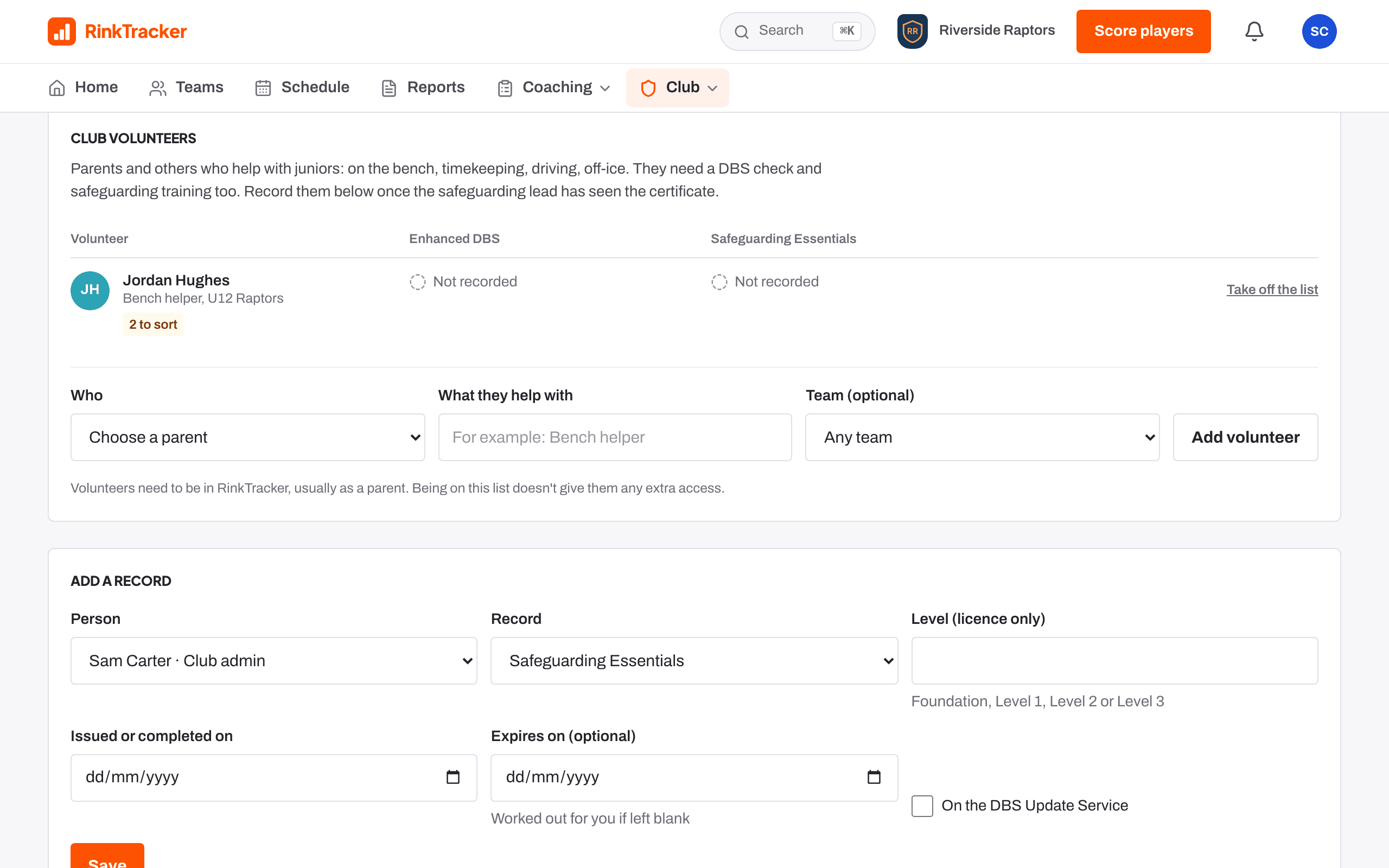
Invite staff with a role and a team: club admin, head coach, coach, assistant coach, team manager or safeguarding lead. Parents who help as bench helpers, timekeepers, drivers or off-ice helpers go on the Club volunteers list with their DBS check and safeguarding training, and see only their own entry.
Ended, not deleted
When someone stops volunteering their entry is ended and the record kept.
Remove players
Tick players, or Select all, and remove them from a team. They stay in the club.
Bring your teams in from EIHStats
Search for your club as it appears on EIHStats and bring in each junior team: the roster and shirt numbers, netminders marked, season stats, and fixtures and results. Upcoming games go on the schedule with players invited, so families can say if they can play. A re-import updates the stats and never removes anyone.