Importing a roster from GameDay or Flexviews
How to bring a team's players in from a GameDay (England) or Flexviews (Scotland) CSV export.
For club admins
If your players are registered in GameDay (England) or Flexviews (Scotland), you can export the team as a CSV file and import it into RinkTracker instead of typing each player in.
Import the file
- Export the team from GameDay or Flexviews as CSV.
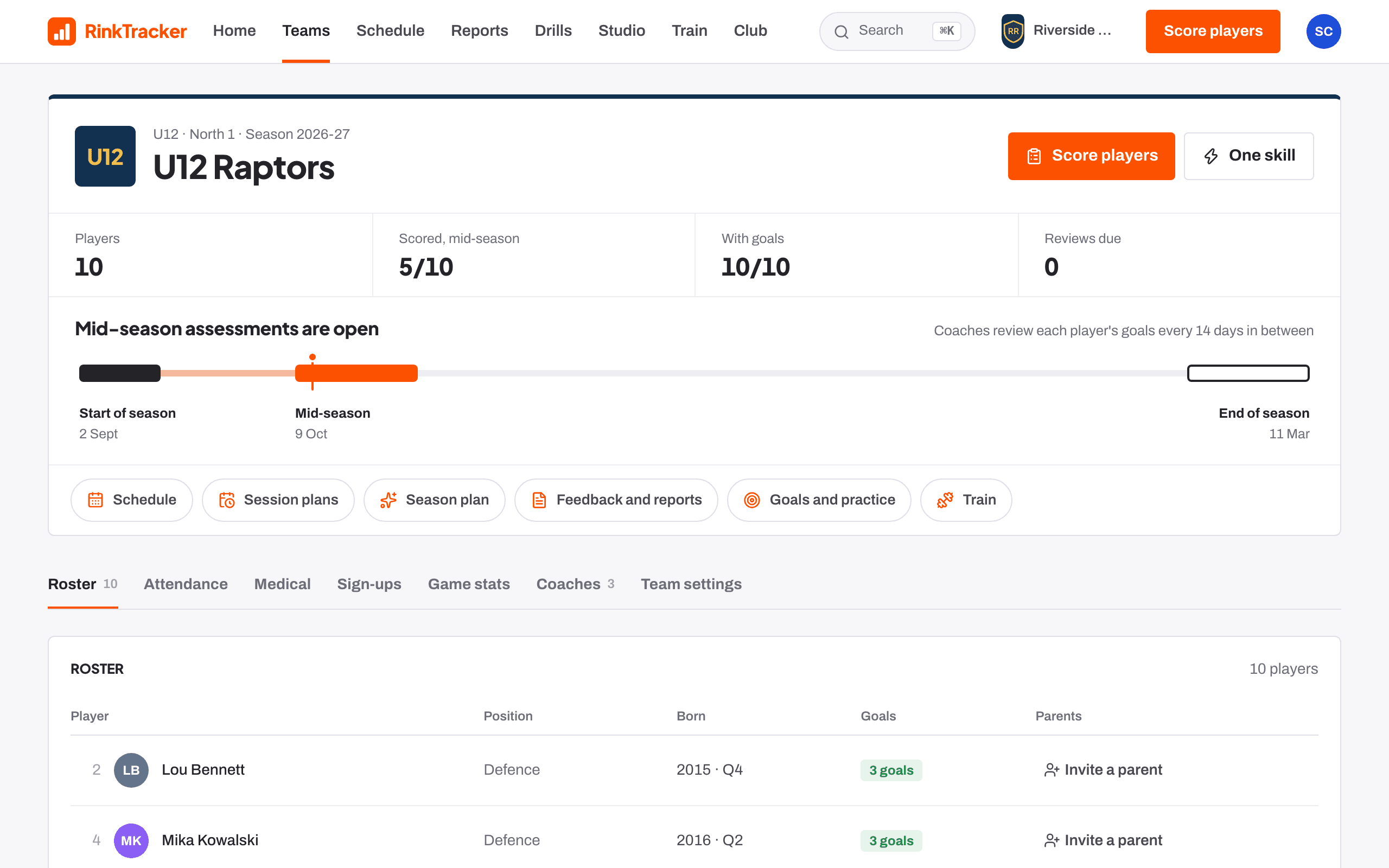
- In RinkTracker, open the team and go to Team settings.
- Under Import roster from CSV, choose the file.
- Set Exported from to GameDay or Flexviews.
- Press Import.
What the file needs
RinkTracker recognises columns such as Member ID, First Name, Surname, Date of Birth (dd/mm/yyyy), Jersey, Position and Parent Email. The date of birth matters most: it sets each player's age band.
What happens
- New players are added to the team's roster.
- Re-importing updates players instead of duplicating them, so you can import again after changes.
- Parent emails in the file receive an invitation to join, tied to their child.
Related
- Teams and rosters Help article
- Importing teams from EIHStats Help article
- Set up your club Step-by-step guide
Still stuck? Email hello@rinktracker.com and we'll help.