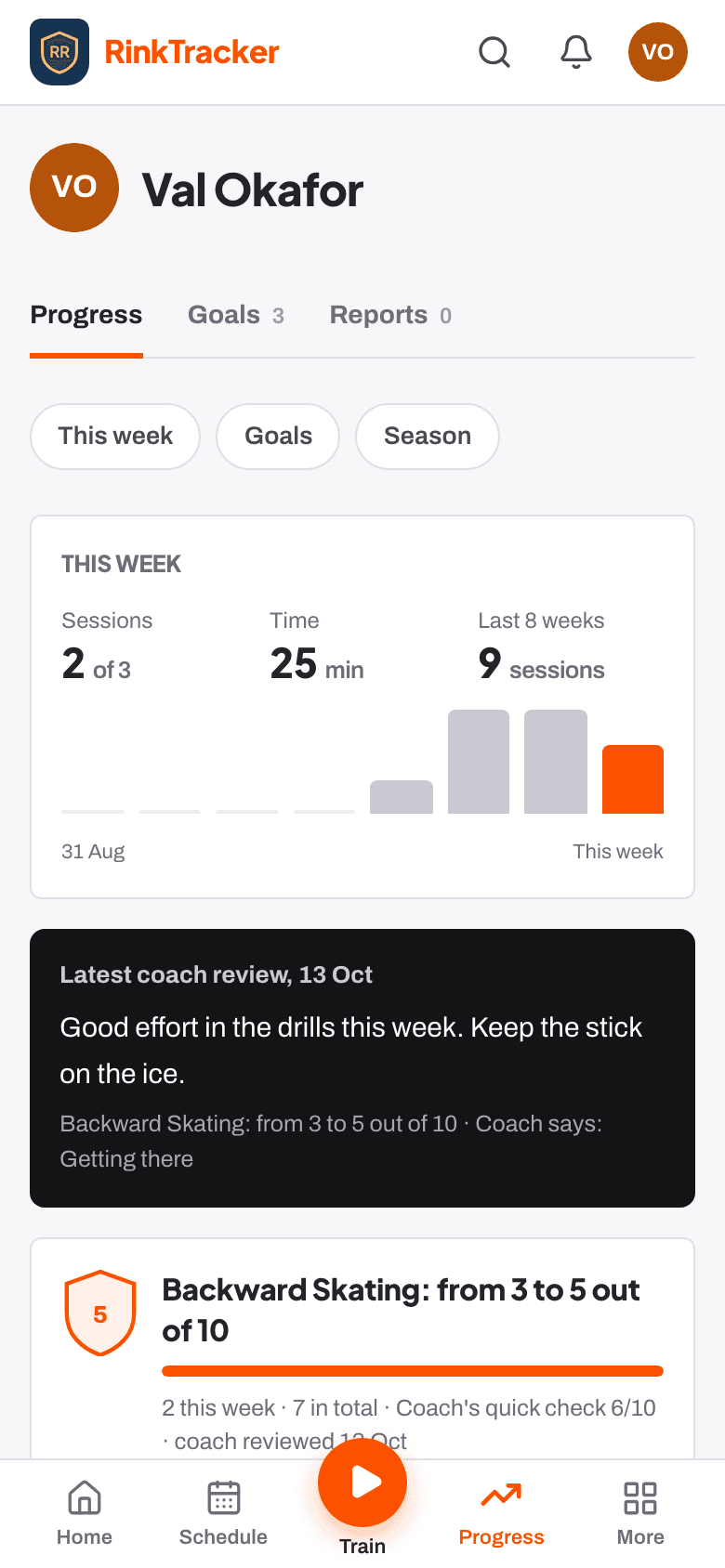
One child, this week, on your phone
Open the app and see the one thing to do next for your child, what's coming up and how the week is going. Log practice in three taps, follow a workout, read reports and see the awards your child has earned.
This week
Home is built around one child at a time. At the top is the next thing to do, at most three of them: log practice, start a workout, reply to the coach's video review, read what the coaches said, or answer a proposal for your child to play up. Below are training and games coming up with a Yes, No or Maybe for each, and how the week is going. With more than one child, a switcher at the top changes every page to that child.
No streaks
Nothing counts down and nothing is marked as missed.
Sunday reminder
An optional email on Sunday shows the week's practice against the target.
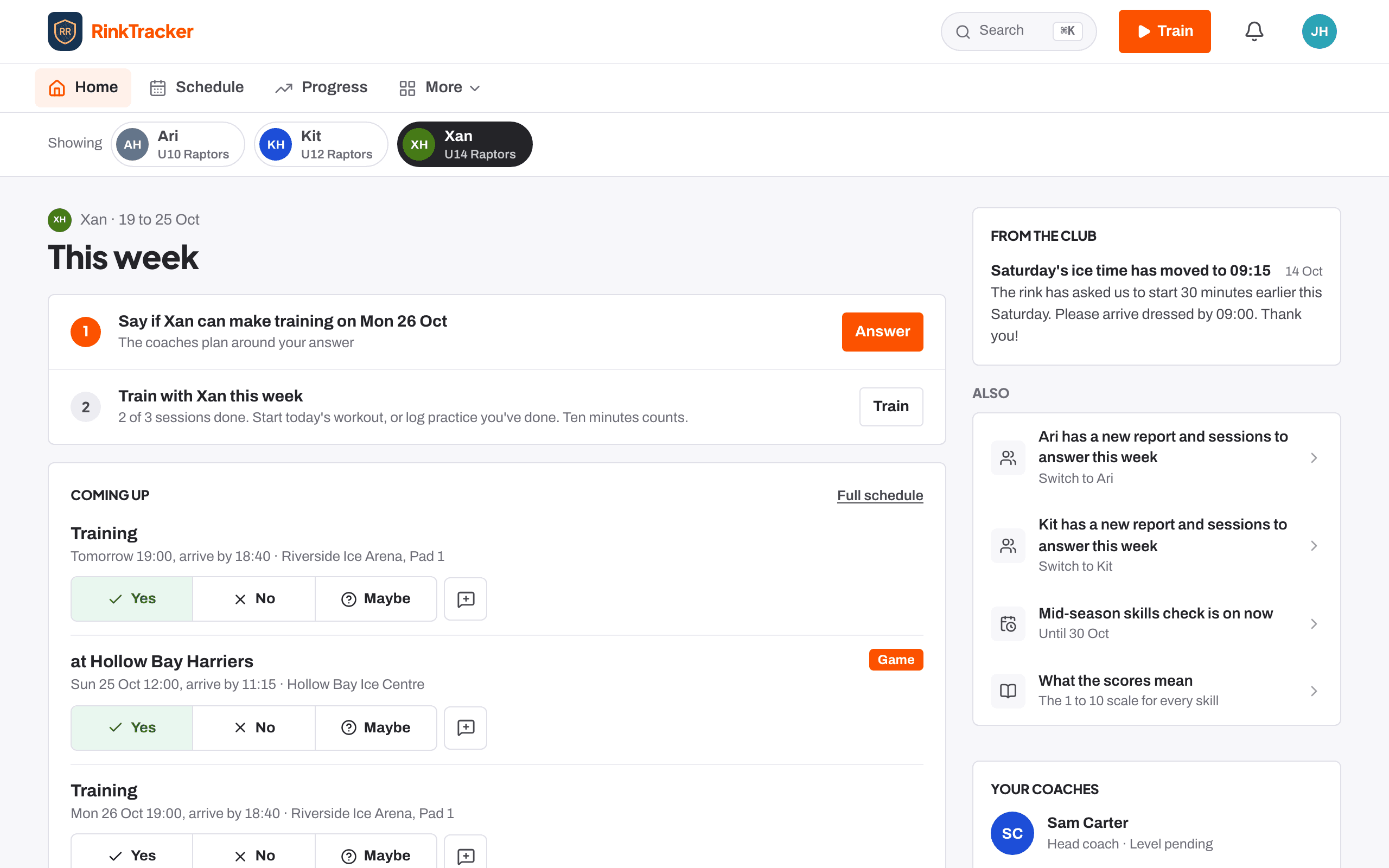
Log practice in three steps
Press the orange Train button, then Log practice, and choose the goal, then the drill (At home, On the ice or Something else for this goal), then how long and when. A summary of your choices stays at the top so you can change any of them. Ten minutes in the garage counts, and the coaches see it straight away.
Quicker with one goal
A child with one goal skips straight to the drill.
Off-ice too
An off-ice workout counts as practice on the goal.
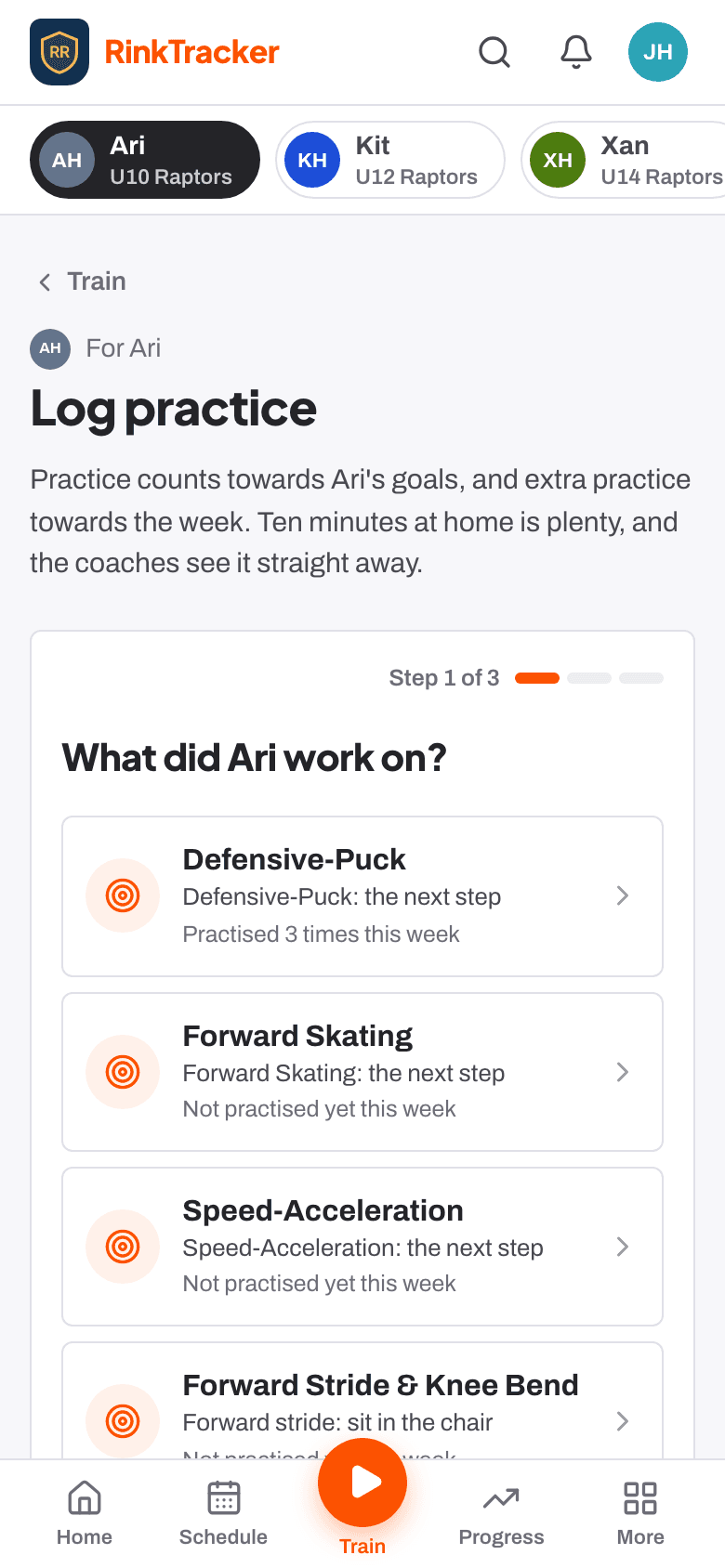
Goals and reports you can read
After each skills check you'll see your child's goals in the rubric's words, with drills and off-ice exercises, ready to work on. Every fortnight the coach rates each goal and can leave you a note. Reports come by email when the club publishes them: mark one read, or add a note if you disagree and the coaches are told.
What the scores mean
The club's scoring guide explains every skill and level.
No rankings
Your child is compared with the written levels, never with other children.
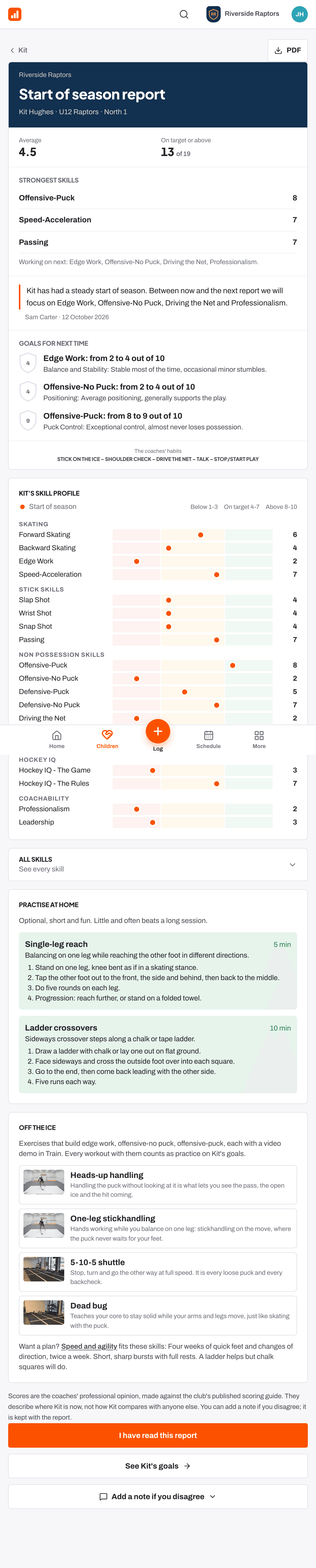
Well done
When a coach gives your child an award, such as Most improved or Great teammate, it appears under Well done with the coach's reason and a certificate you can print. Training badges arrive as your child works through off-ice programmes. You only ever see your own child's.
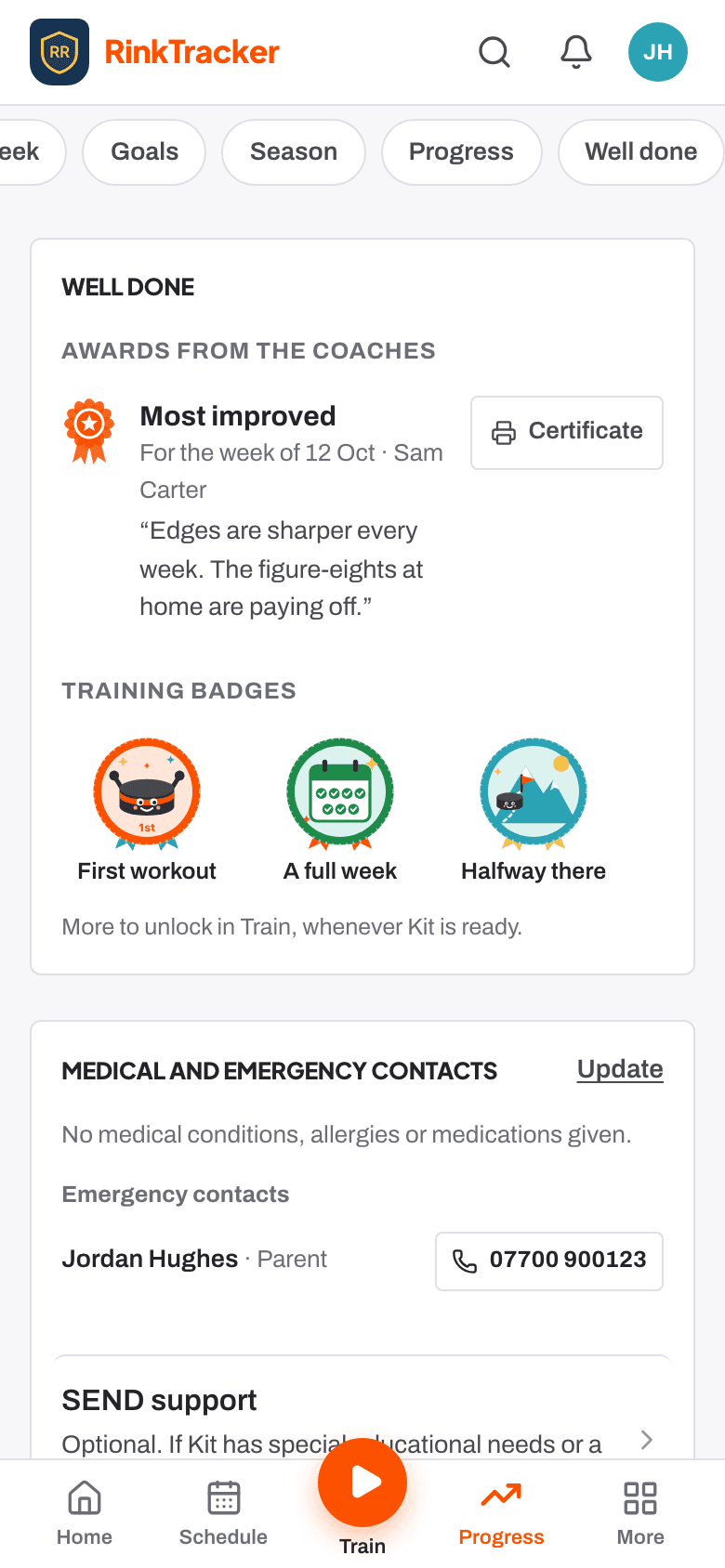
Your child's details, before the first week
Before a family starts, the app asks for each child's emergency contacts, medical details, GP and home address, in four short steps that take about three minutes. You confirm the details are right and say whether staff may get your child emergency treatment if you can't be reached. A second parent isn't asked again, and you can update everything later under More.
Only staff and you
Club staff and the child's own family are the only people who see them.
Never blocks a concern
Reporting a safeguarding concern always works, details or not.
Your choices, and their own login from 13
Under Privacy and consent you decide about photos, video for coaching, club promotion, livestreams, your child's own login and sharing with the GB pathway. Withdrawing takes effect straight away. From 13, with your permission, a player can have their own login and see their goals, practice, reports and Train, and nobody else's.
Their own rating
Players rate their own goals and answer events themselves.
No password
Everyone signs in with a link sent by email.