Switching features off for your club
Which parts of RinkTracker a club admin can turn off, and what happens to what's already recorded.
For club admins
Every feature is on unless your club switches it off. Open Club, then Club settings, and find the Features card. Only a club admin can change it.
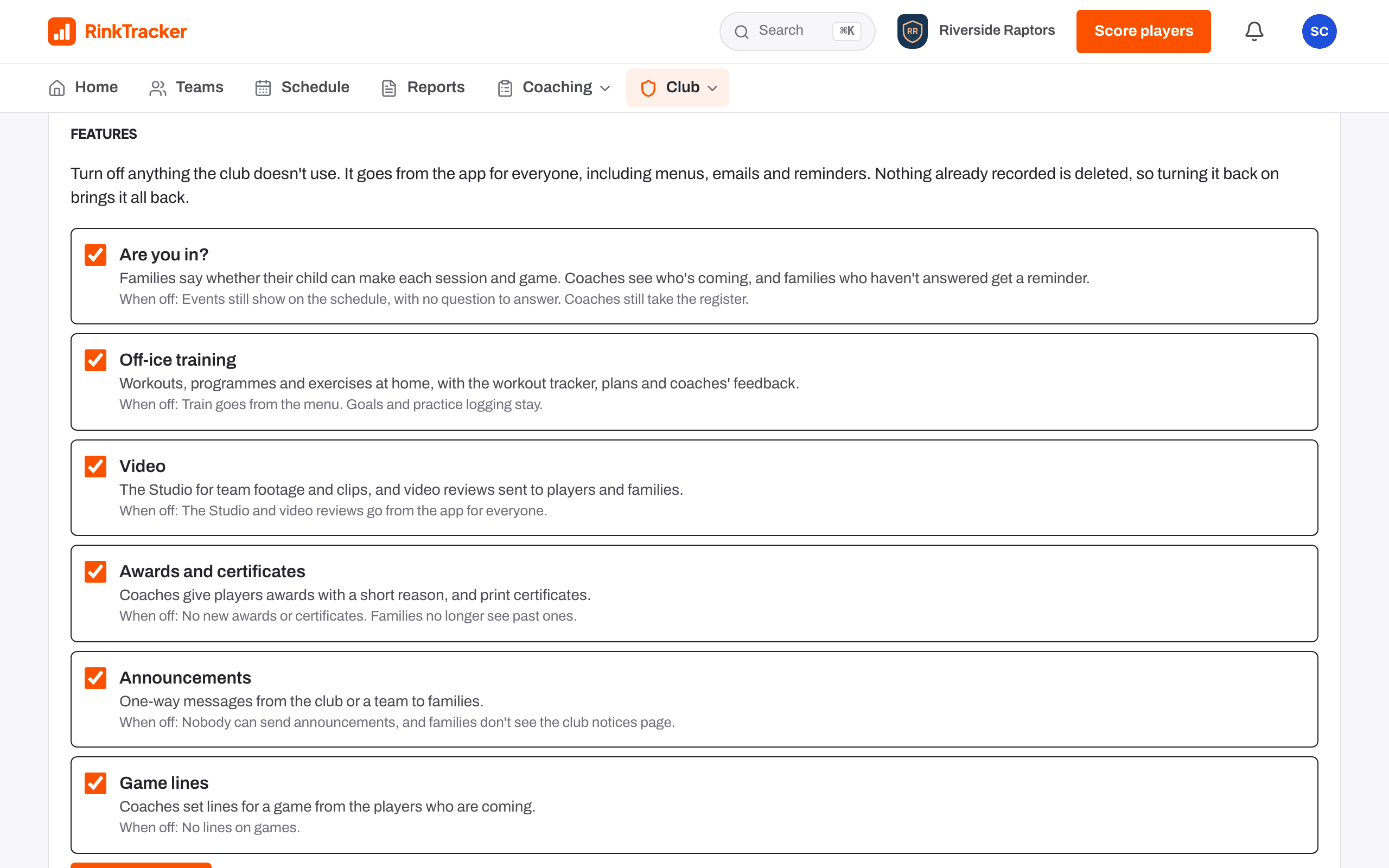
- Are you in?: families answer Yes, No or Maybe for each session. Off: events still show, with no question to answer.
- Off-ice training: workouts, programmes and exercises at home.
- Video: the Studio and video reviews.
- Awards and certificates.
- Announcements from the club or a team to families.
- Game lines: coaches set lines for a game from the players who are coming.
Press Save features. A feature that's off goes from the app for everyone, emails and reminders included.
Related
- Setting up your club: the checklist Help article
Still stuck? Email hello@rinktracker.com and we'll help.