How it works
A season, from the first skills check to the last report
Three skills checks a season. Between each one, a loop of goals, practice and short reviews that everyone can see.
Swipe sideways to see the whole season
For coaches
Everything happens on a phone at the rink or in a few minutes at home. Nothing waits for a laptop.
- 01
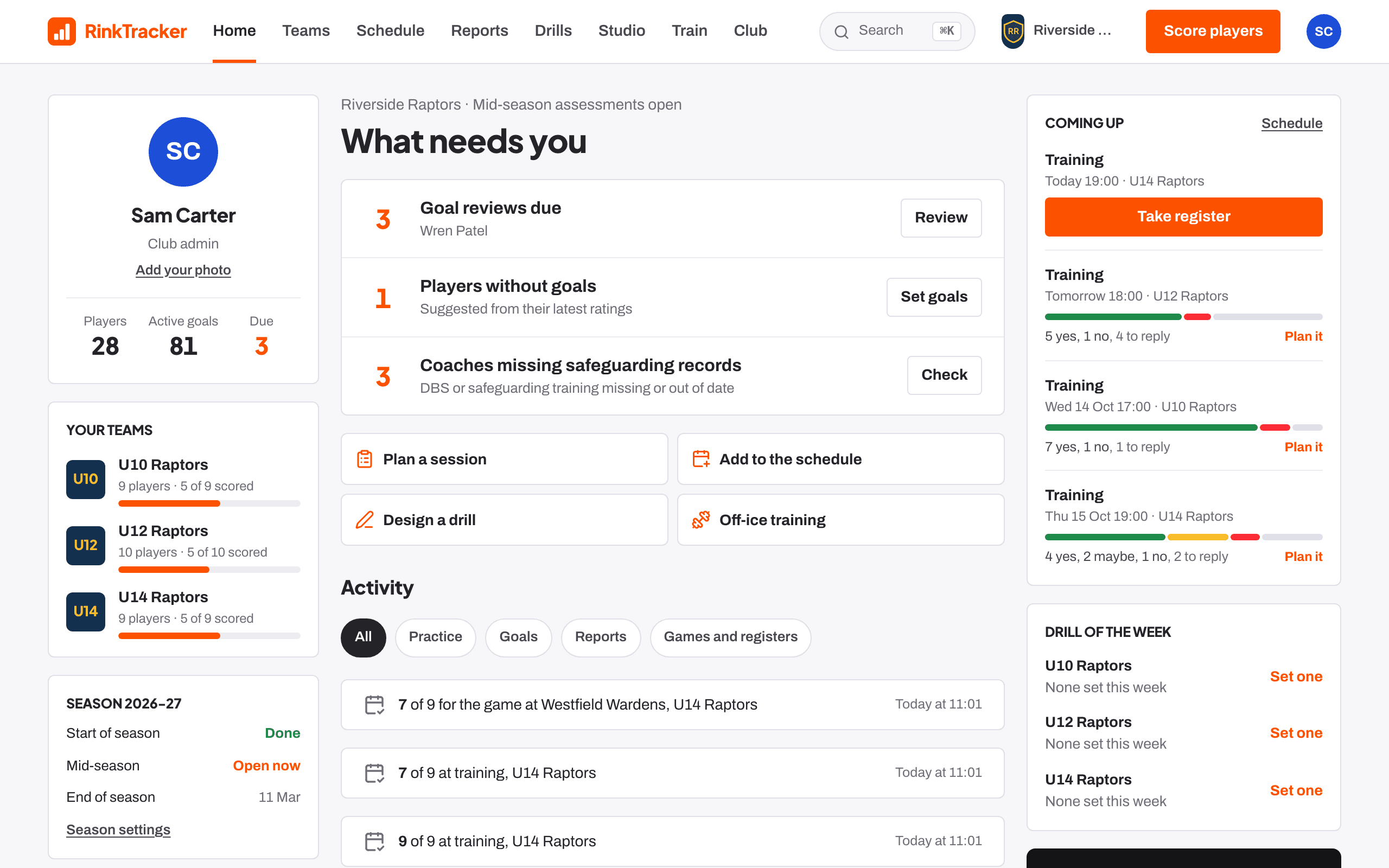
Set up the season once
A club admin creates the season, the teams and the three skills-check windows. Coaches are assigned to teams and only ever see those teams. Families join with the team's rink code or an invite.
From then on, every coach starts the day with a list of what needs them.
- 02
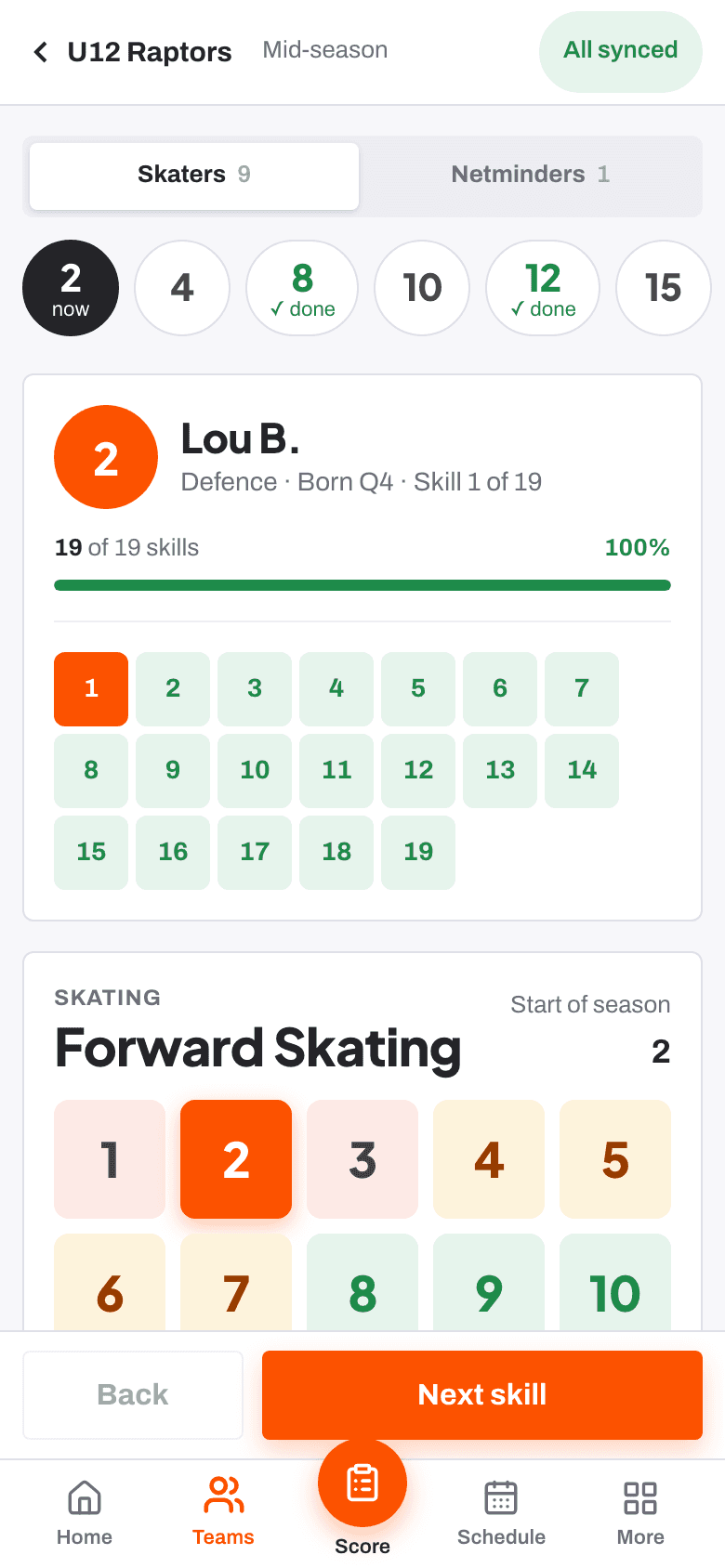
Score every skill at the boards
When a window opens, the coach scores each player on each skill from 1 to 10. Tapping a level shows the rubric's description of it, so the score means the same thing to every coach.
Scores save on the phone and sync later. A skill not seen enough is marked as not observed, never guessed. More than one coach can score the same player.
- 03
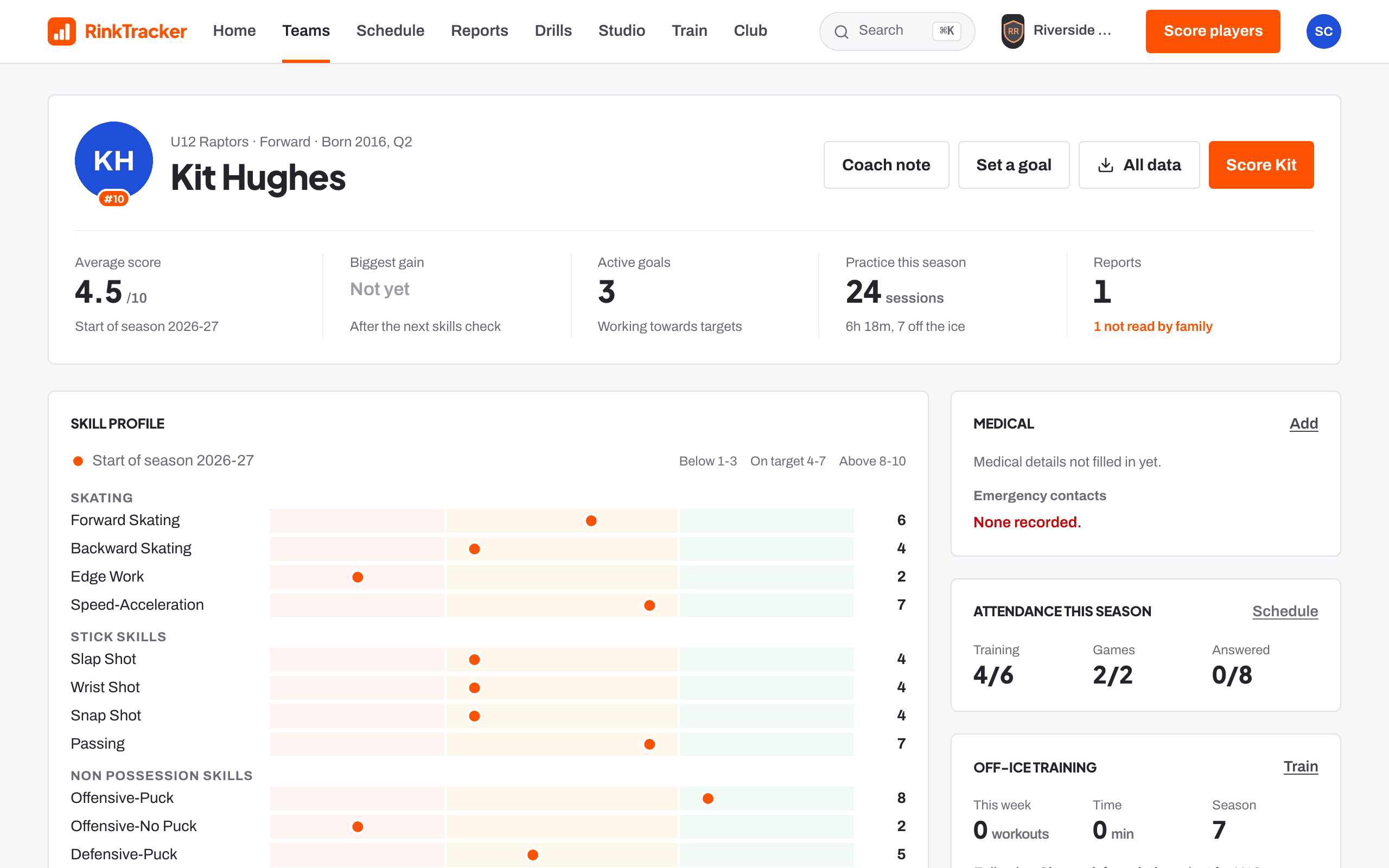
Set two or three goals from the scores
The app suggests goals by rules a coach can explain to a parent: lowest bands first, then anything that dropped, then the lowest scores, and one that builds on a strength. Each target is one realistic step with the rubric's words for the next level.
Each goal carries a drill for the ice and the off-ice exercises that build its skill. The coach can pick those by hand or let the app choose.
- 04
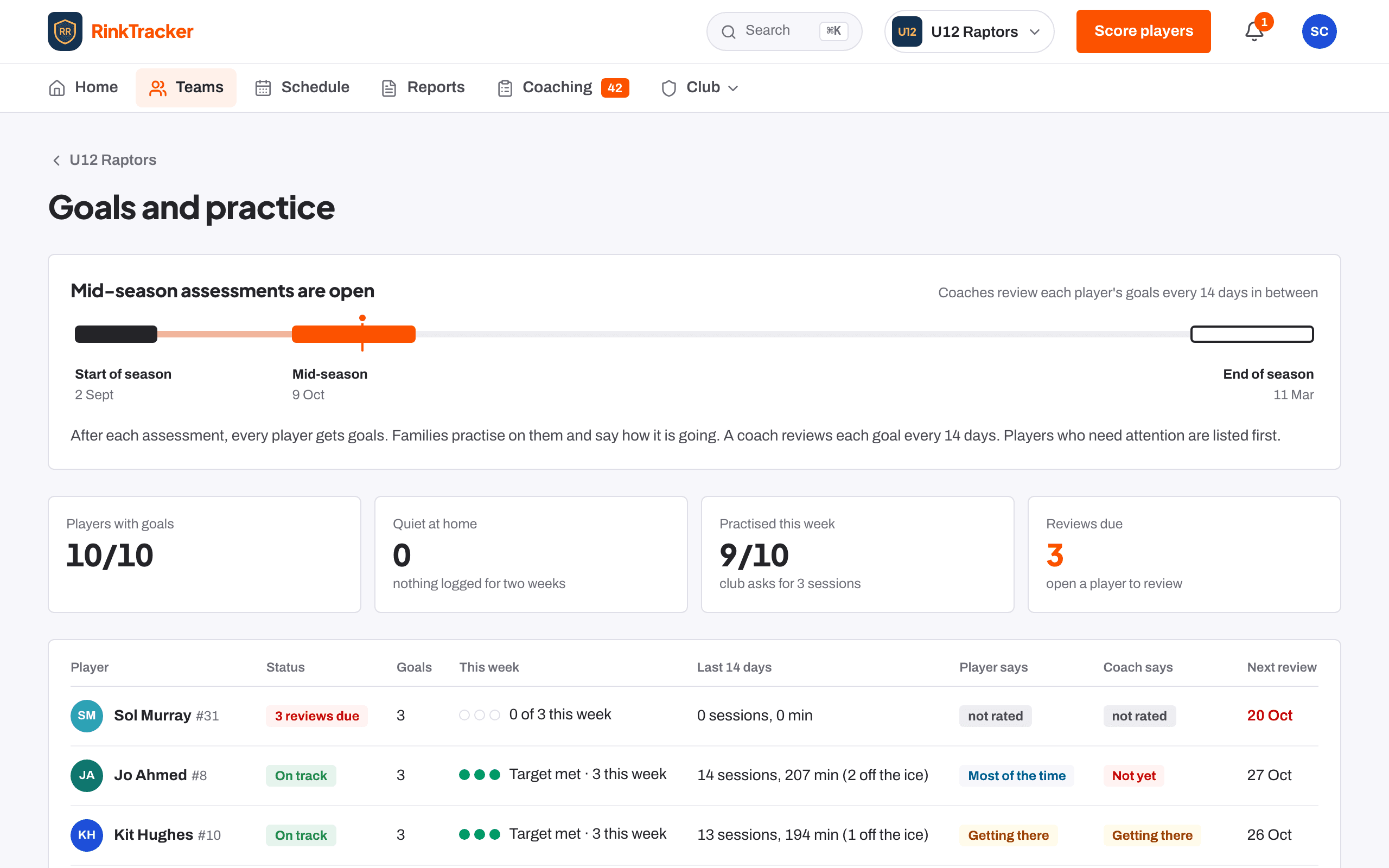
Review each goal every fortnight
Every goal is due a review on the club's cadence. The team board shows who has practised, whose family has gone quiet, and where the player's own rating differs from the coach's.
A review takes a minute: a four-point rating, a note the family can see, and an optional quick 1 to 10 check. Formal scores still come only from the windows.
- 05
Publish a report that shows what changed
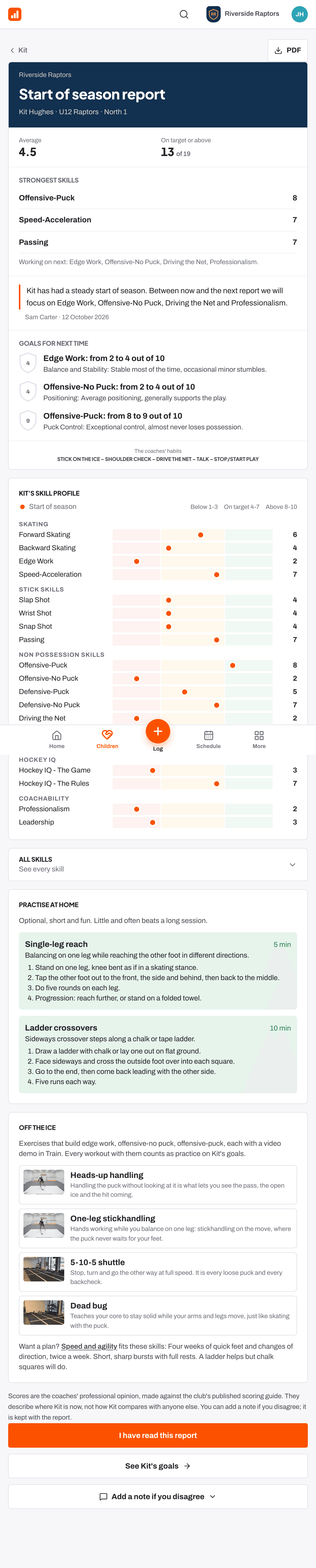
At the next window the report drafts itself: every skill against the last check, the biggest movers, and what each goal did: the score it started at, the practice behind it, the score now.
A named coach edits and approves every word before the family sees it. It opens on a phone and downloads as a PDF with the club's crest.
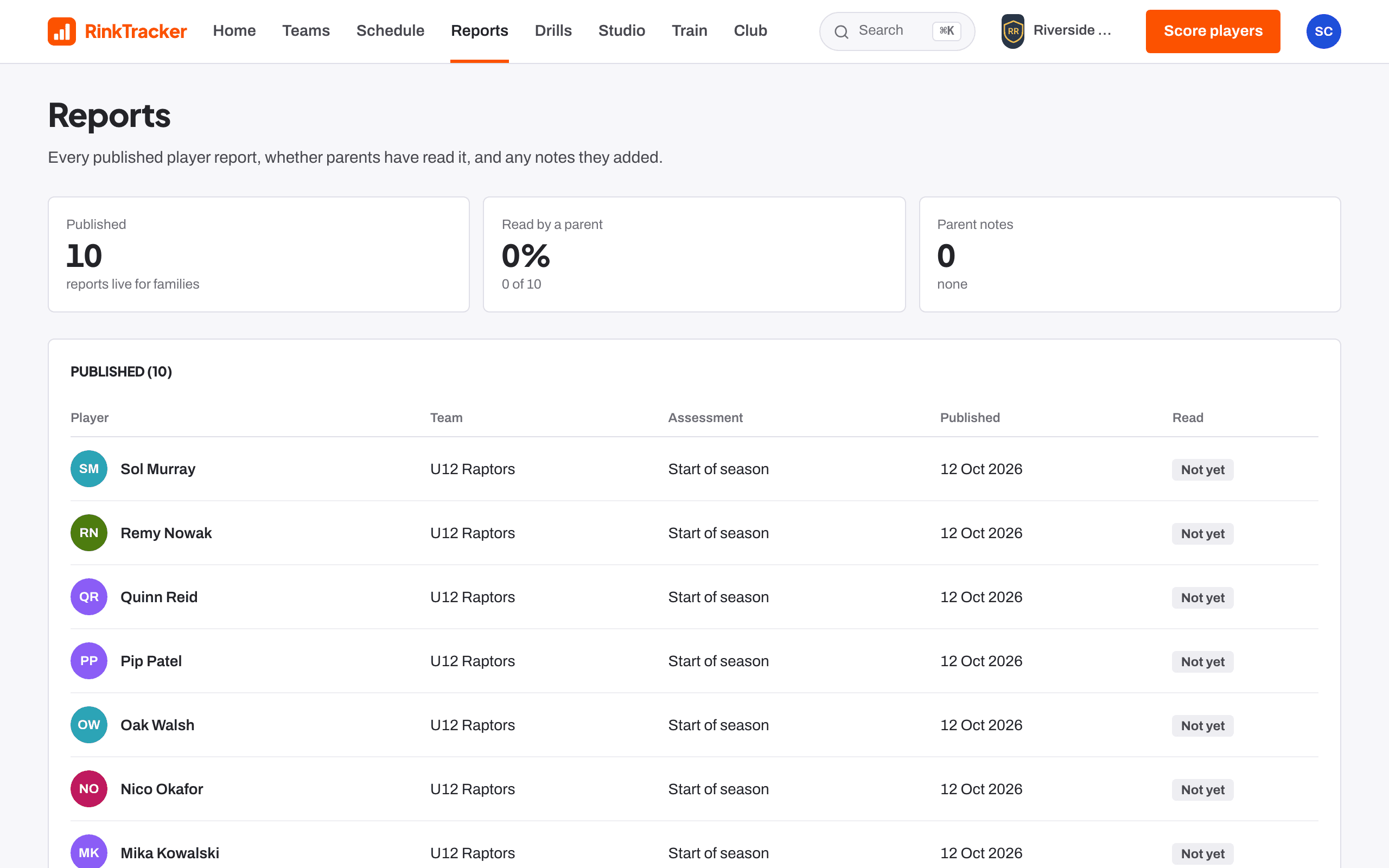
Scores lead to goals. Goals lead to practice. The next check shows what the practice did.
Coaches set the direction three times a season. Families carry it the rest of the time, and the app makes sure both can see the other doing their part.
For families
A parent sees their own child and nothing else: what the coaches said, what to work on, and how to log it.
- 01
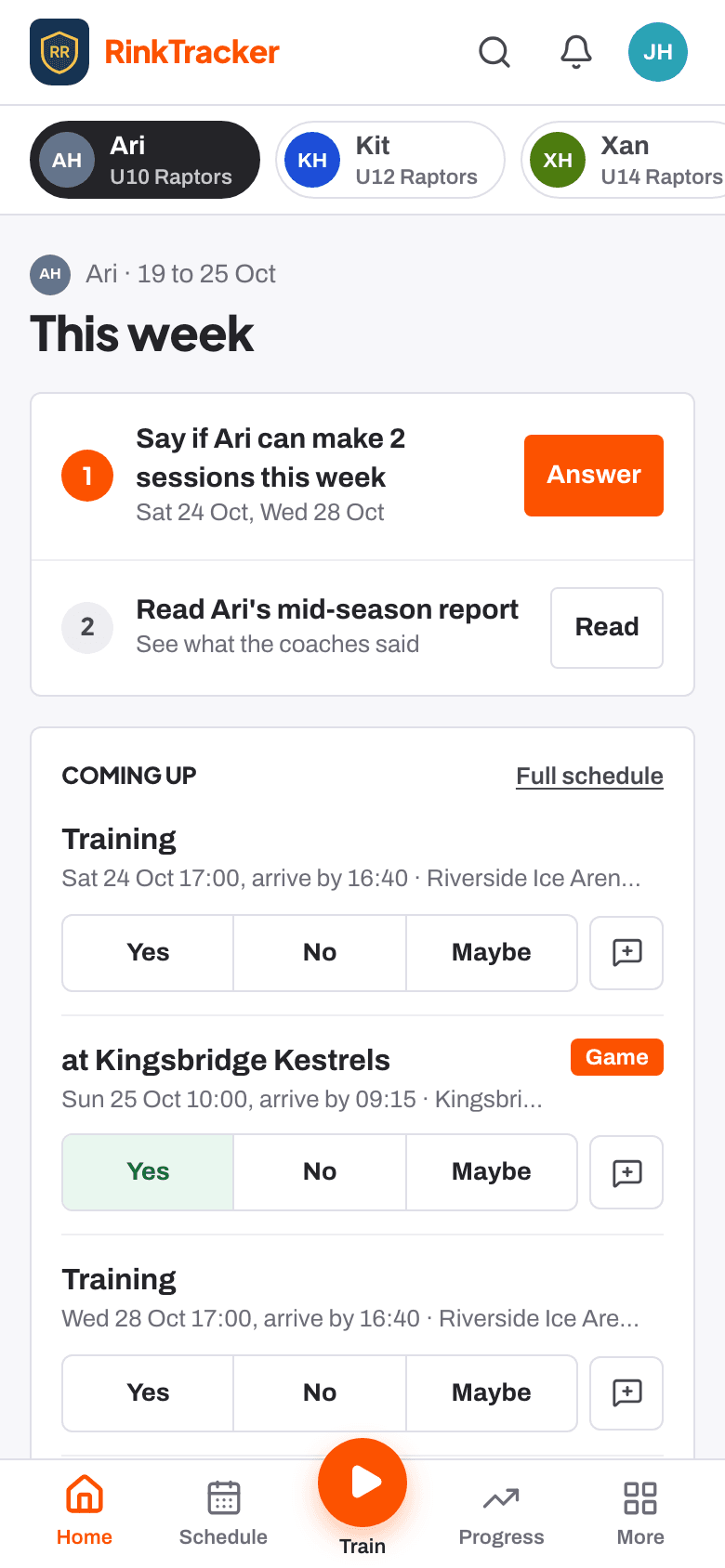
Join and say who's coming
A parent joins with the team's rink code or the coach's invite, adds emergency contacts and medical notes, and answers yes, no or maybe for each training and game. Home lists what needs doing, most useful first.
- 02
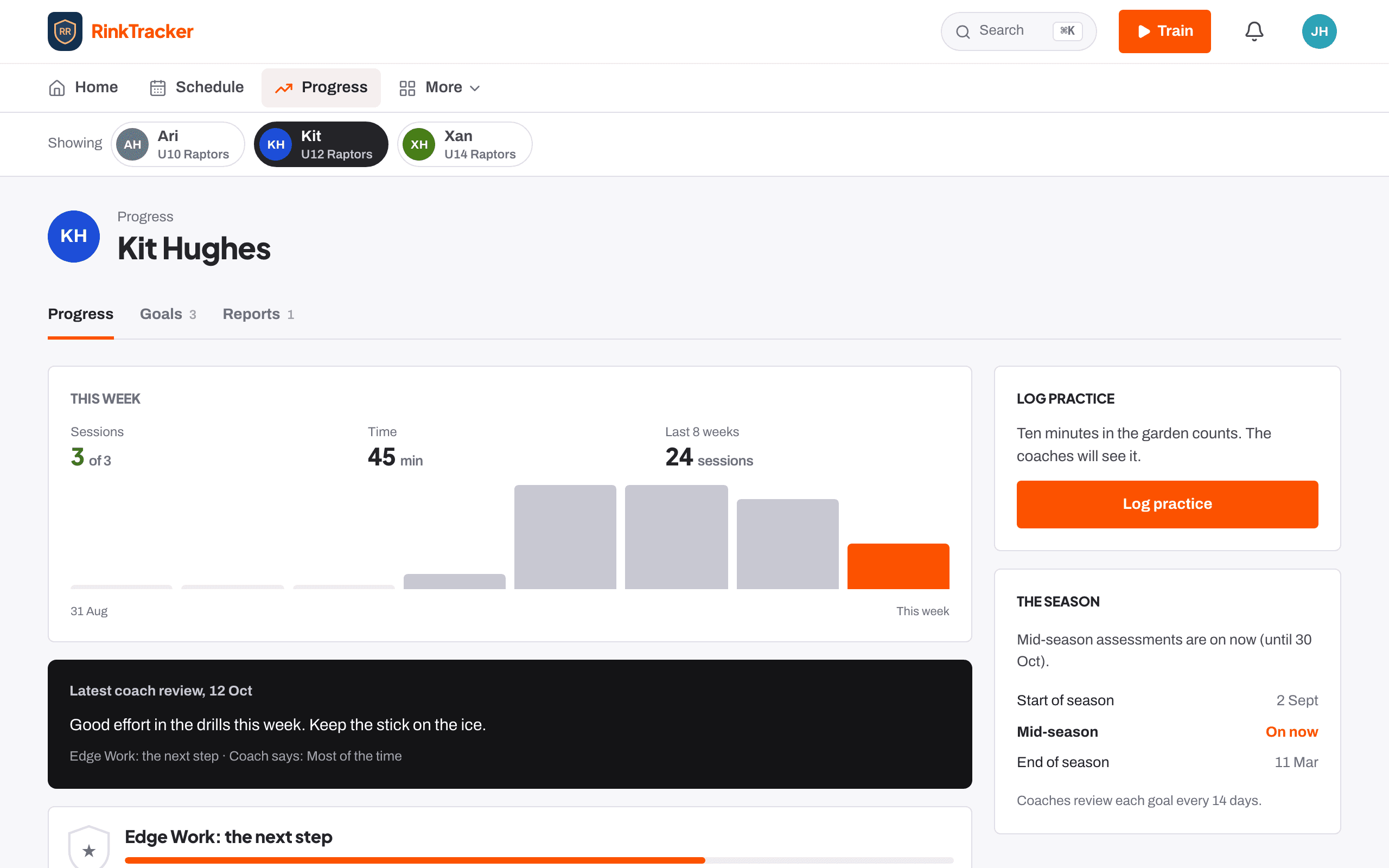
Start on the goals
After each check the coaches' goals appear with the rubric's words, the drills for the ice and the exercises for home. The family talks each one through with the player, and they can start practising the same day.
- 03
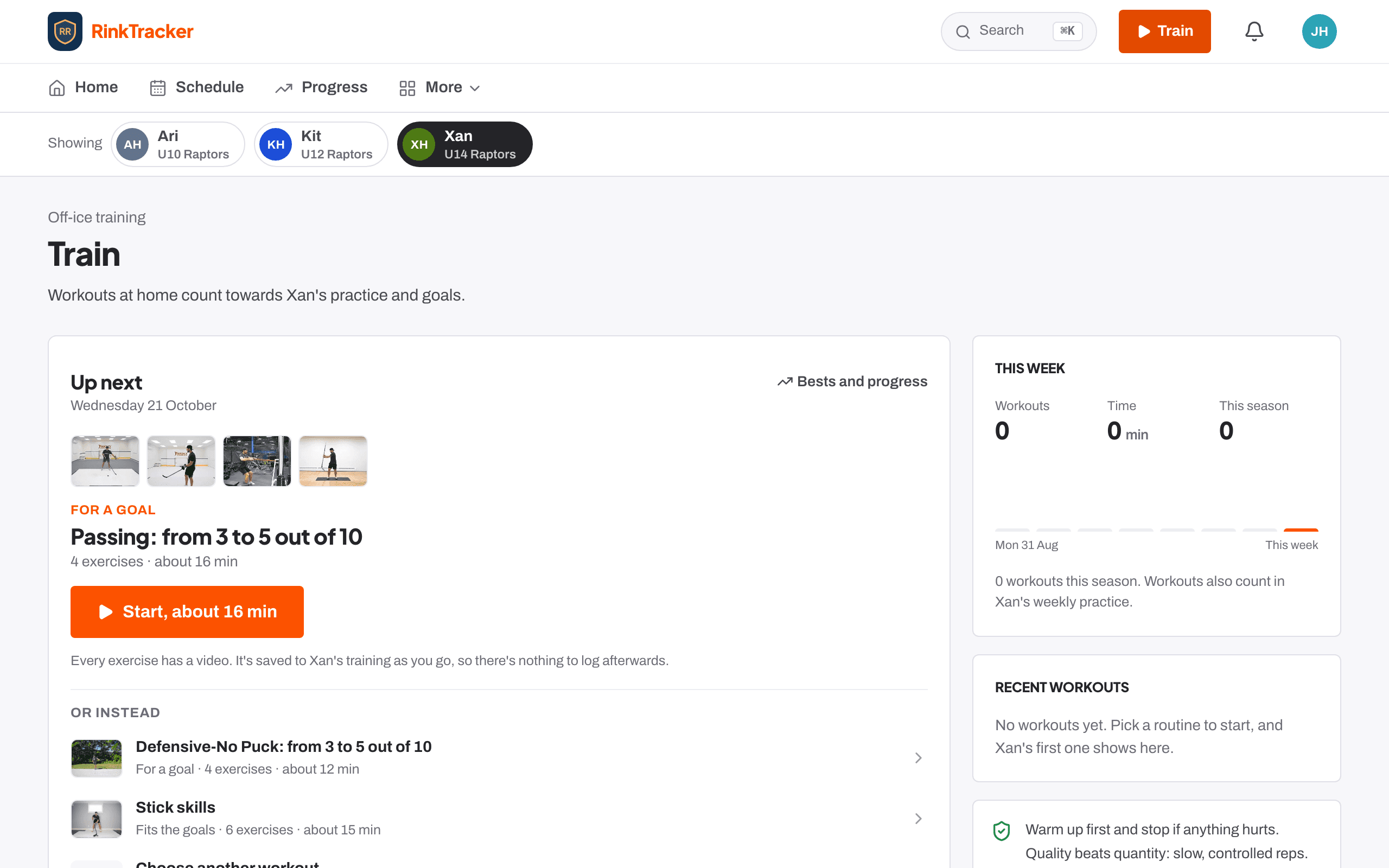
Practise, on the ice and off it
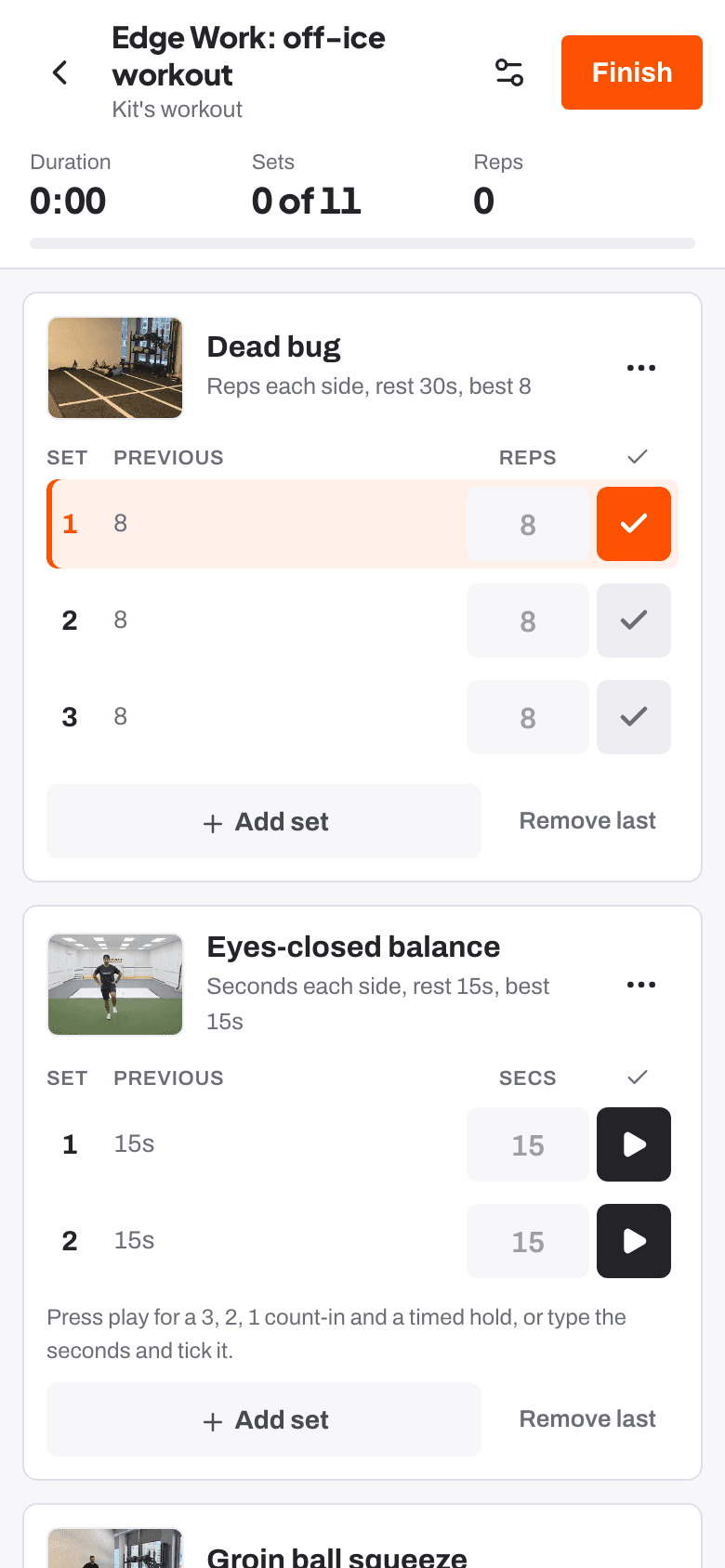
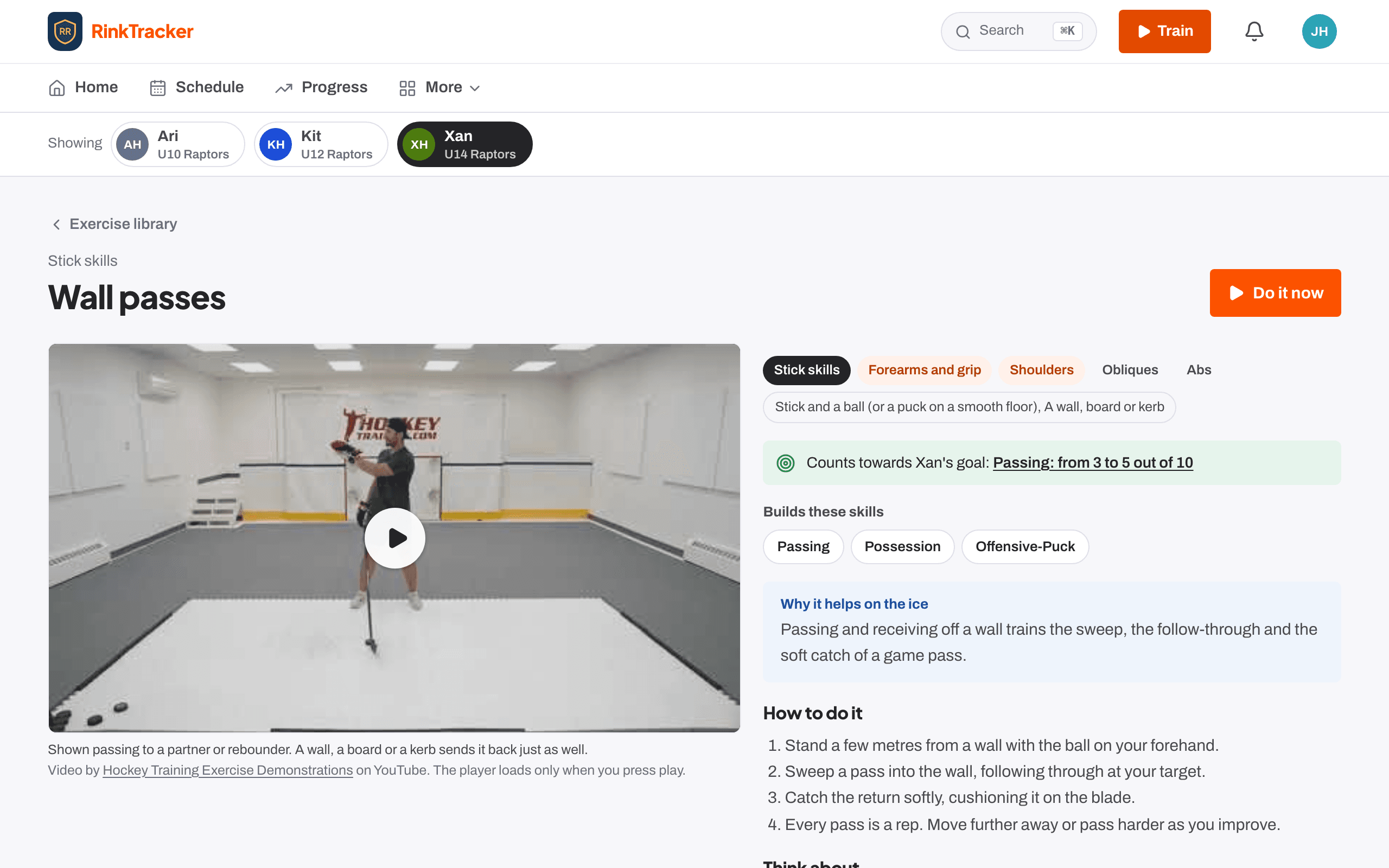
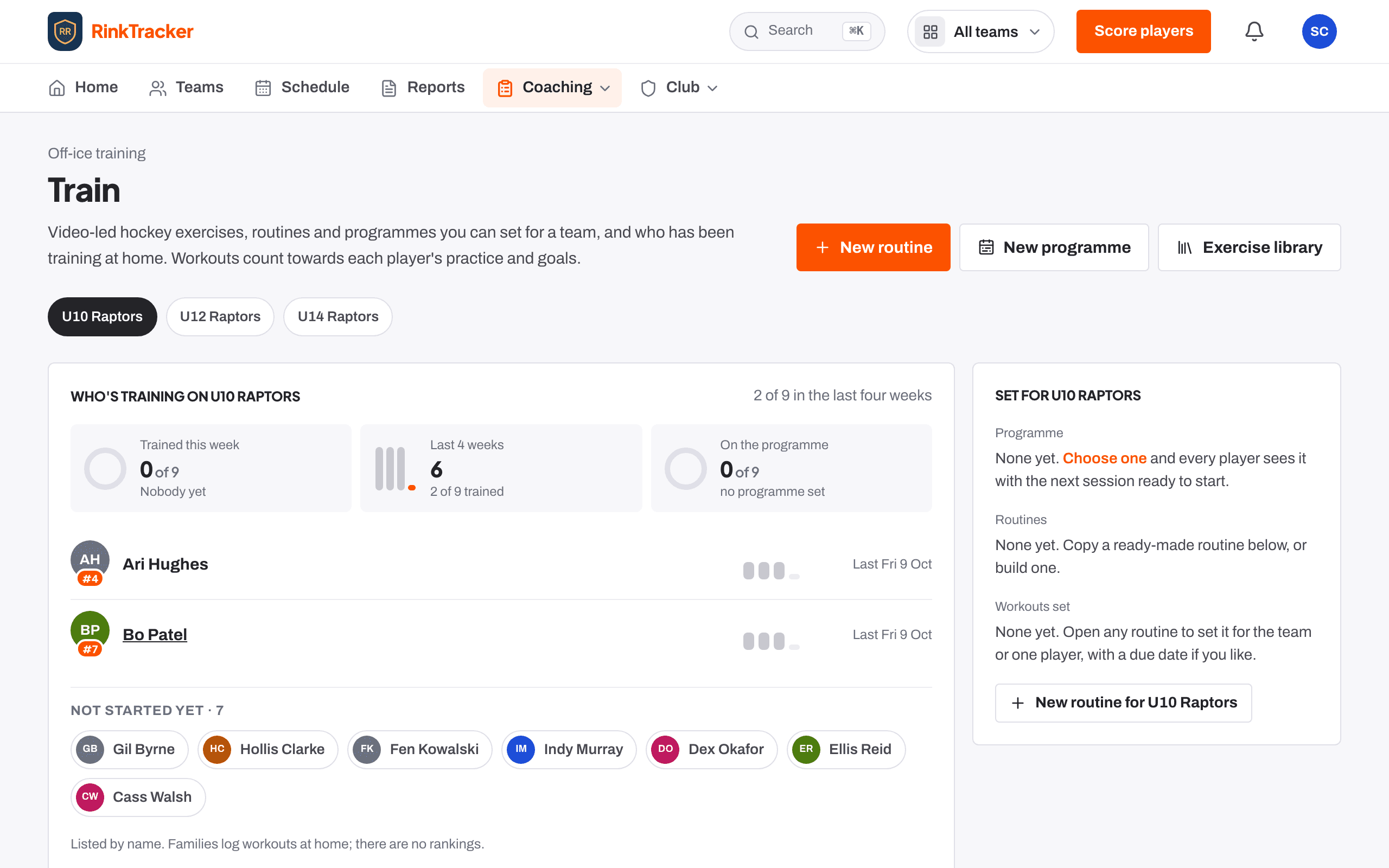
Ten minutes in the garden counts, and so does an off-ice workout. Train shows the programme the coaches set, the exercises picked for each goal with a video of each, and a start button that builds a short workout from them.
Every workout with the right exercises is logged as practice on the goal automatically.
- 04
Say how it's going, read the review
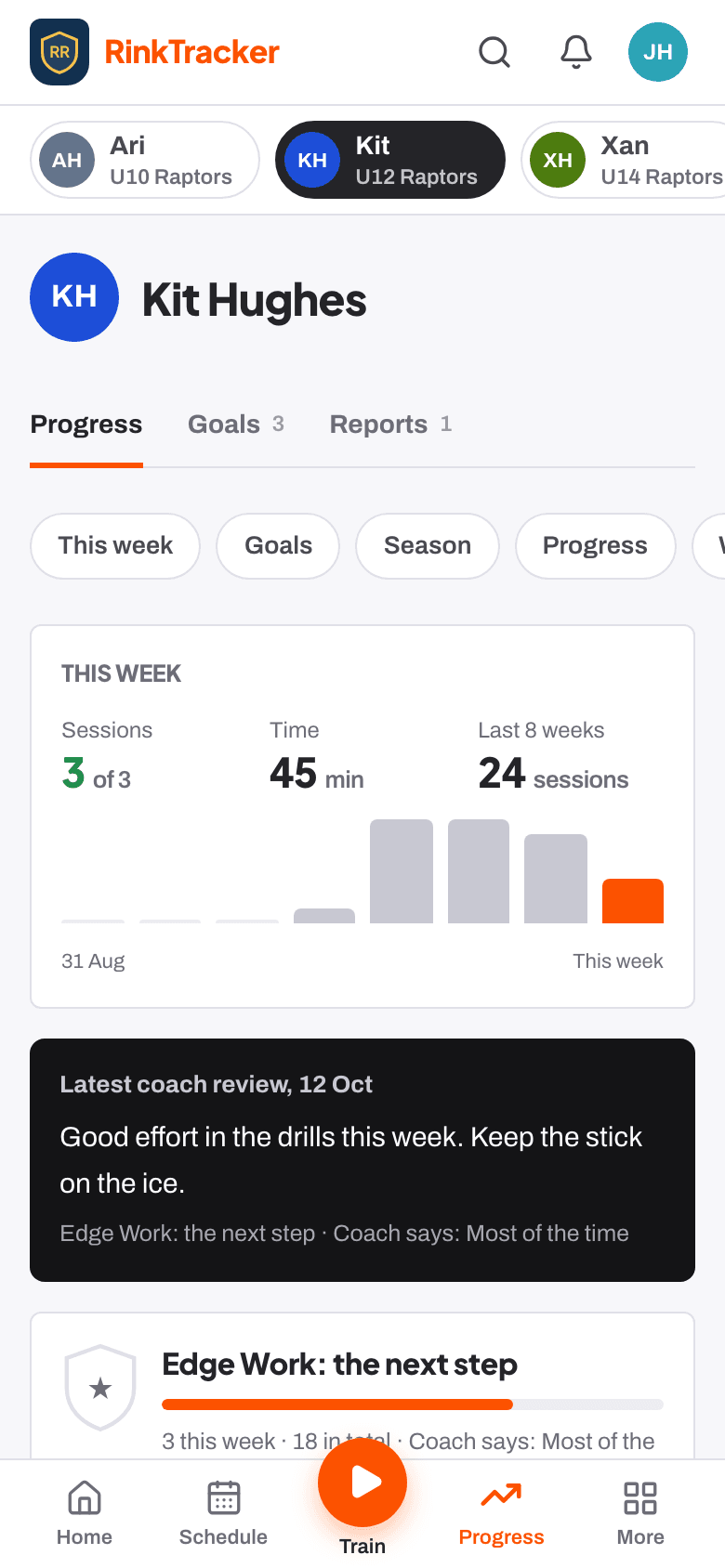
The player rates each goal: not yet, getting there, most of the time, got it. The coach's review appears alongside when it is shared. A Sunday email sums up the week.
- 05
Read the report, see what changed
When the coaches publish, the family gets the report on their phone and as a PDF: every skill against last time, what each goal did, feedback in the coach's words, the goals for next time and the off-ice work for them.
Off the ice
Linked to the rubric both ways
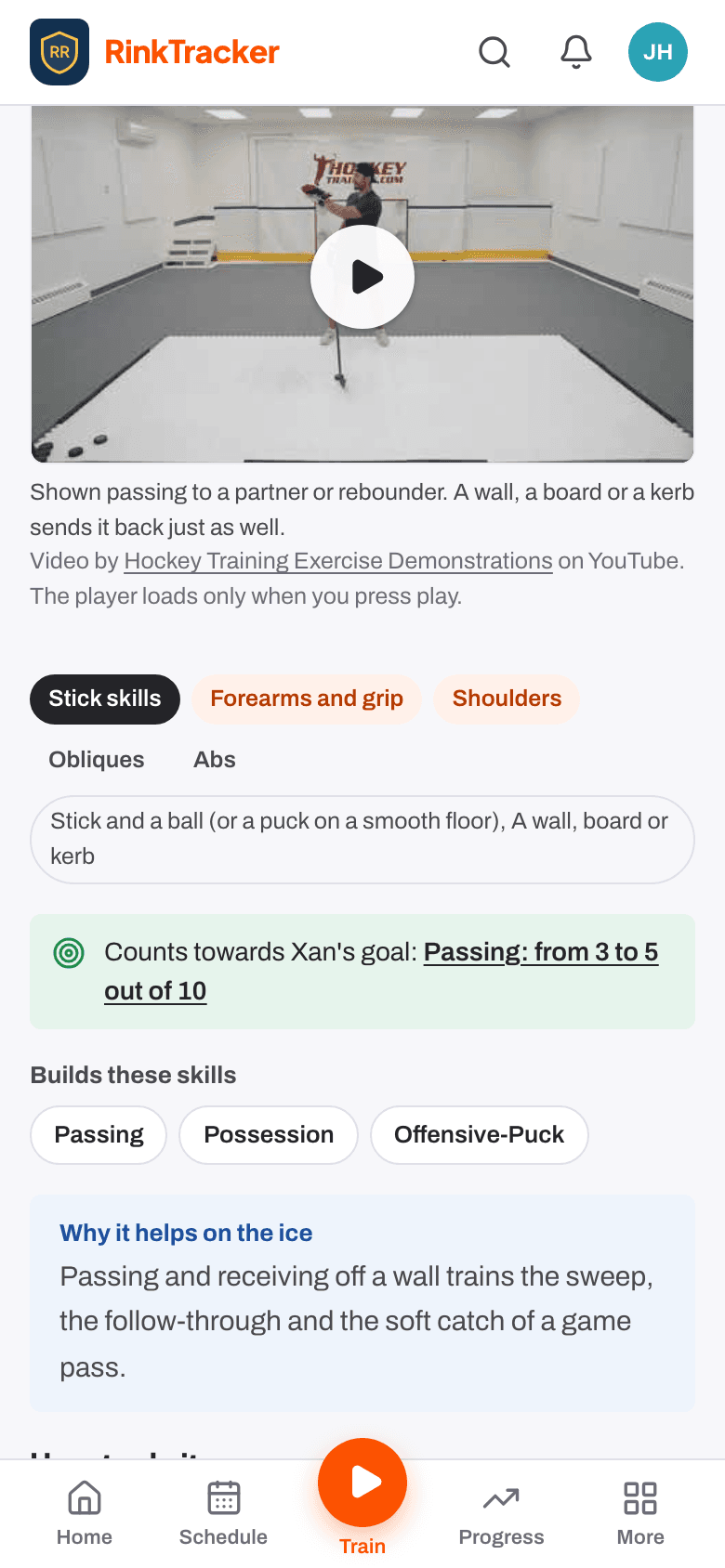
Every exercise is tagged with the skills it builds. A goal shows the exercises for its skill, and a workout with them counts back as practice on the goal. The report says how many sessions were off the ice.
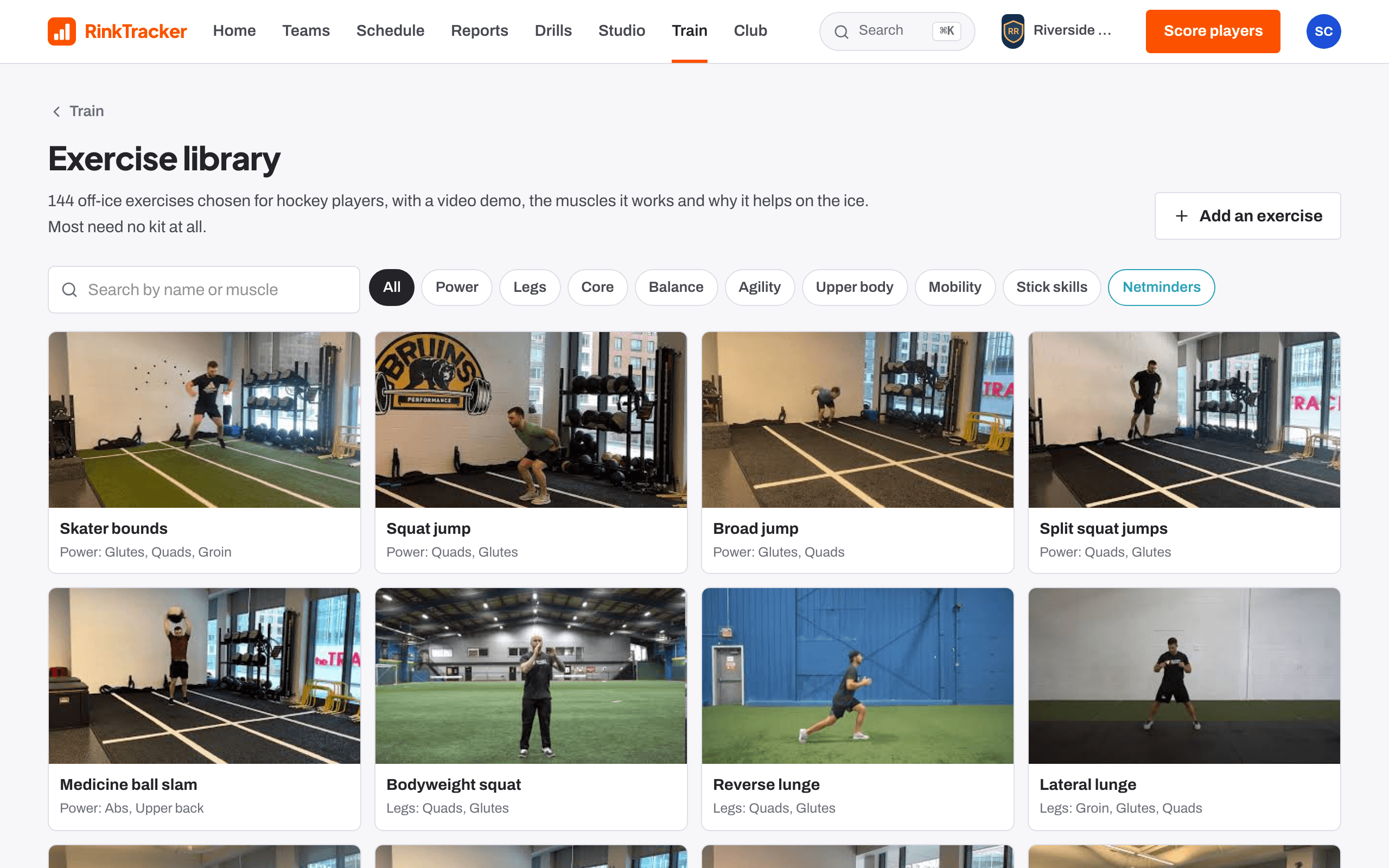
144 exercises, 8 kinds
Power, legs, core, balance, agility, upper body, mobility and stick skills. Each with a real video, steps, cues and why it matters on the ice.
Programmes
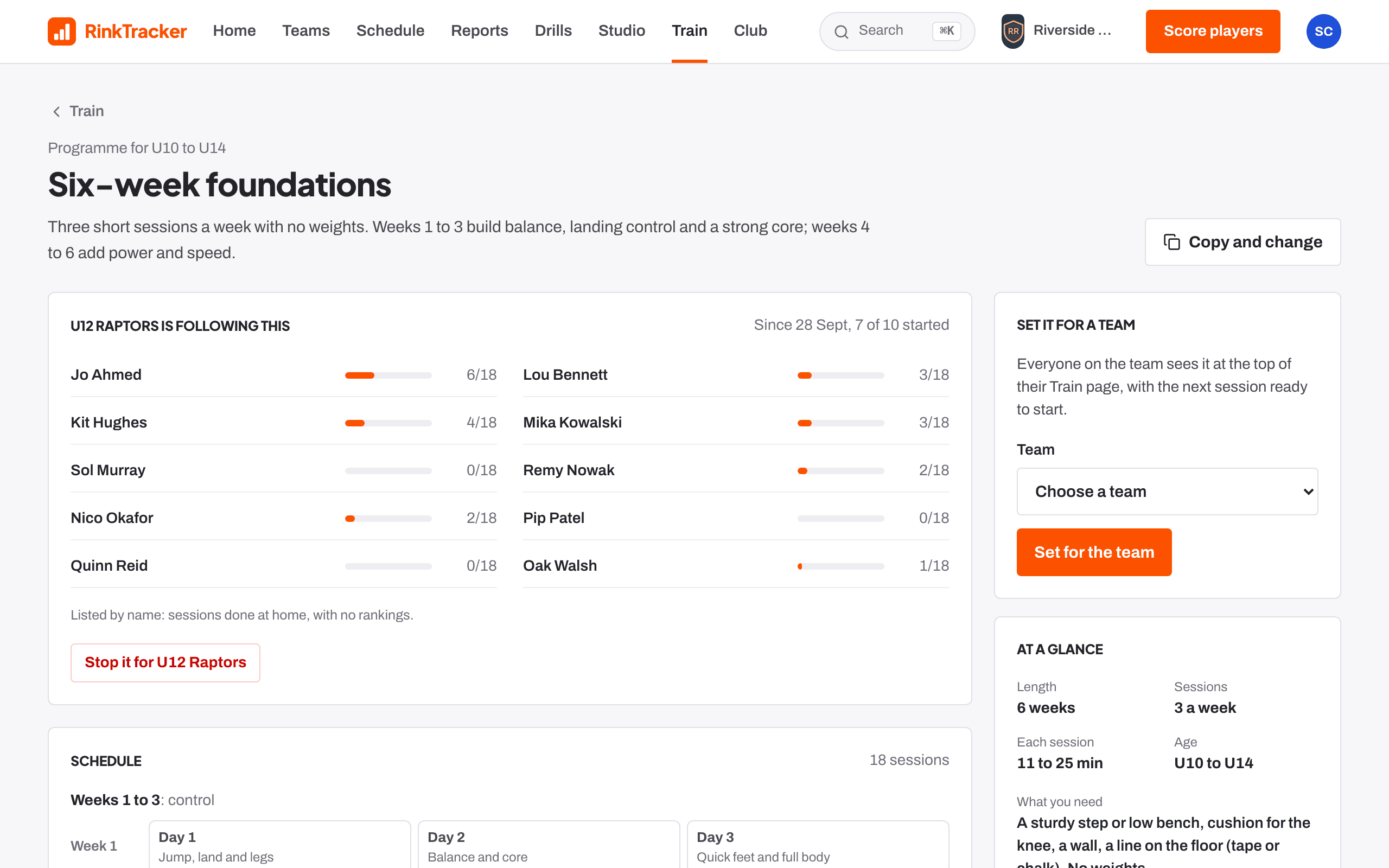
Eight ready-made, from a four-week starter for U10s to a six-week strength block for U16s, and a builder for the club's own. Progress is by sessions, not dates.
For the coach
The team's lowest-scoring skills from the last check sit on the coach's Train page with matching exercises and a one-click routine for the team.
Safe demos
The videos come from one public YouTube channel and load only when a player presses play, through YouTube's privacy-enhanced player. No comments, no autoplay.