Your off-ice week: the plan, reminders and progress
Choose training days, get a gentle reminder, follow along with a workout, and see progress against your child's own earlier workouts.
For families, players
Train has three parts for families: starting a workout, the week's plan, and progress.
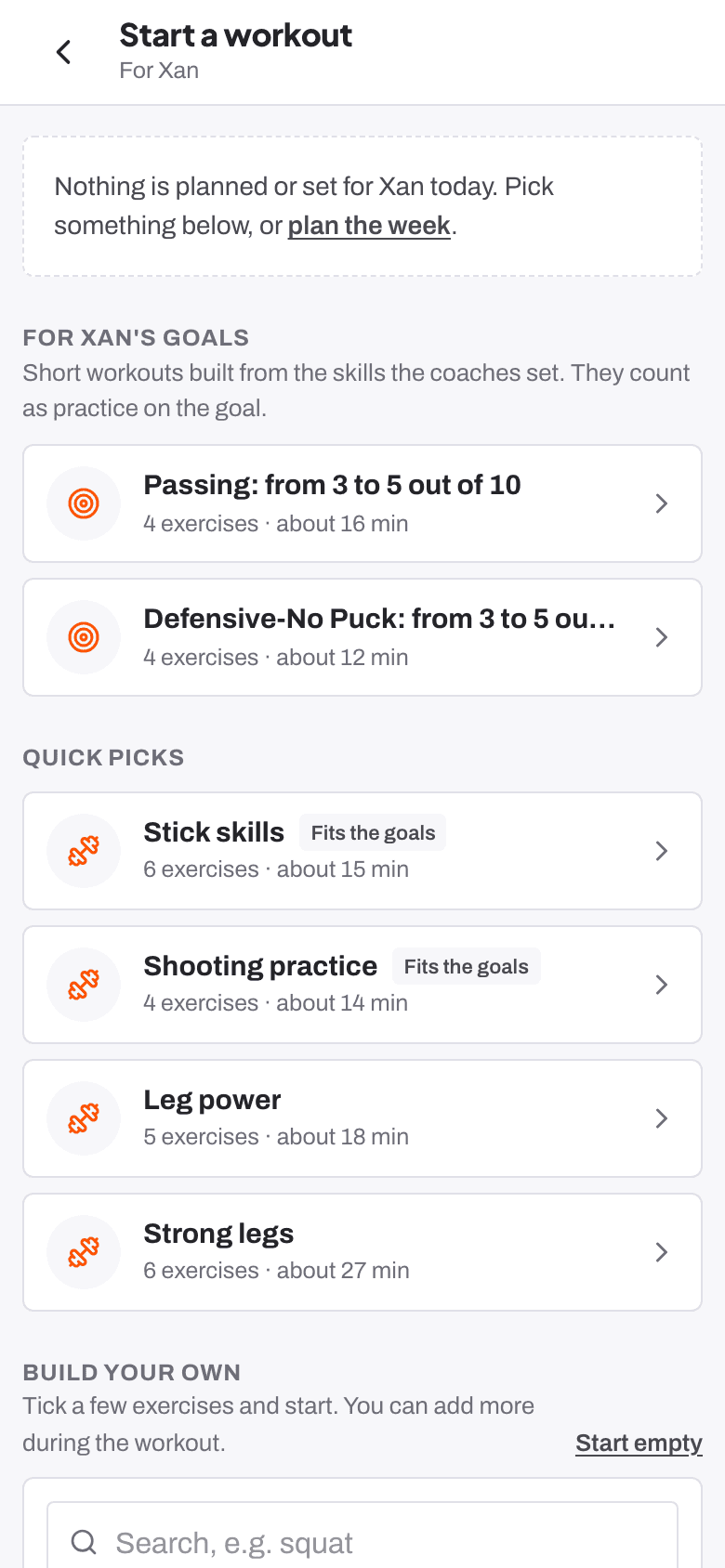
Starting a workout
Start a workout offers what's planned for today, what the coaches have set, the next session of a programme, short workouts for your child's goals, and quick picks, or Build your own. Follow-along mode is on for U10 and U12: big buttons, Tap for each rep, Hold it! on timed holds. While resting, Next up shows what's coming, then Get ready… counts five seconds to Go!
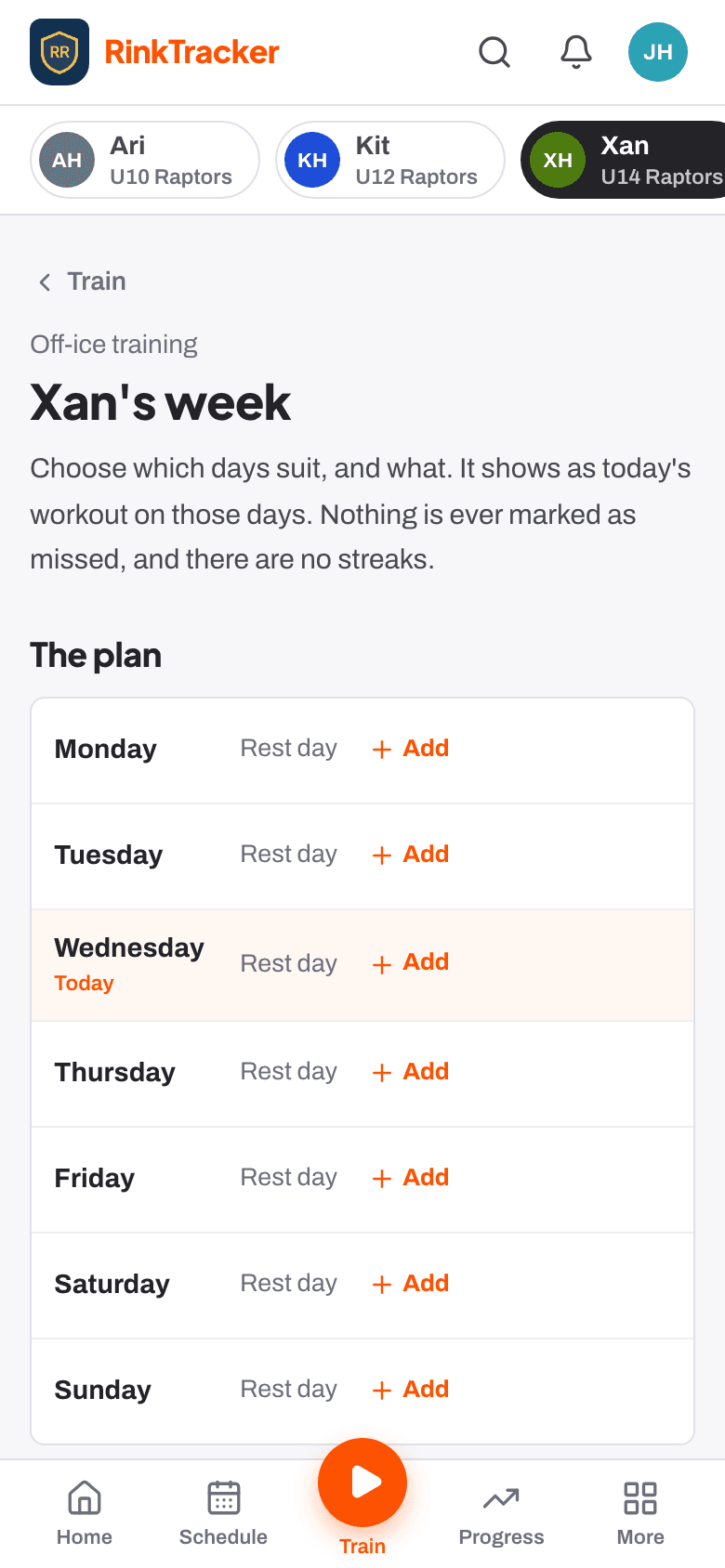
The plan for the week
Under Weekly plan, choose which days suit and what to do on them. Routines the coaches have set appear with their due date. Turn on a reminder for the time you choose: it comes only on a planned day, only if nothing is logged yet, and never more than once a day.
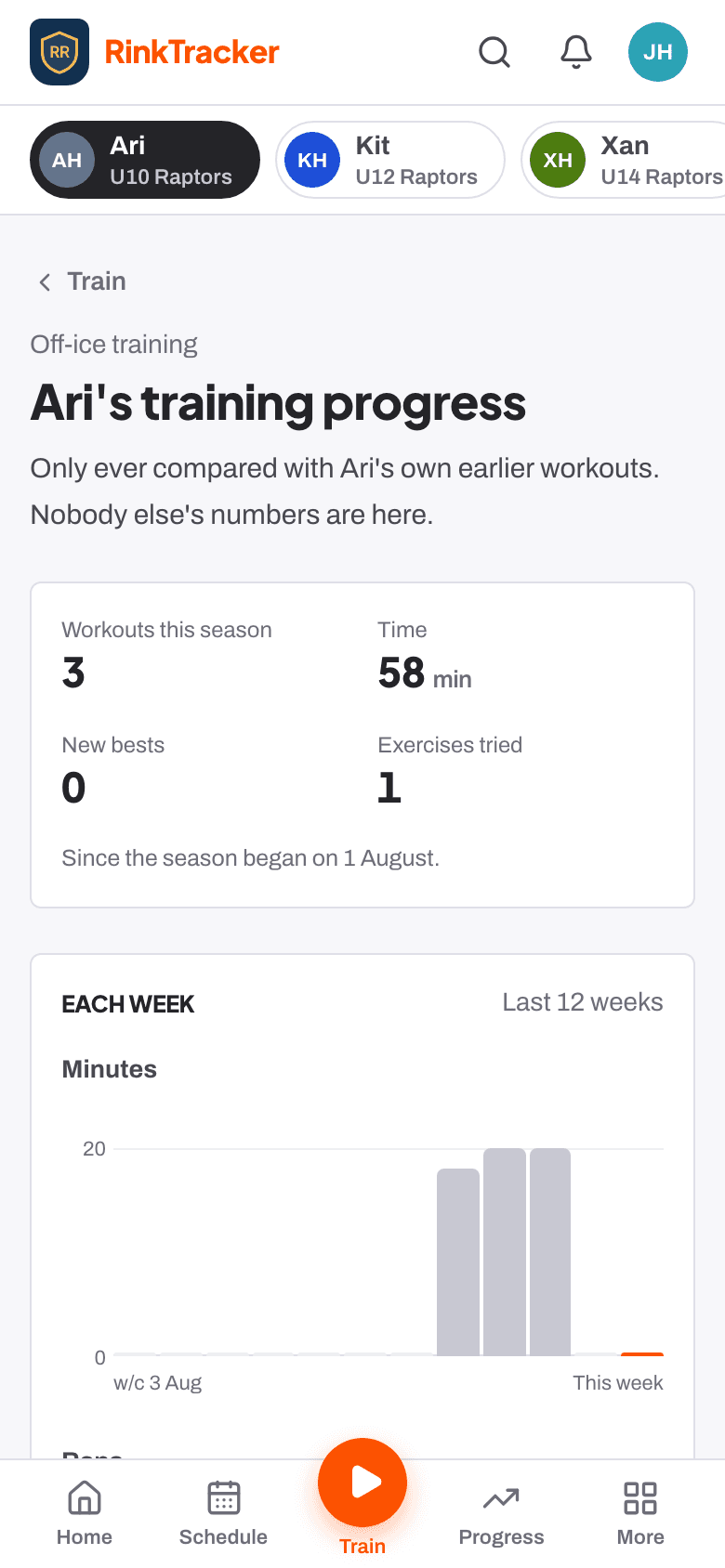
Progress
Training progress shows workouts and minutes this season, each week's work, the body worked, new personal bests and Ready for a step up. A best only shows once an exercise has been done twice, because the first time sets the starting point. Training badges, such as A full week, appear under Well done.
- Off-ice workouts at home Help article
- Programmes and routines Help article
- Giving awards and printing certificates Help article
Still stuck? Email hello@rinktracker.com and we'll help.