Giving awards and printing certificates
How coaches give awards like Hardest worker or Most improved, how captaincy and training badges are recorded, and how certificates print.
For coaches, families
Club admins, head coaches and coaches can give a player an award for the effort or character they've seen. Assistant coaches and team managers can't.
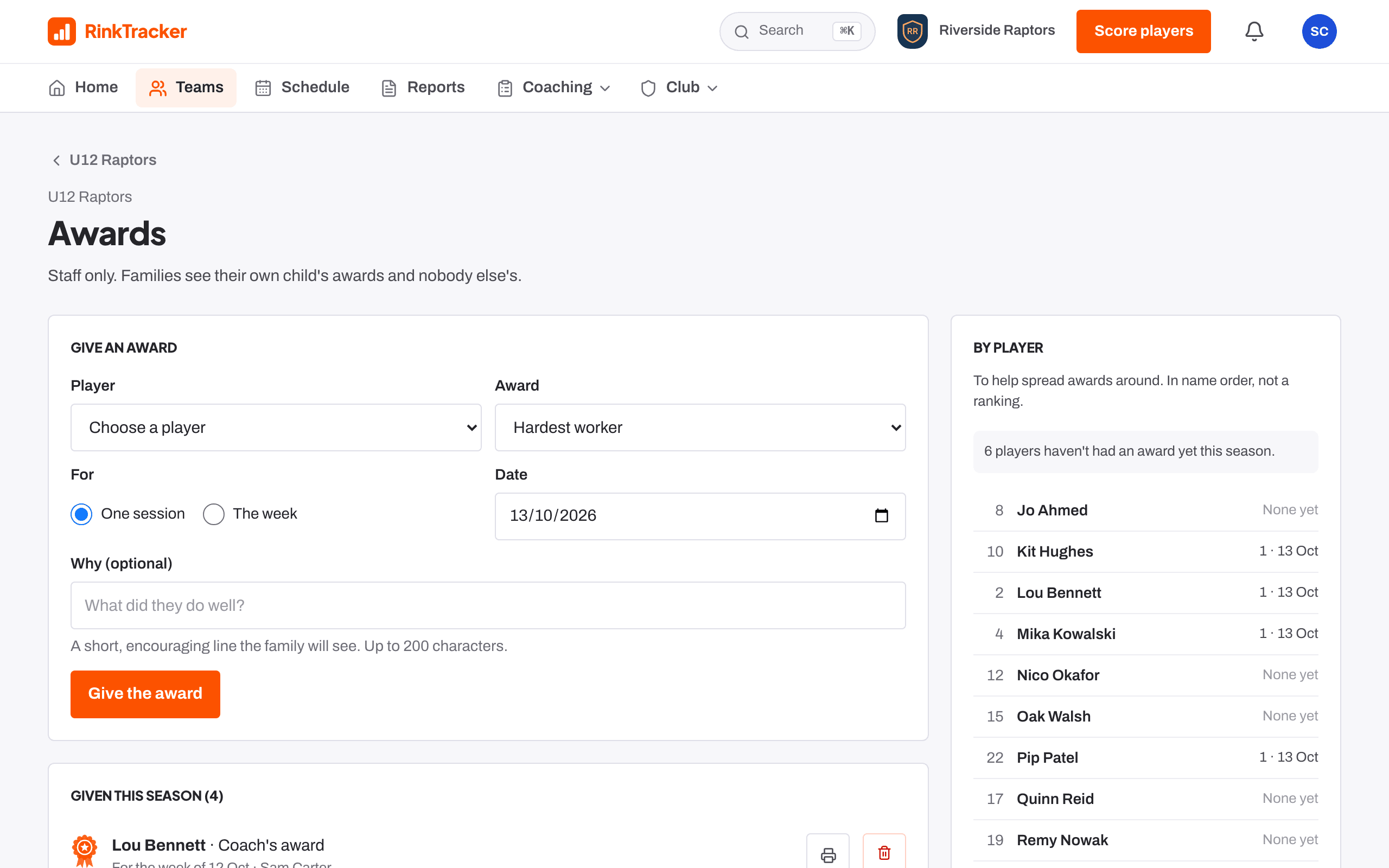
Give an award
- Open the team, then Awards. You can also give one from a player's page or from a training on the schedule.
- Choose the player and the award: Hardest worker, Most improved, Great teammate, Coach's award, or one your club has added.
- Say whether it was for One session or The week, and add a short reason the family will read.
- Press Give the award. The family is told, and it appears under Well done for their child.
Captains and training badges
- Captains and alternates are recorded from the lines saved for each game. Certificates mark a first game as captain, then 5 and 10 games, and the same for alternates.
- Training badges come from off-ice programmes: First workout, A full week, Halfway there and Programme finished. Once earned, a badge is kept.
Certificates
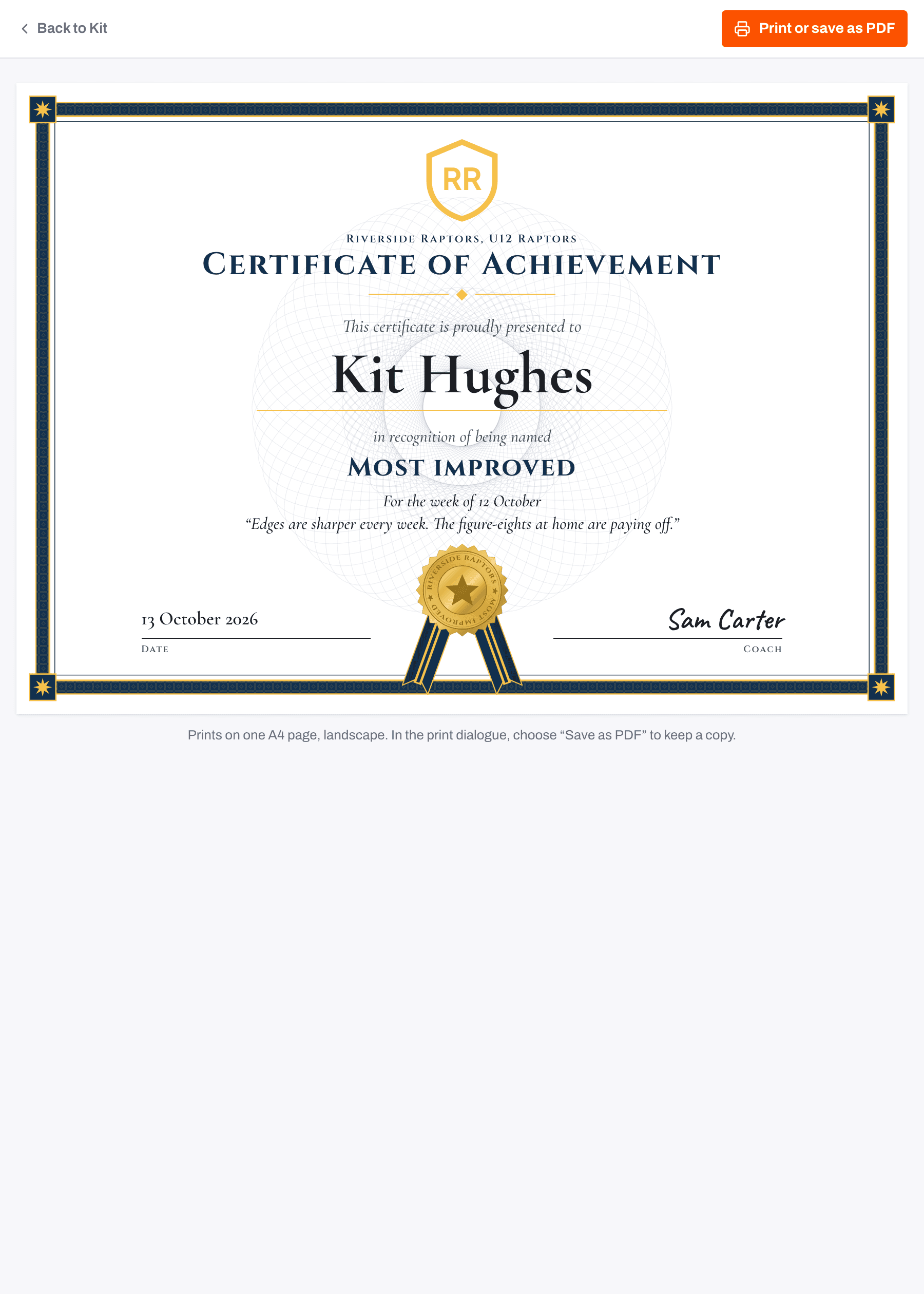
Every award, captaincy and badge prints as an A4 certificate with the team's crest and colour, the reason and the coach's name. Press Certificate next to it, then print or save as a PDF.
Related
- Your family home page: This week Help article
Still stuck? Email hello@rinktracker.com and we'll help.