Your child's own login from age 13
How a parent sets up a login for a player aged 13 or over, what the player can see, and how to pause or remove it.
For families, players
Players aged 13 and over can have their own login, set up by a parent. With it they can see their own goals and published reports, log practice and off-ice workouts, answer for events and rate their own progress.
Set it up
- Open your child's page and find the card [child]'s own login.
- Enter [child]'s own email address. It must be theirs, not yours: each person signs in with their own email.
- Tick the box to give consent for your child to have their own login, and confirm they are happy to have one.
- Press Invite [child]. They get an email with a link to sign in.
The card shows the status: Invite sent, On, Paused or Off. If your child is not 13 yet, it says the date from which they can have one. If the club does not have their date of birth, ask their coach to add it.
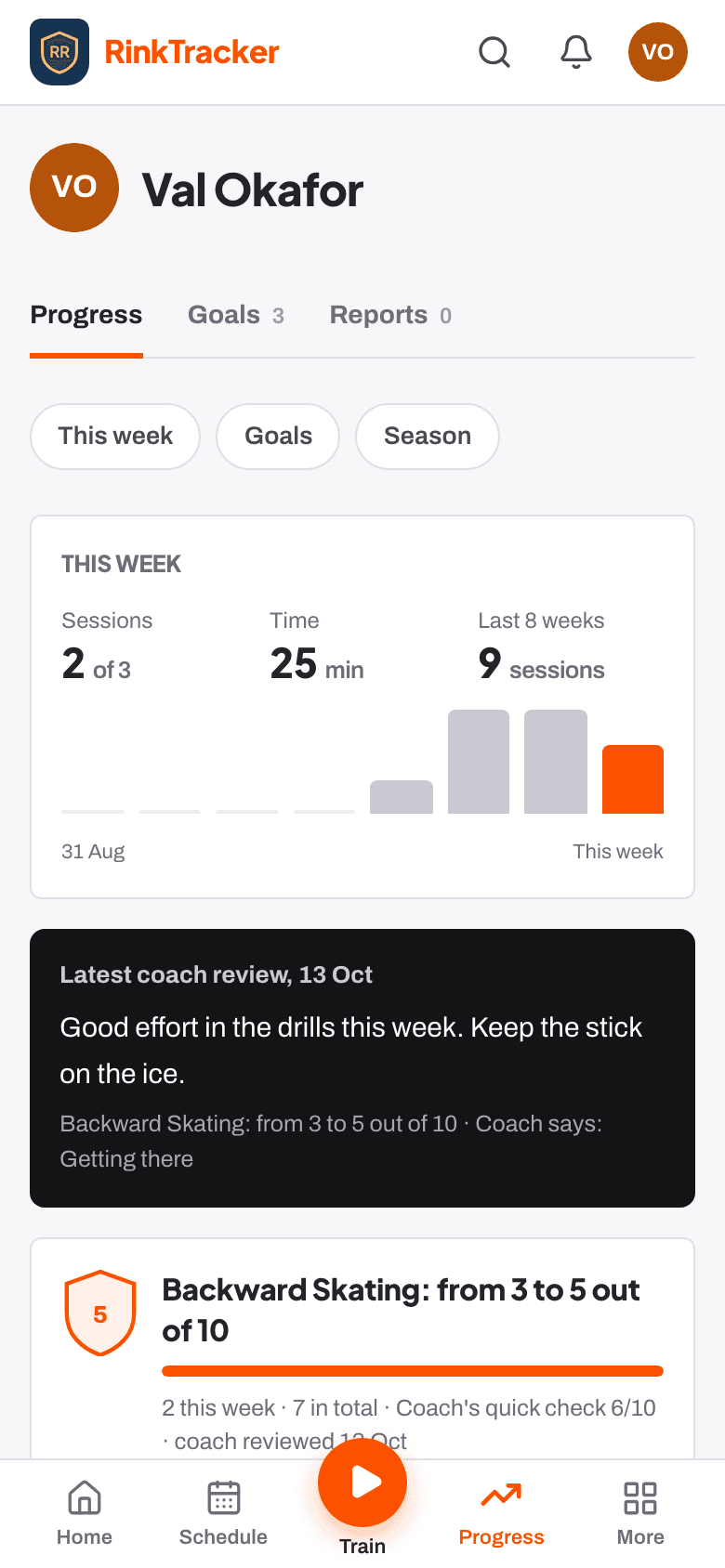
What the player sees, and what they don't
- They see only their own information. Never anyone else's.
- They do not see coach notes, or anything the coaches have not published yet.
- They do not see a streak. Players see their season's practice instead, so there is nothing to lose by missing a week.
- You still see everything on your own login, as before.
Pause or remove it
Press Remove [child]'s login on the card, or withdraw the consent Own login for the player on the privacy page. Either ends your child's access straight away. If you withdraw consent, the login shows as Paused until you give consent again or remove it.
- Your consent choices Help article
- Logging practice at home Help article
- Give your child their own login Step-by-step guide
Still stuck? Email hello@rinktracker.com and we'll help.