Check your child can have one
Open your child's page and find the card [first]'s own login. If your child isn't 13 yet, it shows the date they can have one from. Until then, you log their practice and ratings.
Send the invite
- Enter [first]'s own email address. It must be theirs, not yours: each person signs in with their own email.
- Tick the box to give consent for your child to have their own login.
- Press Invite [first].
The card shows Invite sent and the date the invite works until. To send it again, press Send a new invite.
Your child signs in
Your child gets an email with the subject "Your own RinkTracker login for [Club]". They sign in with their email and a link, with no password. The card then shows On.
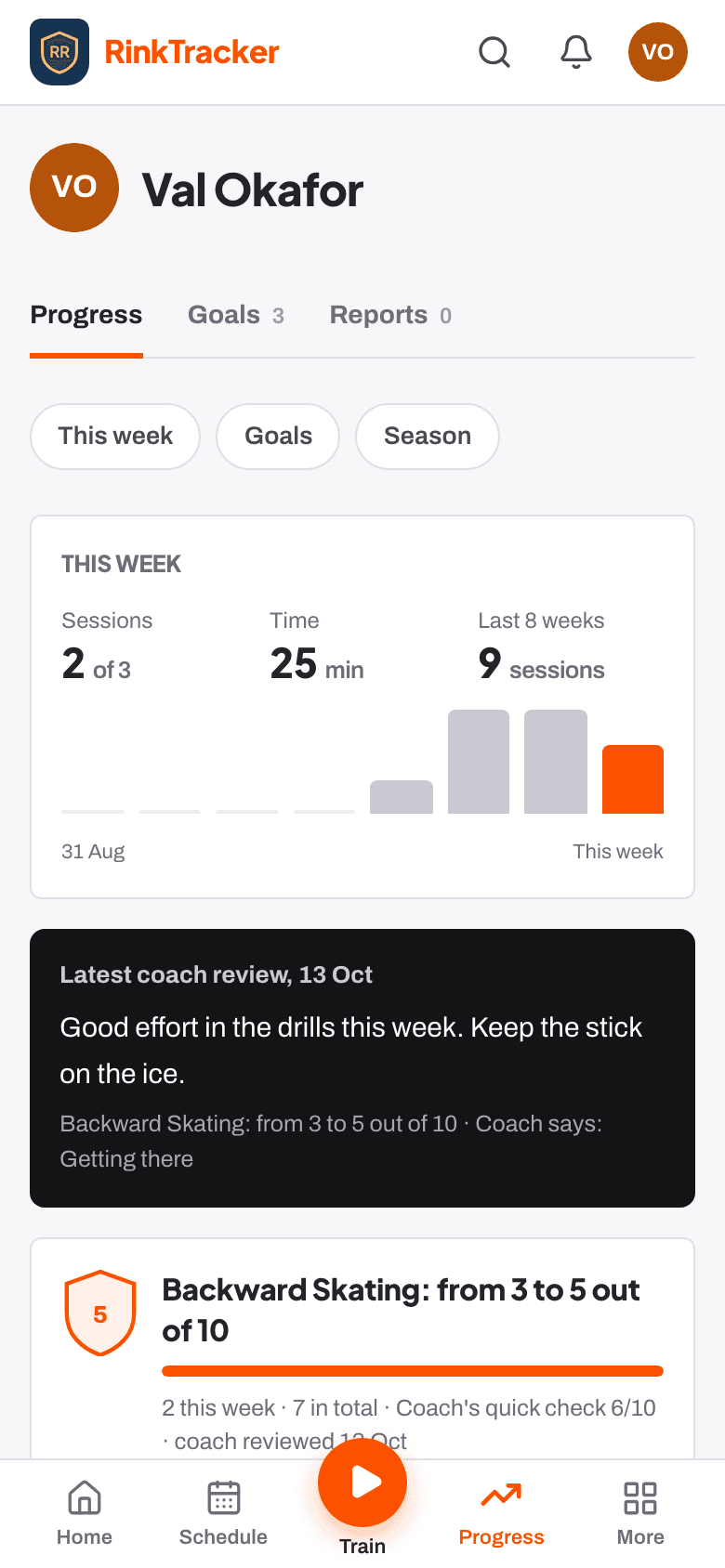
Know what they see
With their own login, a player sees their goals and published reports, logs practice and rates their own progress. They can also answer the schedule and log workouts on Train.
Pause or remove it
Withdrawing the Own login for the player consent on your child's privacy page pauses the login: they can sign in but see nothing. To end it, press Remove [first]'s login. Either takes effect straight away.
- Your child's own login from age 13 Help article
- Your consent choices Help article
- Log practice and workouts at home Guide
Stuck? Email hello@rinktracker.com or search the help centre.