Uploading a video
Upload team footage or a player clip from the Studio or a player's page, and what happens while it is prepared.
For coaches
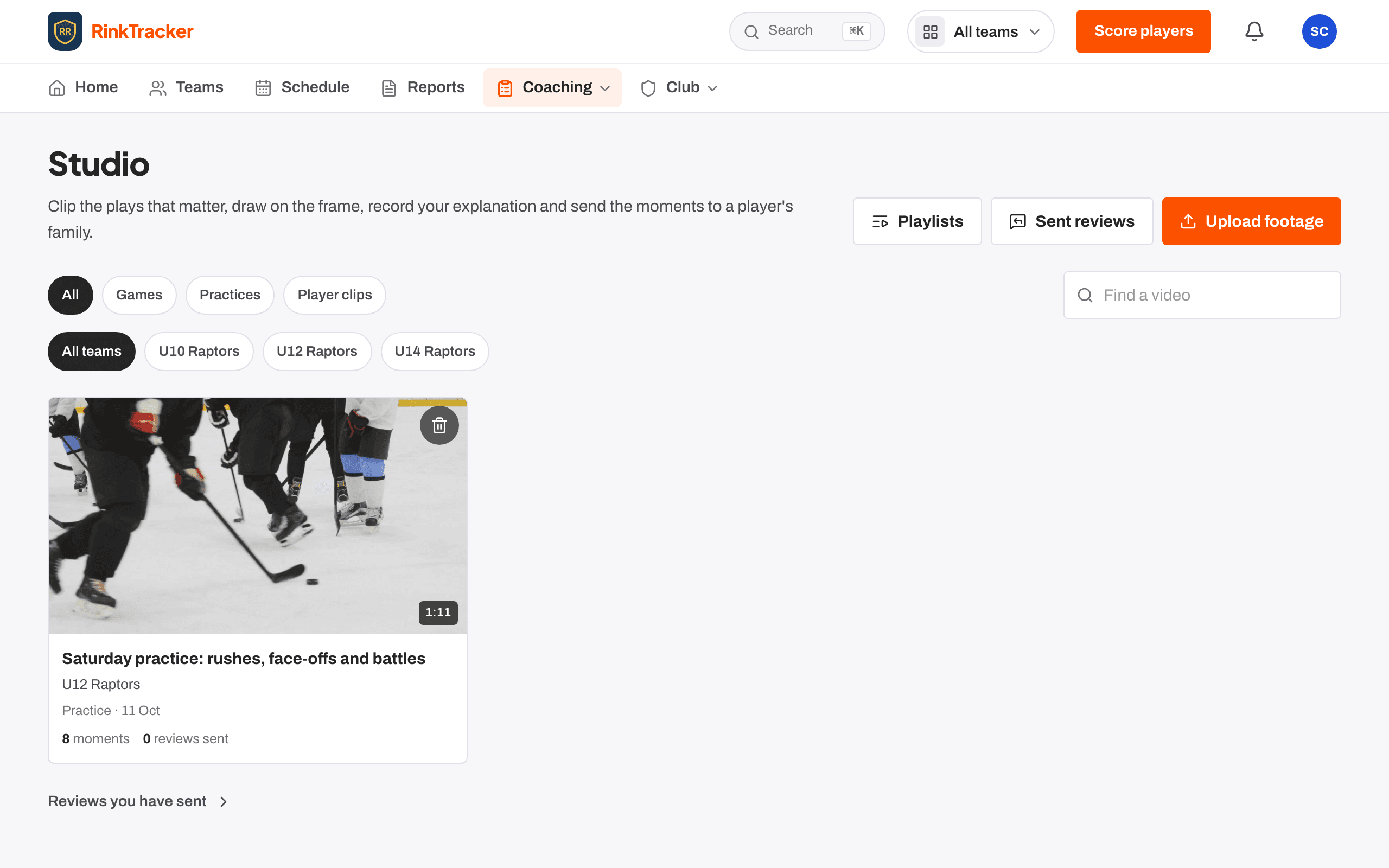
Club admins, head coaches and coaches can upload video. Team managers and families cannot. There are two kinds of upload, and each has its own limits.
| Team footage | A game or practice. Up to 8 GB and 3 hours. |
| Player clip | A short clip of one player. Up to 500 MB and 2 minutes. |
Files can be MP4, WebM or MOV. If a file is too big or too long, RinkTracker tells you before it starts: split a long game into periods, or export it at a lower quality.
Where to upload
- Open Studio and press Upload footage. On a phone, Studio is under More.
- Under What are you uploading? choose Team footage or Player clip.
- For team footage, pick the Team, the Kind (Game or Practice), Recorded on, and optionally the event it came from under From the schedule (optional).
- For a player clip, choose the Player, optionally a goal under For goal (optional), and whether to Share with the player's family.
- Under Video file, press Choose file and start the upload.
You can also add a clip from the Video card on a player's page. It asks What it shows, For goal and whether to share it with the family, which is ticked to start with.
While it uploads
The file goes from your browser straight to our video provider in small pieces, never through RinkTracker's own servers. Progress reads like "1.2 of 7.8 GB · about 12 min left". If the signal drops, the upload waits and carries on when it is back. You can pause, resume or cancel.
Preparing the video
Once the file is in, the video is prepared for playback. The page shows three steps, Uploaded, Preparing and Ready, with a progress bar and a percentage when one is known. When it reaches Ready the video opens by itself. Short clips take under a minute; a full game can take several. You can leave the page and the video will be waiting in the Studio.
- Team footage and player clips Help article
- Finding your way round the Studio Help article
- Video and consent Help article
- Tag a game video Step-by-step guide
Still stuck? Email hello@rinktracker.com and we'll help.