Review playlists
Line up moments from different games and practices, present them at a team meeting, or send them to players.
For coaches
A review playlist gathers moments from different videos, each with a teaching cue. Use one for a team video session on breakouts, or to show a player the same habit across three games.
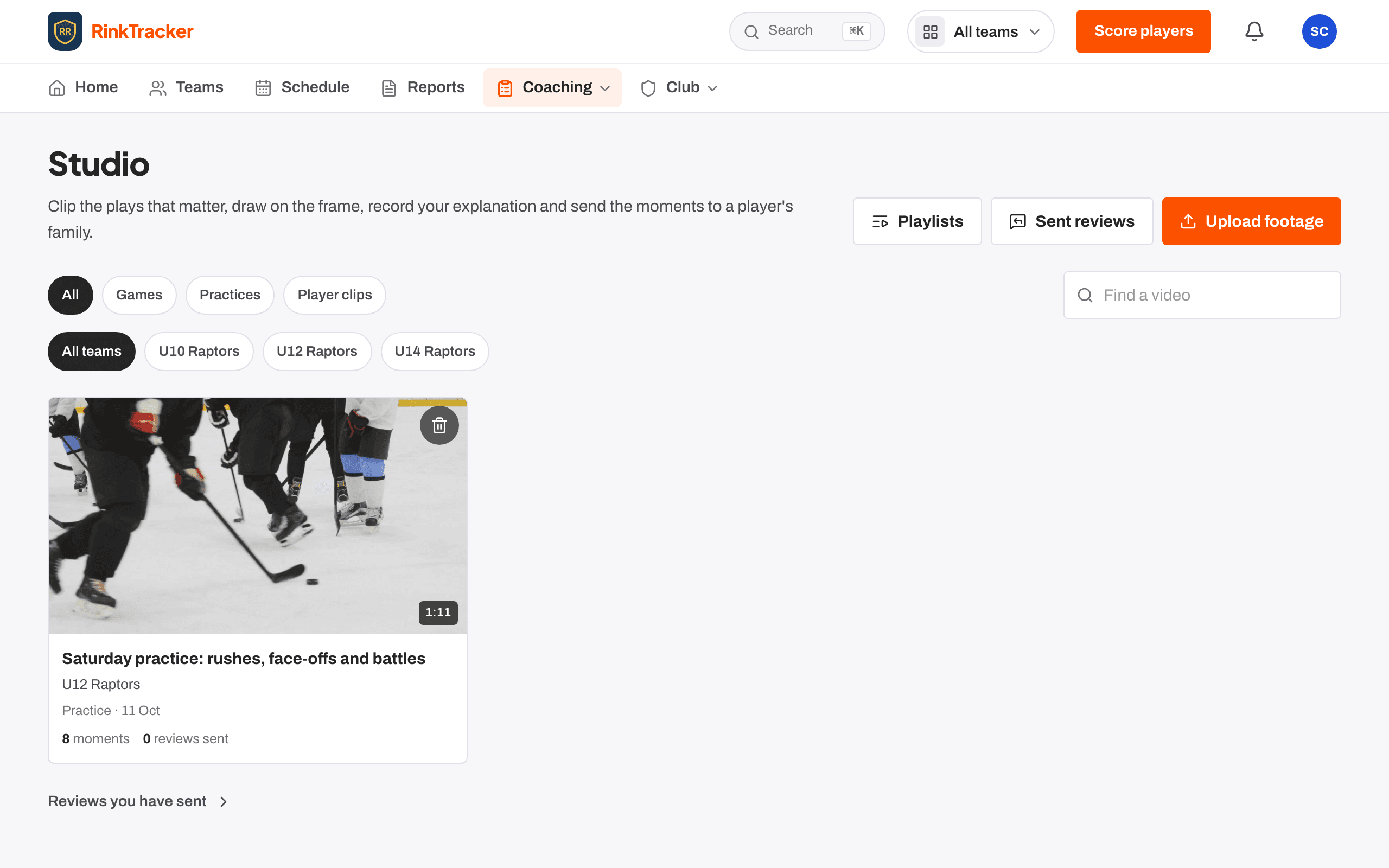
Making a playlist
- In the Studio, open Playlists and create one. Give it a title and choose a team, or Just me (club-wide).
- Add an opening cue if you want one.
- In coaching mode, press Add to review on a moment and choose the playlist, or New review… to start one there.
- Give each moment a cue.
Presenting
Press Present to show the playlist full screen.
| ← / → | Previous or next moment |
| Space | Play |
| R | Replay the moment |
Sending to players
Send to players shows how many of the playlist's moments can go to each player. Sending freezes it into a review, so later edits never change what a family was shown.
Related
- Sending a video review to a family Help article
- Finding your way round the Studio Help article
- Marking plays with one press Help article
- Coach a clip and send a video review Step-by-step guide
Still stuck? Email hello@rinktracker.com and we'll help.