Team footage and player clips
The difference between a full game or practice video and a short clip of one player, and who can see each.
For coaches
RinkTracker keeps two kinds of video. They are stored the same way but shared very differently.
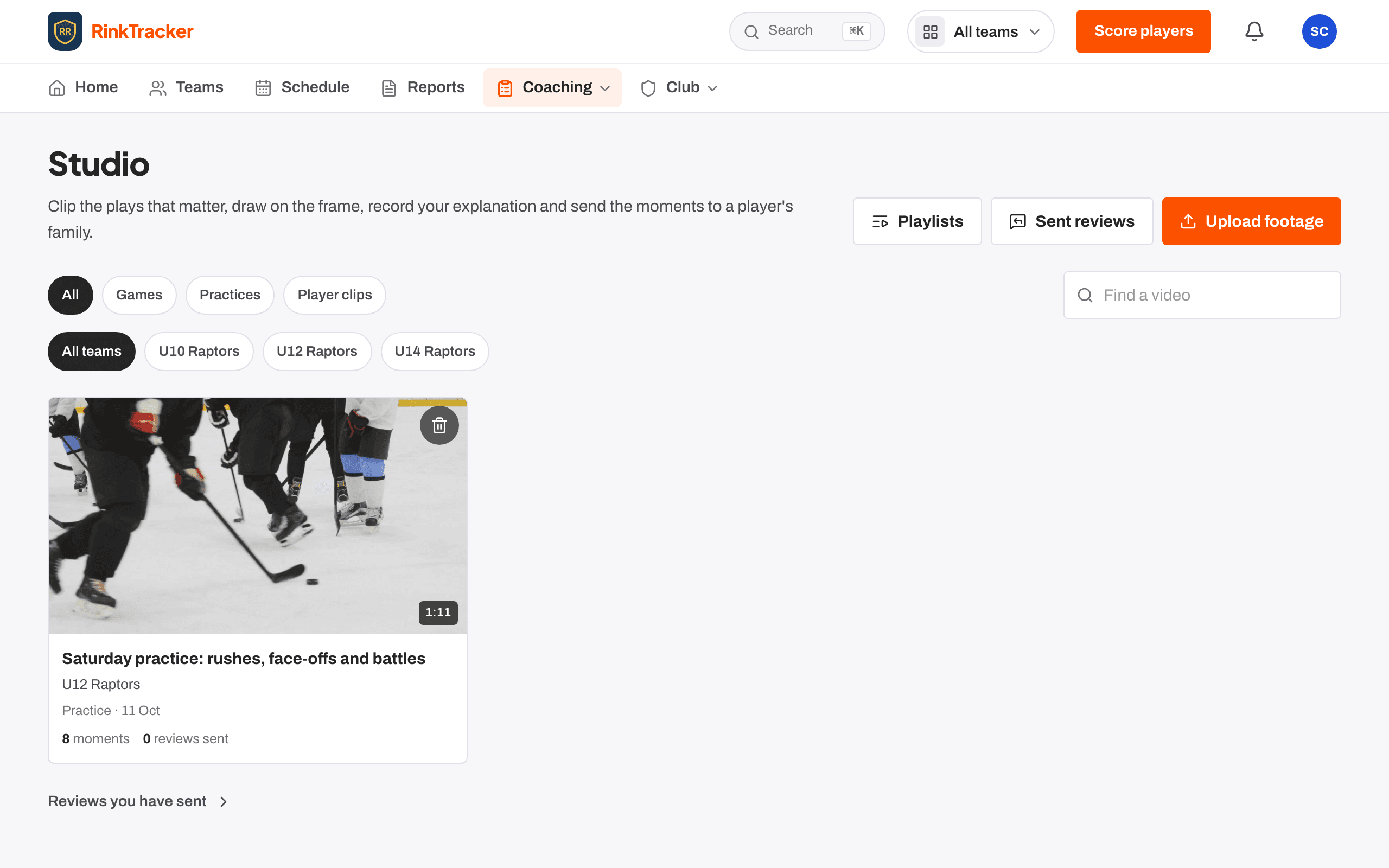
Team footage
A recording of a game or a practice, up to 8 GB and 3 hours. Only the team's staff can watch it. Families never see the whole recording. They see only the moments a coach picks and sends to their child in a review.
Team footage is where most coaching happens: you mark plays, cut the game into clips, tag players and draw on frames. You can link it to the game or practice on the schedule, so it is easy to find later.
Player clips
A short video of one player, up to two minutes (500 MB). Use it for a skill you want the player to see, such as an edge or a release. A clip can be linked to one of the player's goals and shared with the family. It needs the family's consent for coaching video.
On a player's page, coaches see the player's own clips and the moments of team footage they are tagged in. A family or a player with their own login sees only the clips shared with them and their video reviews, never team footage outside a review.
Finding a video
The Studio library lists every video for your teams. Filter by All, Games, Practices or Player clips, search with Find a video, pick a team, or use the Player moments: chips to see the moments a player is tagged in. A video still being prepared shows Preparing.
- Uploading a video Help article
- Sending a video review to a family Help article
- Video and consent Help article
- Tag a game video Step-by-step guide
Still stuck? Email hello@rinktracker.com and we'll help.