Roles: who sees what
What each staff role can see and do, and why families and players only ever see their own child.
For coaches, families, players, club admins
Everyone at a club has a role. Your role decides which teams you see and what you can change. You can check yours on your profile.
Staff roles
| Club admin | Everything, including people, settings and privacy |
| Head coach | Every team; publishes reports to families |
| Coach | Their own teams: scoring, goals, sessions |
| Team manager | Their own teams: schedule, registers and families |
| Safeguarding lead | Every team's welfare and safeguarding records |
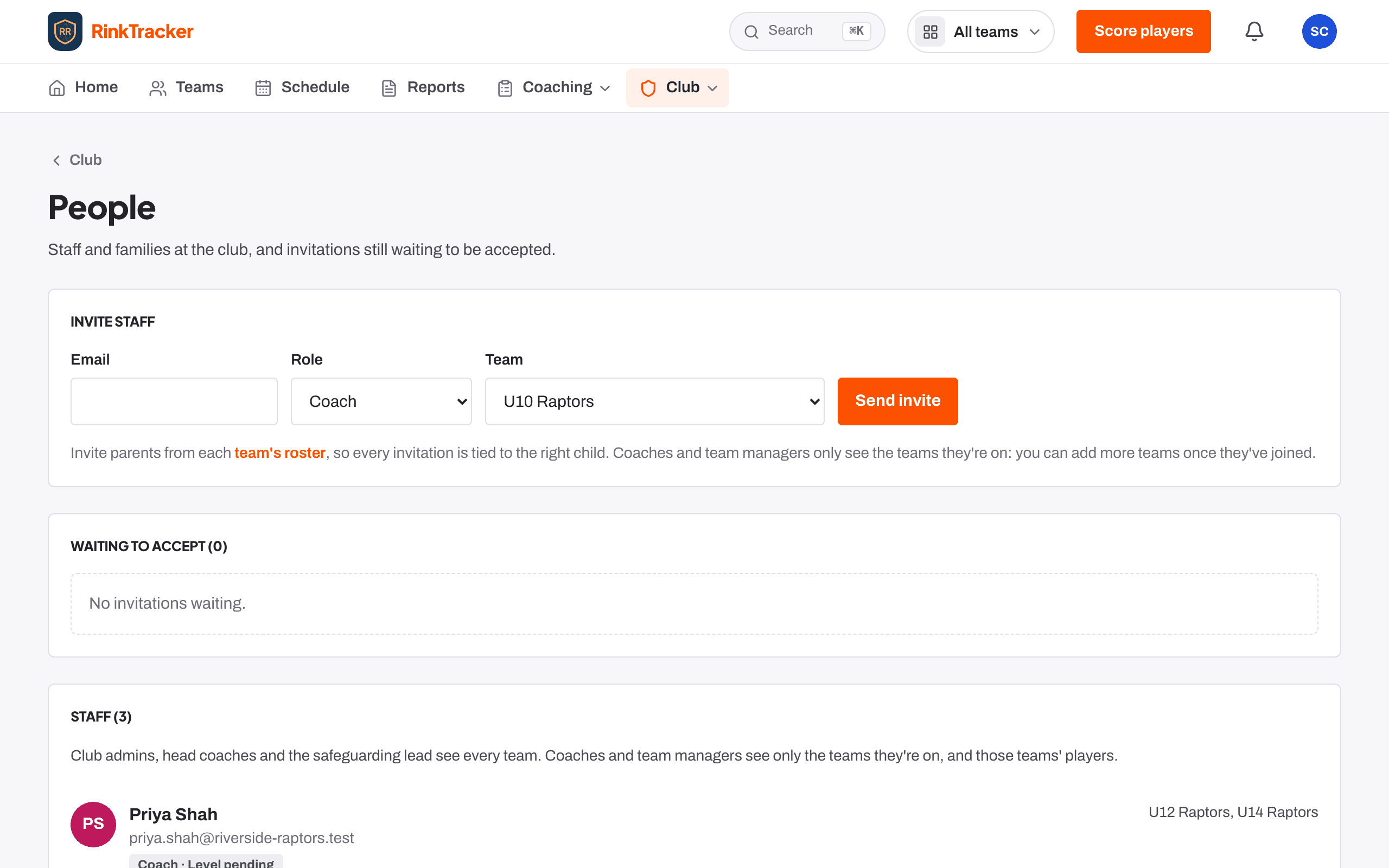
Club admins, head coaches and safeguarding leads see every team. Coaches and team managers see only the teams they have been added to. A coach with no team yet sees no players at all.
A few things only some roles can do
- Scoring, setting goals, coach notes and the Studio: club admins, head coaches and coaches.
- Approving feedback: club admins, head coaches and coaches.
- Publishing reports to families: club admins and head coaches.
- Sending announcements: club admins, head coaches and team managers.
- Adding events and taking registers: club admins, head coaches, coaches and team managers.
Parents and guardians
A parent sees only their own children: goals, practice, published reports, video reviews sent to them, and the schedule for their child's team. They never see another child's scores, and nothing in RinkTracker ranks children or shows a leaderboard.
Players with their own login
From age 13, with a parent's consent, a player can have their own login. They see only themselves. If the parent withdraws consent, the player can still sign in but sees nothing.
SEND support a parent shares is narrower still: only the child's own coaches and assistant coaches, the head coaches and the welfare officer see it. Team managers and club admins who don't coach don't.
- Finding your way round the app Help article
- Invite staff and families Step-by-step guide
- Give your child their own login Step-by-step guide
Still stuck? Email hello@rinktracker.com and we'll help.