Putting RinkTracker on your phone's home screen
Add RinkTracker to your home screen so it opens full screen like an app, with no app store download.
For coaches, families, players, club admins
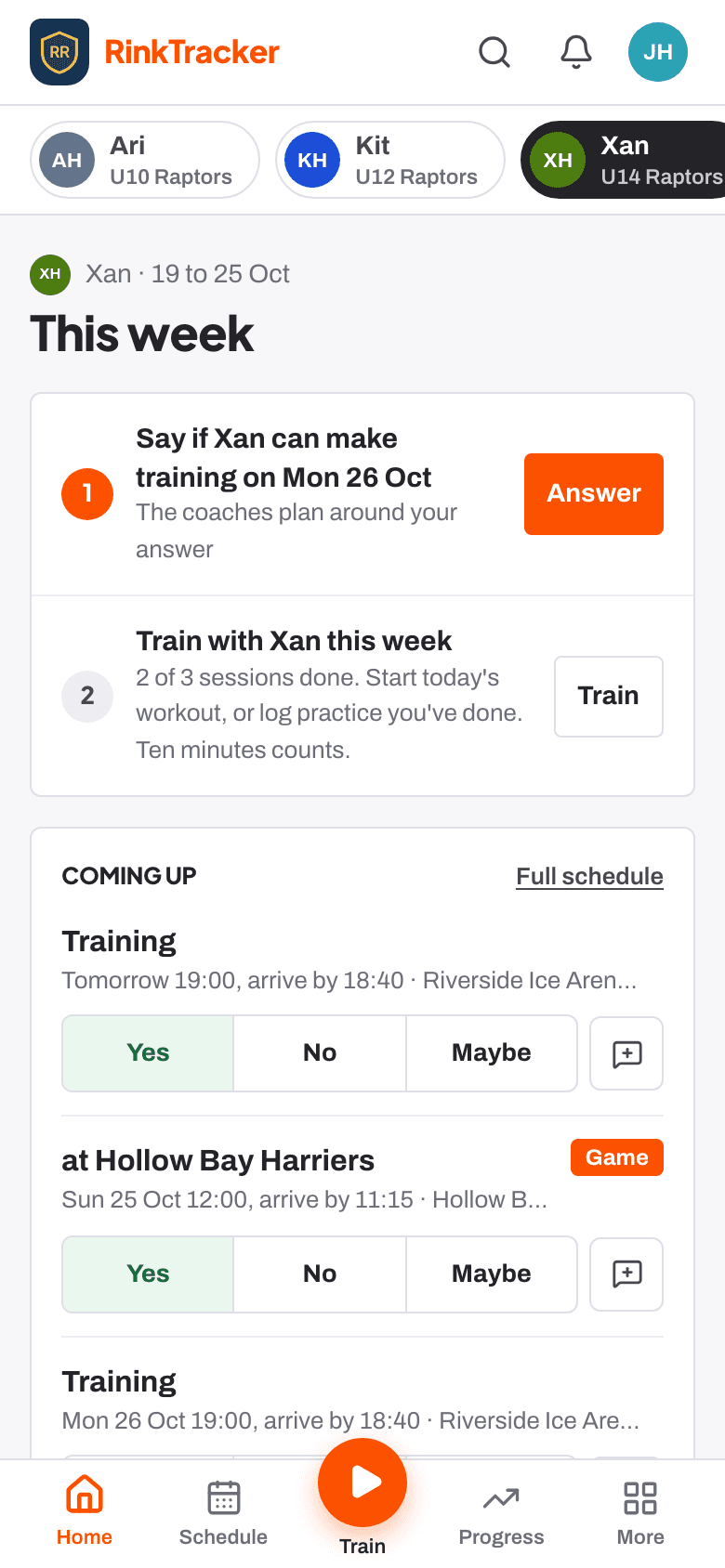
RinkTracker runs in your phone's web browser, so there is nothing to download from an app store. You can add it to your home screen. It then opens full screen with its own icon, like any other app.
On an iPhone or iPad
- Open RinkTracker in Safari and sign in.
- Tap the Share button at the bottom of the screen.
- Scroll down and tap Add to Home Screen, then Add.
On an Android phone
- Open RinkTracker in Chrome and sign in.
- Tap the three-dot menu at the top right.
- Tap Install app or Add to Home screen, then confirm.
The wording in your browser may differ slightly between versions.
Signing in from the icon
If the app asks you to sign in, ask for a link in the usual way. Sessions last 14 days on each device, so you will be asked again now and then.
Related
- Using RinkTracker with no signal Help article
- Signing in without a password Help article
- Finding your way round the app Help article
Still stuck? Email hello@rinktracker.com and we'll help.