Coach notes
Jot down what you notice about a player. Notes are for staff only and help when you write feedback.
For coaches
Coach notes are short notes about what you saw a player do. They build up over the season and help when you draft feedback and review goals.
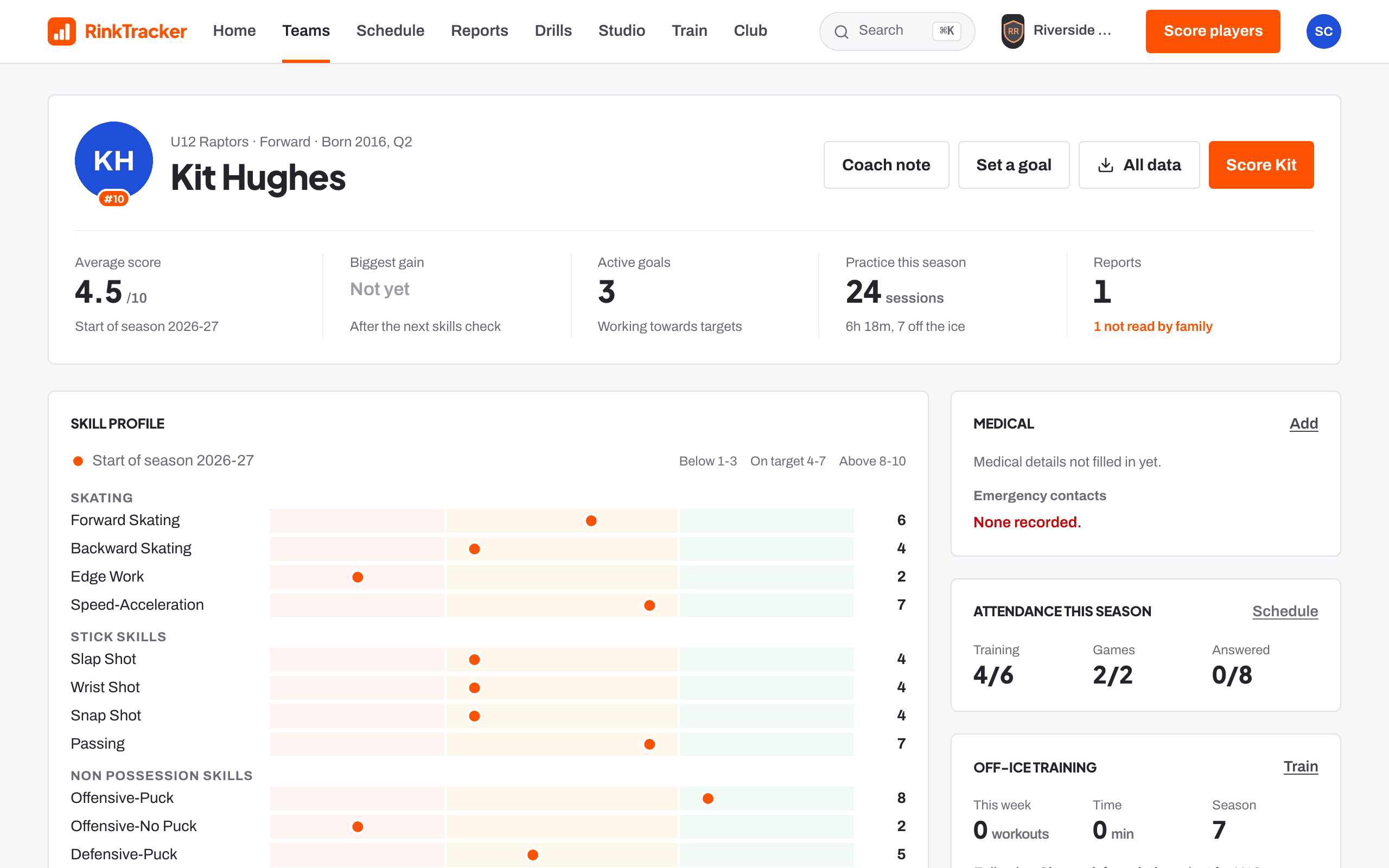
Adding a note from the player page
- Open the player's page and press Coach note, or scroll to the Coach notes card.
- Type what you noticed. The box asks "What did you notice about Pip today?"
- Choose a skill if it is about one, or leave it as General.
- Press Add note.
Notes show newest first, with the date.
Adding a note while scoring
On the scoring sheet, press Add a note. The note is tied to the player and the skill on screen. Press Save note. You can use your keyboard's microphone to dictate.
Notes added while scoring are saved on your phone with no signal and sync later, the same as scores.
Club admins, head coaches and coaches can add notes.
Related
- The player page Help article
- Drafting and approving feedback Help article
- Scoring a player at the boards Help article
Still stuck? Email hello@rinktracker.com and we'll help.