Sign in from your invitation
The club's invitation arrives with the subject "[Club] has added you on RinkTracker". Open the sign-in page, enter the same email and we send you a sign-in link. There is no password.
Look at This week
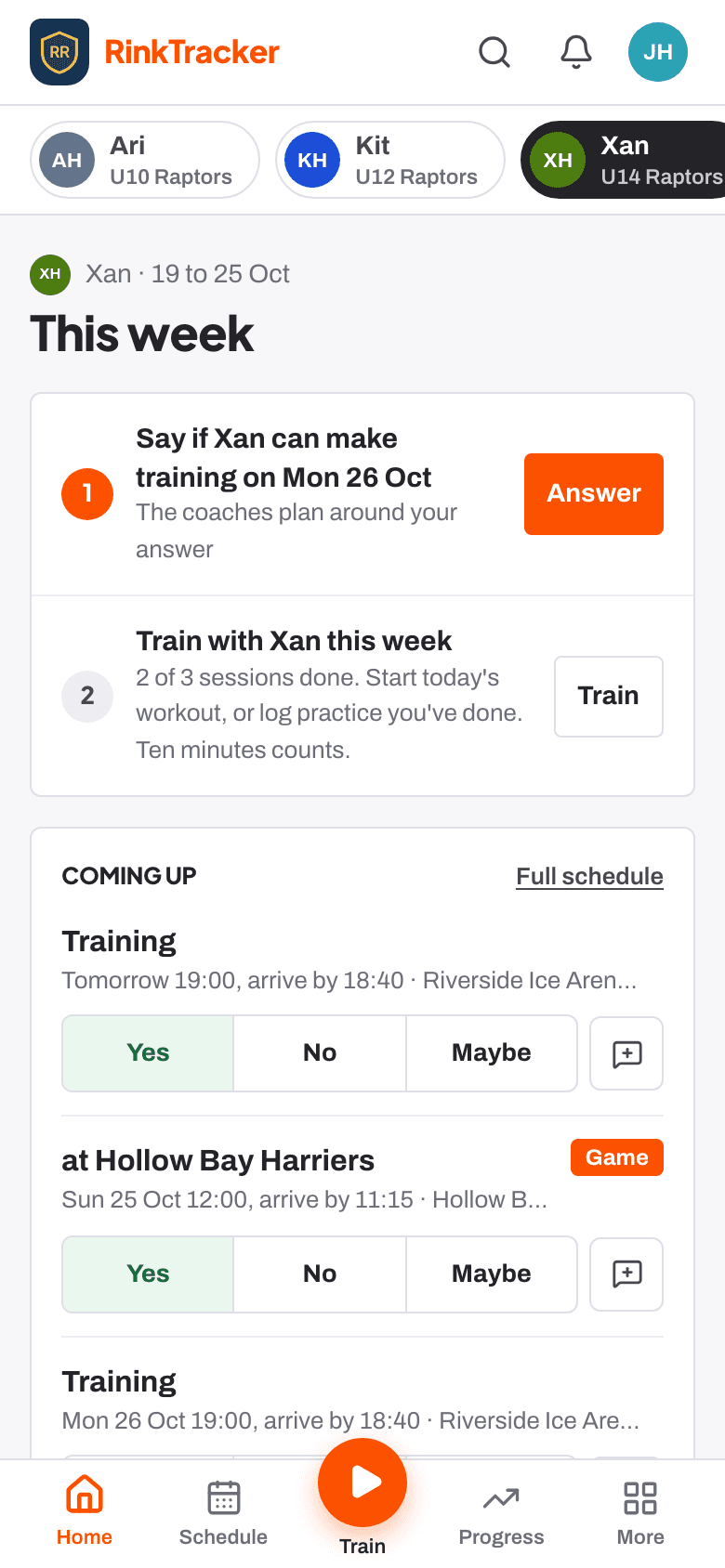
Your Home page is This week for one child: at most three things to do next, each with one button, then training and games coming up and how the week is going. With more than one child, the names along the top switch between them.
Add medical details and emergency contacts
- Press Add next to Add an emergency contact for [child], or open your child's page and find Medical and emergency contacts.
- Add any conditions, allergies and medications, and anything else the coaches should know.
- Add emergency contacts in the order you want them called.
Check your privacy choices
On your child's page, find Privacy and consent and press Review. Each choice has its own Give consent or Withdraw.
- Photos: team and match photos taken by the club. No name is shown with a photo.
- Video for coaching: on unless you turn it off. Never public, never downloadable by other families.
- Club promotion, Livestreams and Share with the GB pathway.
- Own login for the player: from age 13.
Say who can make training and games
Open Schedule. For each event, choose Yes, No or Maybe for your child. Use Add a note for the coach for anything they should know, such as arriving 10 minutes late.
Only club staff see your answer, not other families. You get an email when an event is added, changed or cancelled, and a reminder two days before if you haven't answered.
Practise on your child's goals
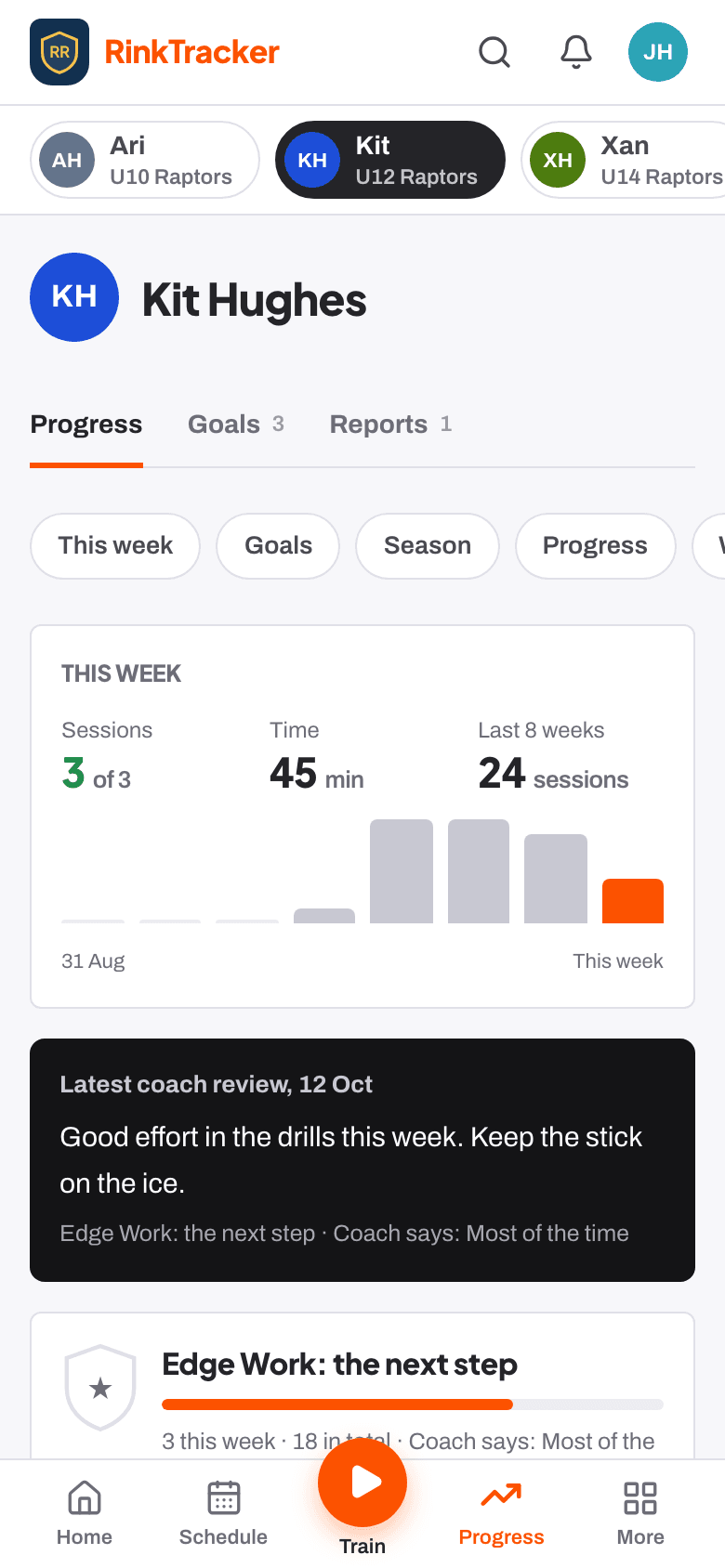
- When the coach sets goals, read them with your child on their Progress page.
- Press the orange Train button and Start the workout under Up next. It's saved as you go.
- For practice done away from the app, press Log practice under it. Choose the goal, then the drill (or Something else), then the minutes and when, and press Save.
Ten minutes at home counts. The coaches see it straight away.
- Log practice and workouts at home Guide
- Your consent choices Help article
- Saying if your child can come Help article
- Reading your child's report Help article
Stuck? Email hello@rinktracker.com or search the help centre.