Log practice on a goal
- Press the orange Train button, then Log practice.
- Under What did you work on?, choose the goal.
- Under Which drill?, choose the drill, or Something else and say what it was.
- Choose the minutes and when. Parents also choose who is logging it.
- Press Save.
Do the drill of the week
If the coach has set a drill of the week, open it for the steps and the animation. When it's done, press Mark as done (or Mark Kit done as a parent). The coach sees how many players did it.
Start a workout
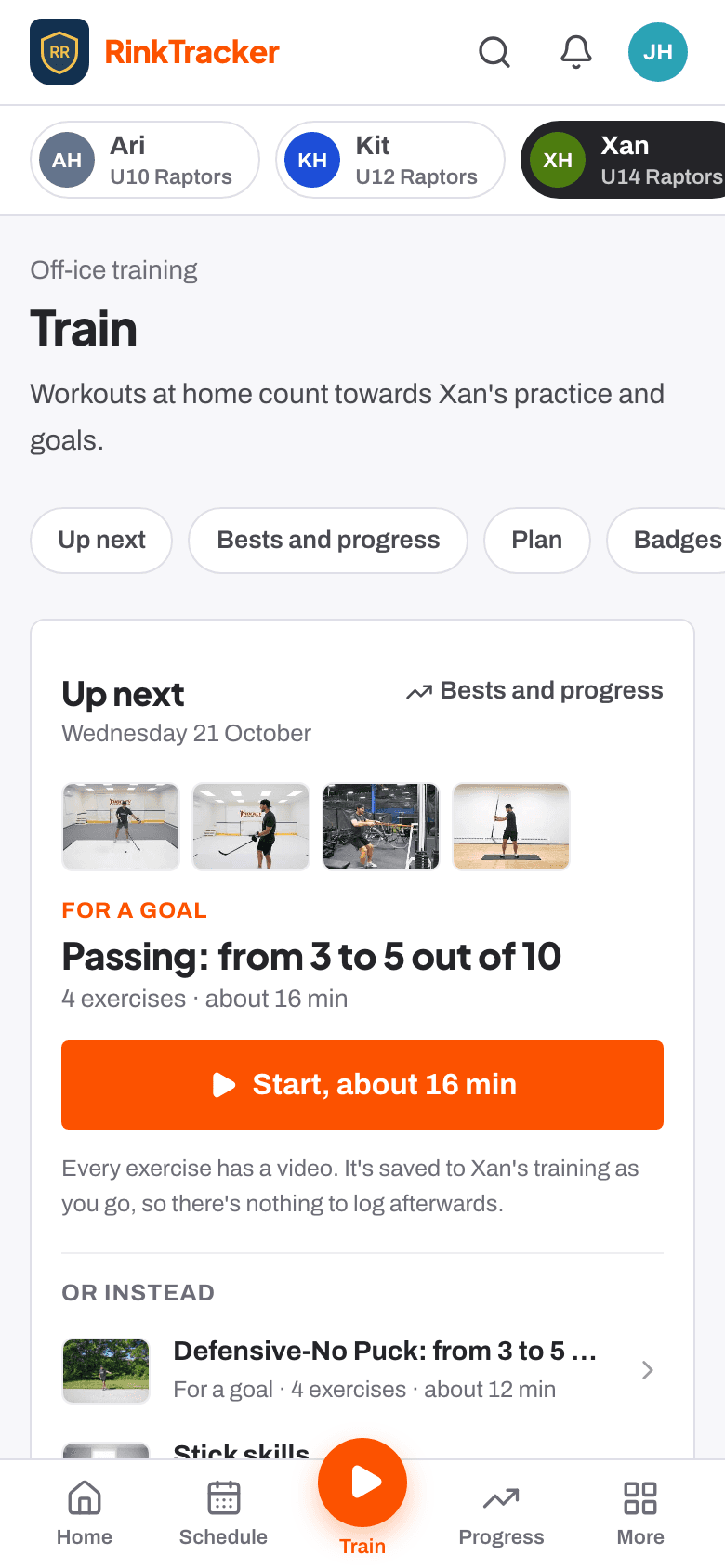
Press the orange Train button. Up next is the one workout to do now: press Start. Or instead offers a couple of others, and Choose another workout has the rest, or build your own. For your goals further down lists off-ice work picked for each goal.
Log each set
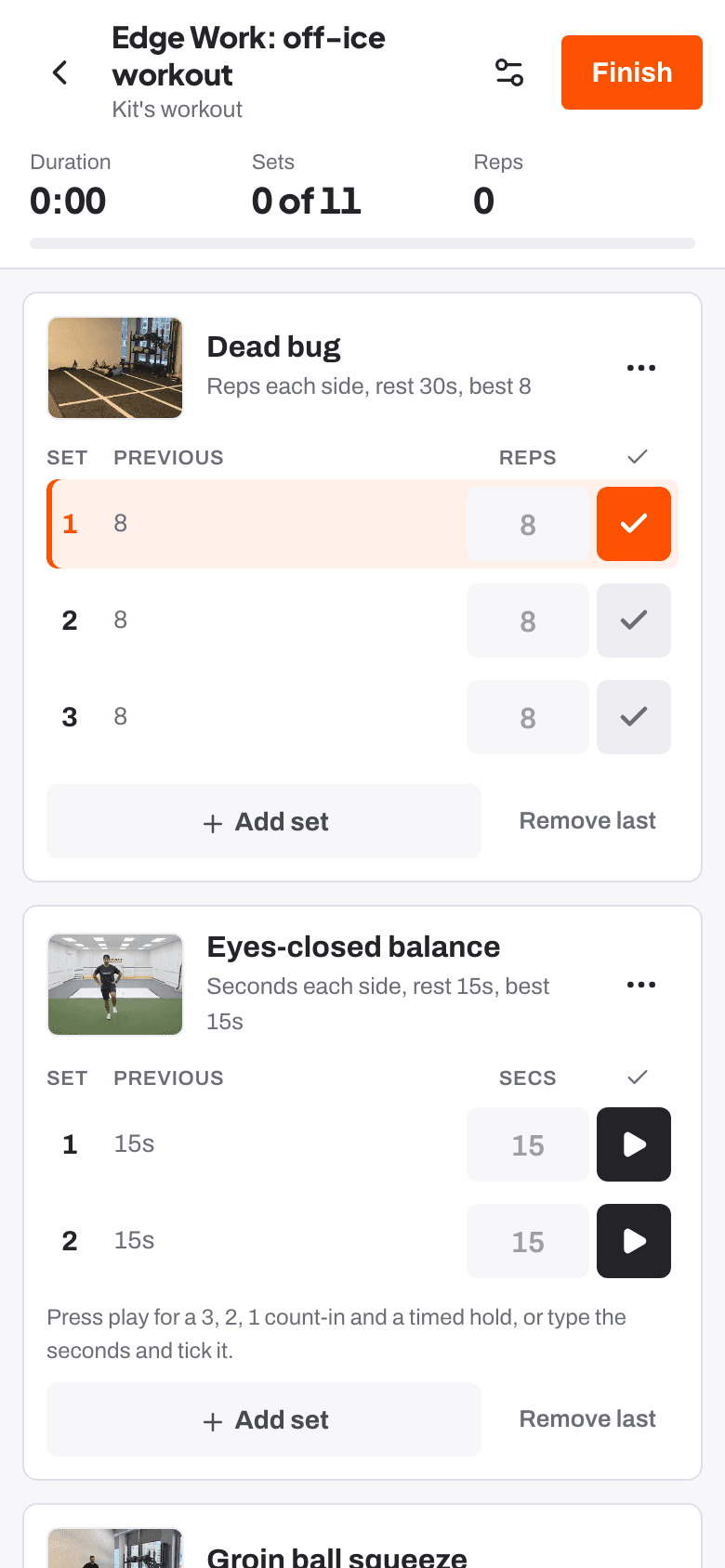
Each exercise shows the target and what you did last time. Tick each set as you finish it. Timed holds count you in with 3, 2, 1, and the rest timer runs between sets. New personal bests get a star.
Finish and save
Press Finish workout, choose How did it feel? (Easy, Just right or Hard), add a note for the coach if you like, then Save workout.
- Logging practice at home Help article
- Off-ice workouts at home Help article
- Your child's goals Help article
- Your first week as a family Guide
Stuck? Email hello@rinktracker.com or search the help centre.