When you have not seen enough to score
Use Not seen enough rather than guessing. It is left out of averages and never counts as a low score.
For coaches, families
Sometimes you have not watched a player do a skill often enough to judge it. They might have missed sessions, or the skill did not come up. Do not guess. Mark it as not seen.
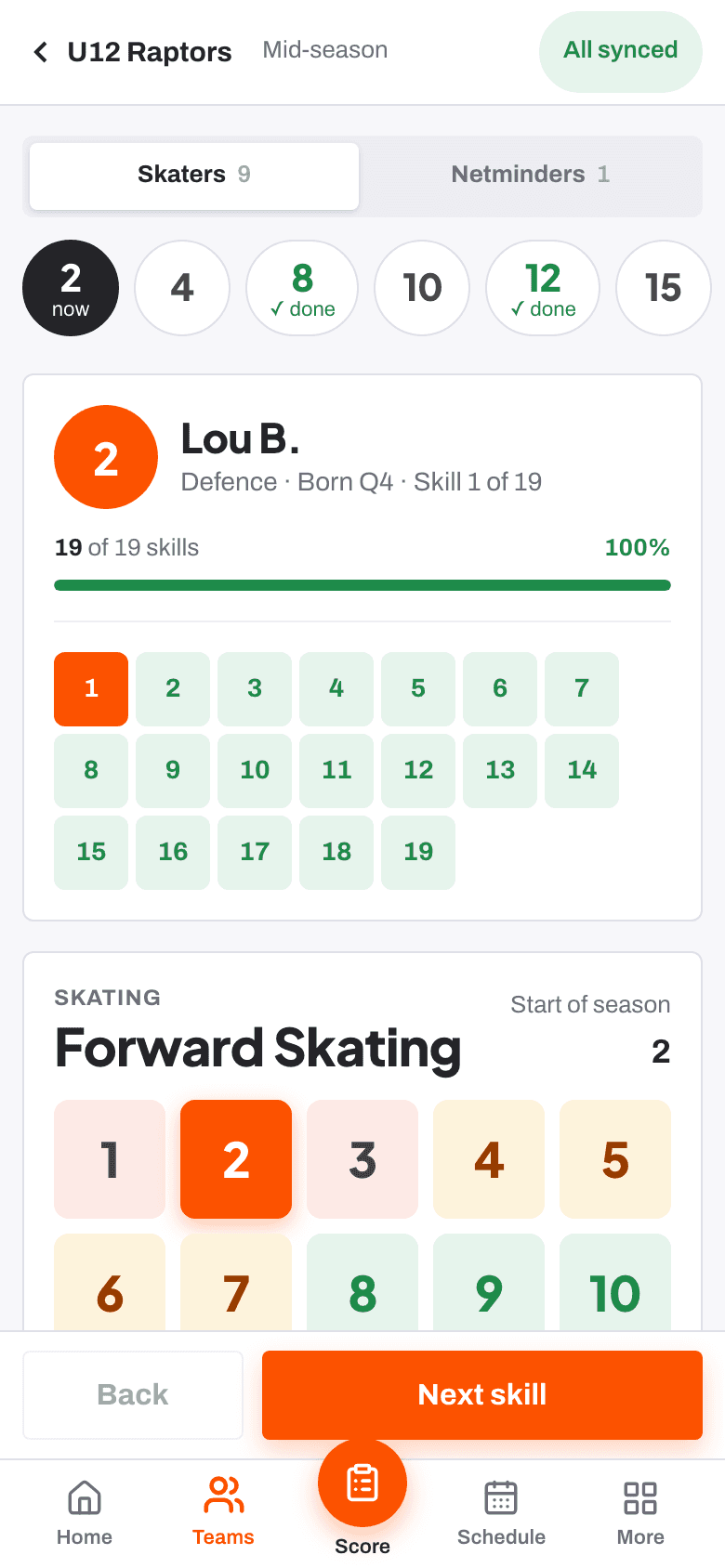
How to mark it
- On the main scoring sheet, press Not seen enough, or press N on a keyboard. The panel shows Not seen enough to judge.
- In Score one skill for everyone, press Not seen on that player's row.
If you see the skill later, tap a score and it replaces the not-seen mark.
What it means for the player
- It is saved as not observed.
- It is left out of the player's average.
- It never counts as a low score.
On the club dashboard, club admins and head coaches can see what share of scores were not observed. A high number can mean a skill needs more time in sessions before the next check.
Related
- Scoring a player at the boards Help article
- The 1 to 10 scale and the three bands Help article
- Scoring one skill for the whole team Help article
Still stuck? Email hello@rinktracker.com and we'll help.