Check the window is open
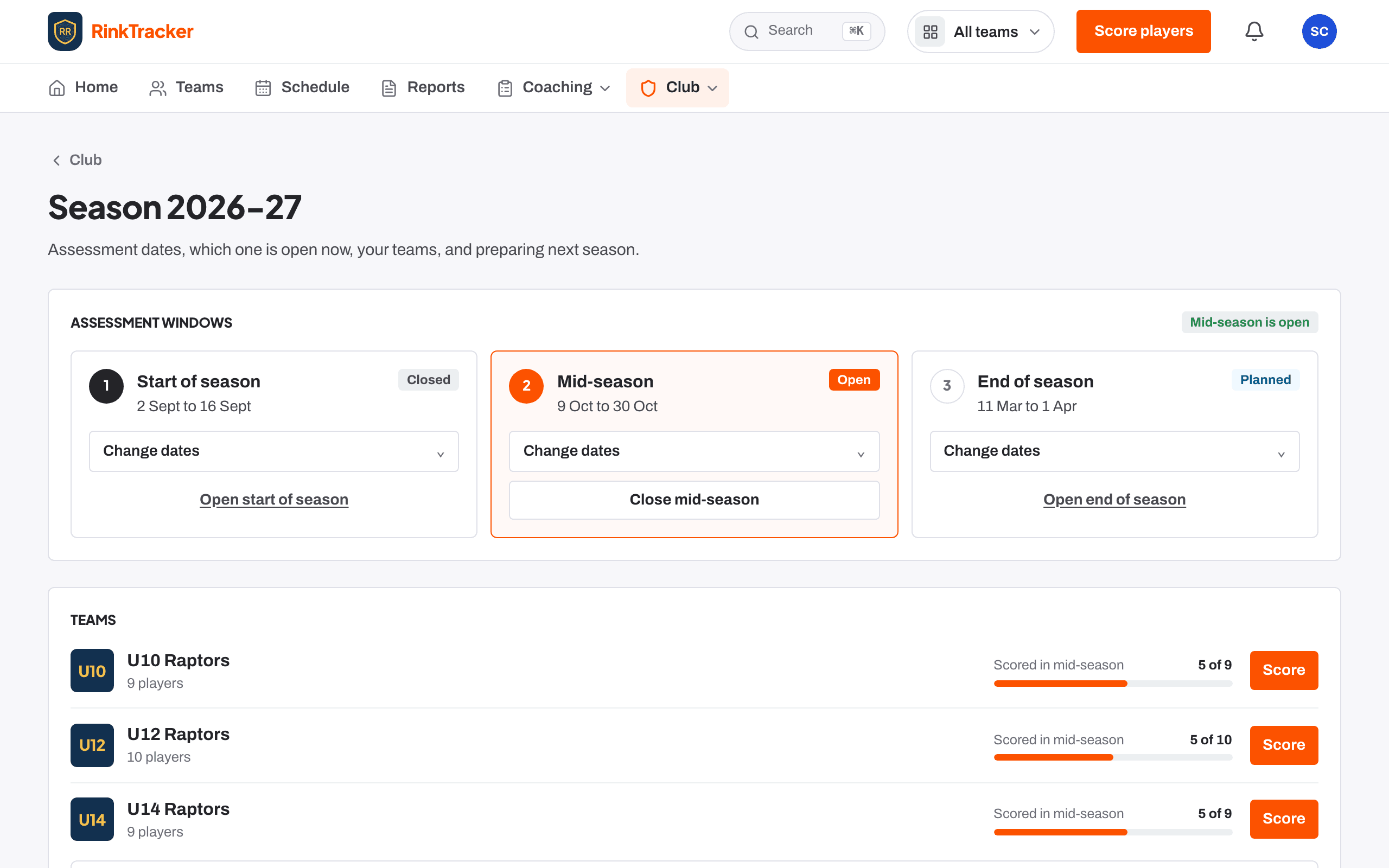
A season has three windows: Start of season, Mid-season and End of season. Only one is open at a time, and a planned window opens by itself on its opening date.
- Go to Club, then Season.
- Find the window. Its status reads Planned, Open, Closed or Past its end date.
- To move it, press Change dates, set Opens and Closes, then Save dates.
- To open it early, press Open start of season (or the mid or end window).
Score each player
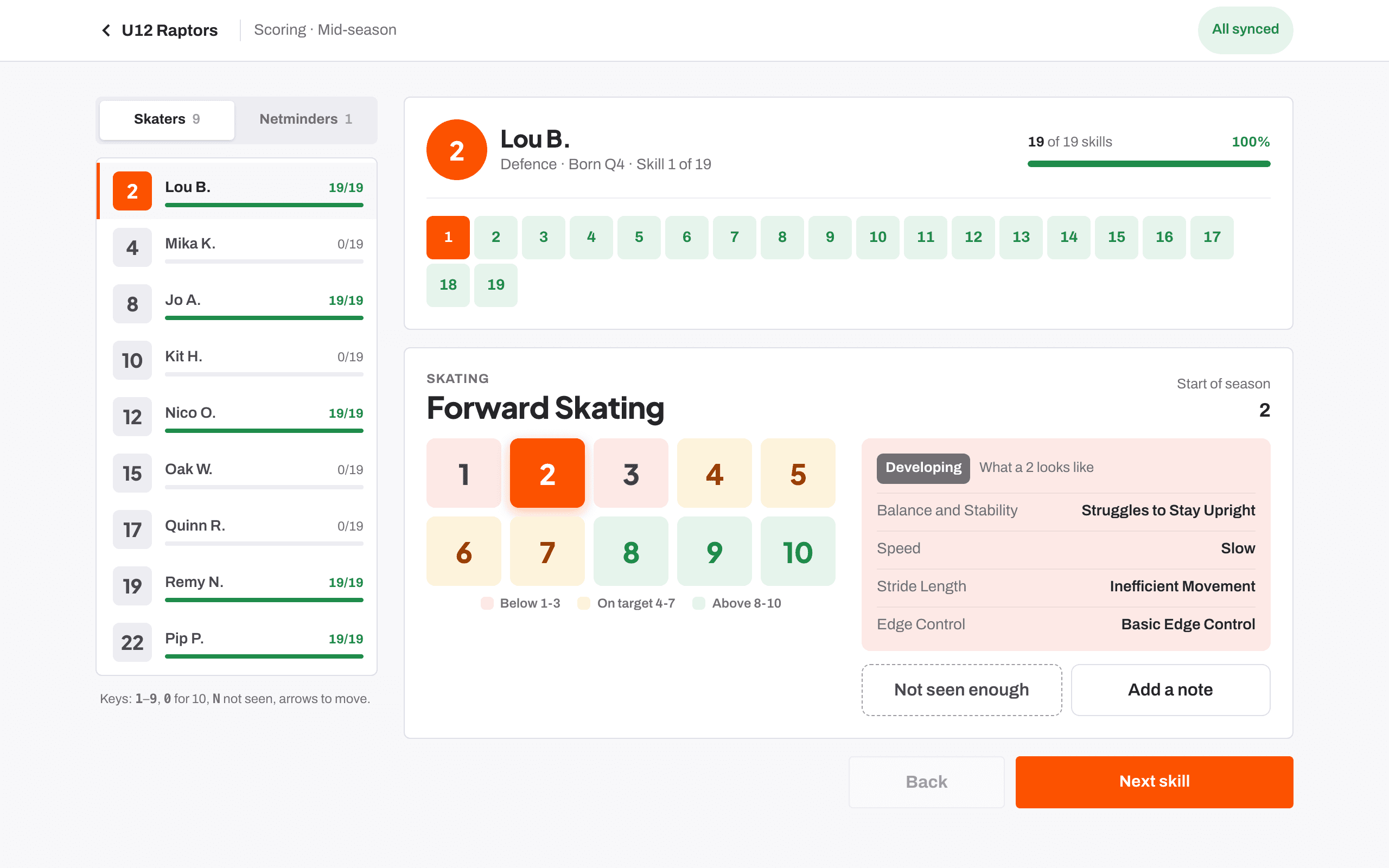
With the window open, press Score players. If you coach one team it opens that team's sheet straight away; otherwise pick the team on Teams and press Score players on its card.
Work through each player skill by skill on the 1 to 10 scale. Pick Not seen enough for anything you haven't seen enough of to judge. The full routine at the rink is in Score at the boards.
Use one skill for everyone when it suits the drill
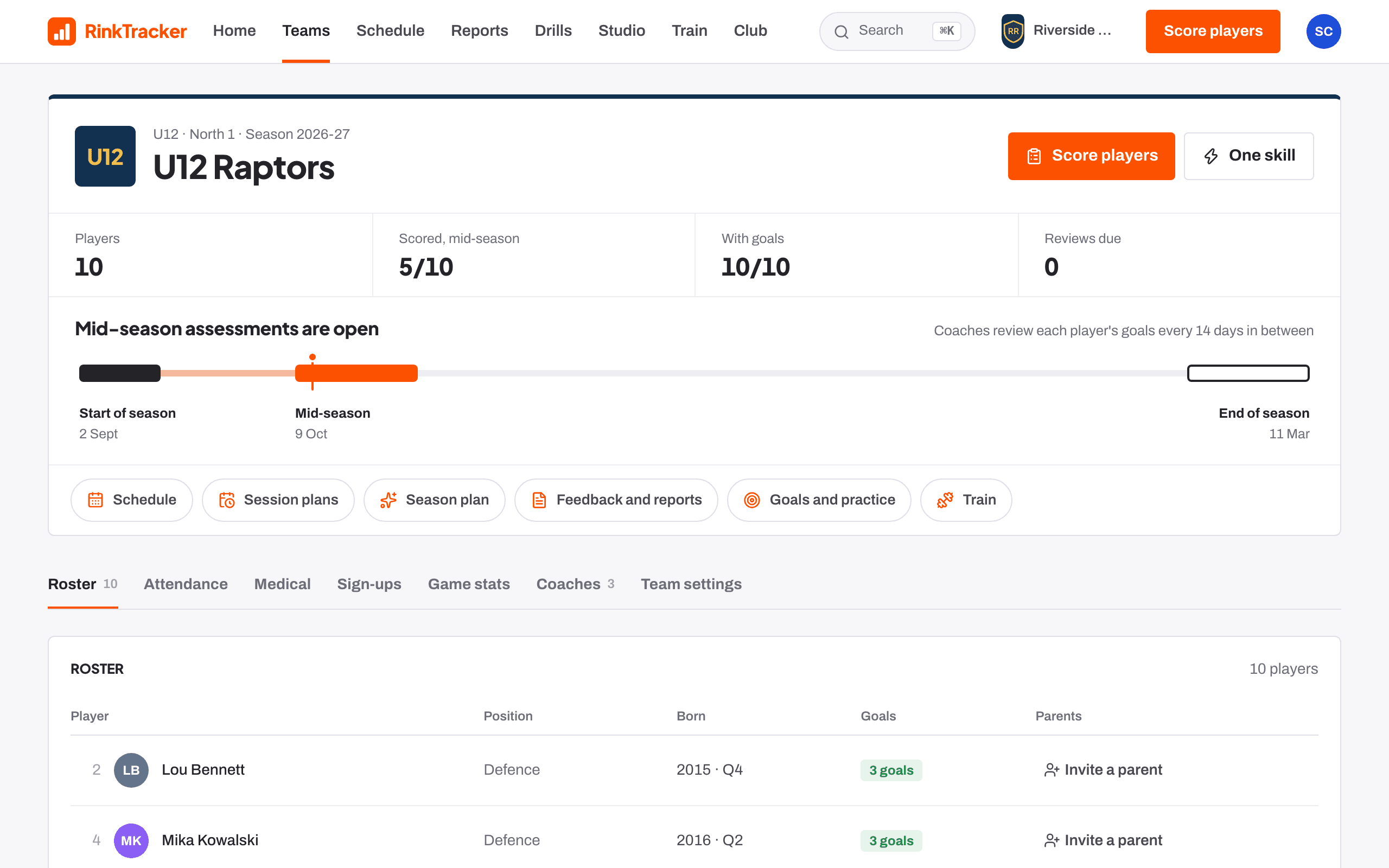
If a drill shows one skill for the whole team, such as backward crossovers, press Score one skill for everyone on the team's card, or One skill on the team page. Every player is a row and you score down the list. See Score one skill for everyone.
Watch the team's progress
Each team card on Teams shows how many players are scored in the open window. The team page header shows Scored, and your Home page lists Your teams with how many of each are scored.
Close the window
When scoring is finished, a club admin or head coach goes to Season and presses Close start of season (or whichever window is open). If a window is still open after its end date, Home shows Close the … assessment as a reminder.
Turn the scores into feedback and goals
The end of the score sheet offers Draft feedback, which builds each player's draft from the rubric's words. From there you approve the feedback, set goals and publish each player's report.
- Score at the boards Guide
- Publish reports to families Guide
- Set and review goals Guide
- Assessment windows: start, mid and end of season Help article
Stuck? Email hello@rinktracker.com or search the help centre.