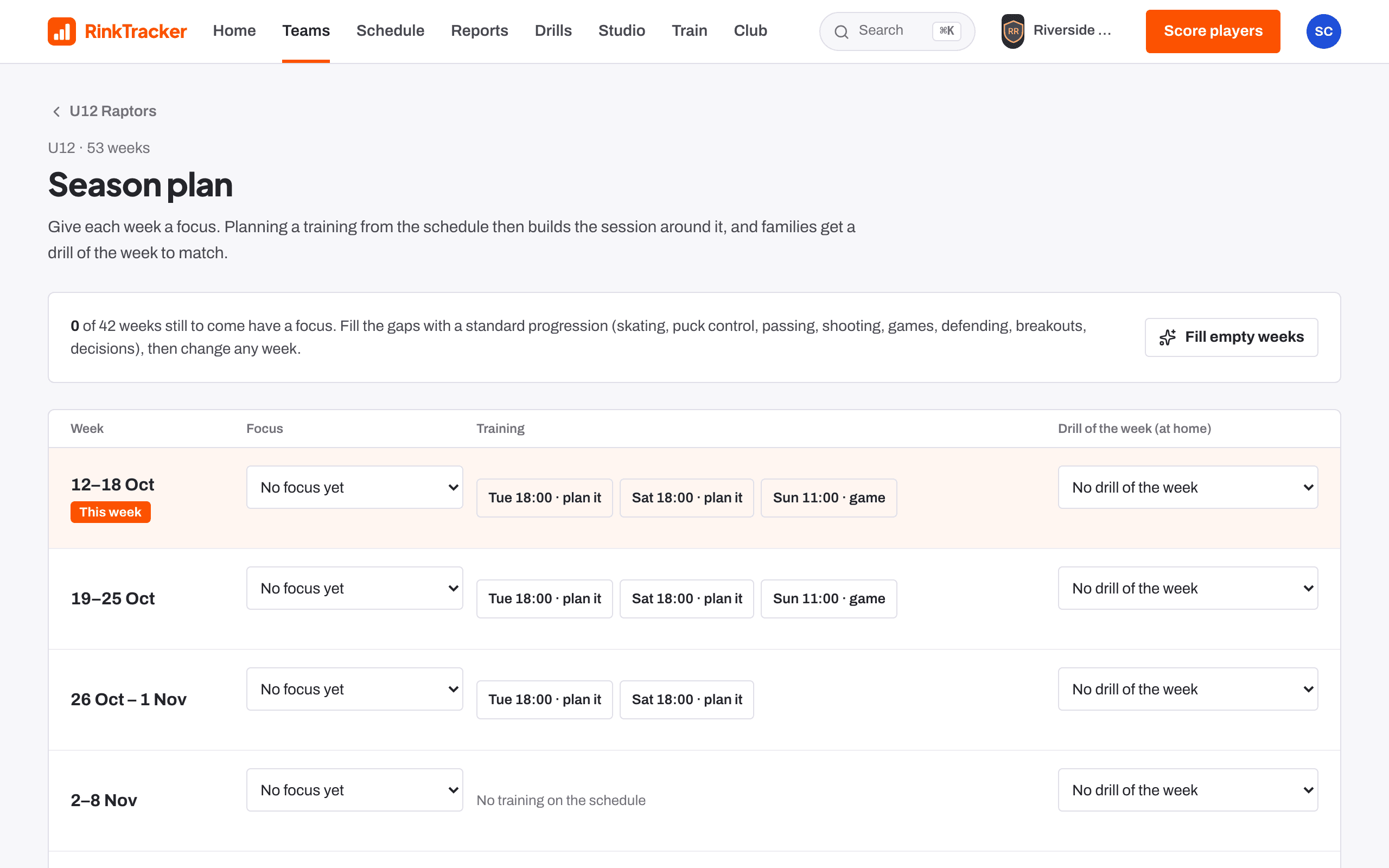
Give the week a focus
Optional, but it saves time. Open the team and choose Season plan in the team tools. Each week has a Focus and a Drill of the week (at home). Both save as soon as you change them.
Fill empty weeks fills the gaps with the standard progression: skating, puck control, passing, shooting, games, defending, breakouts and decisions.
Start the plan
- Open the training on Schedule and press Plan this session, or press Plan a session on Home or Drills.
- Under Which training is it for? pick the training, or choose not for a scheduled training and set the team, date and start.
- Choose what to Start from: Blank session, or a template such as Skill development, Station practice or Breakouts & neutral zone.
- Press Create session.
Fill the blocks
A session is a list of blocks: Drill, Stations, Break or To choose. Each has its minutes and notes, and you can move, duplicate or remove it.
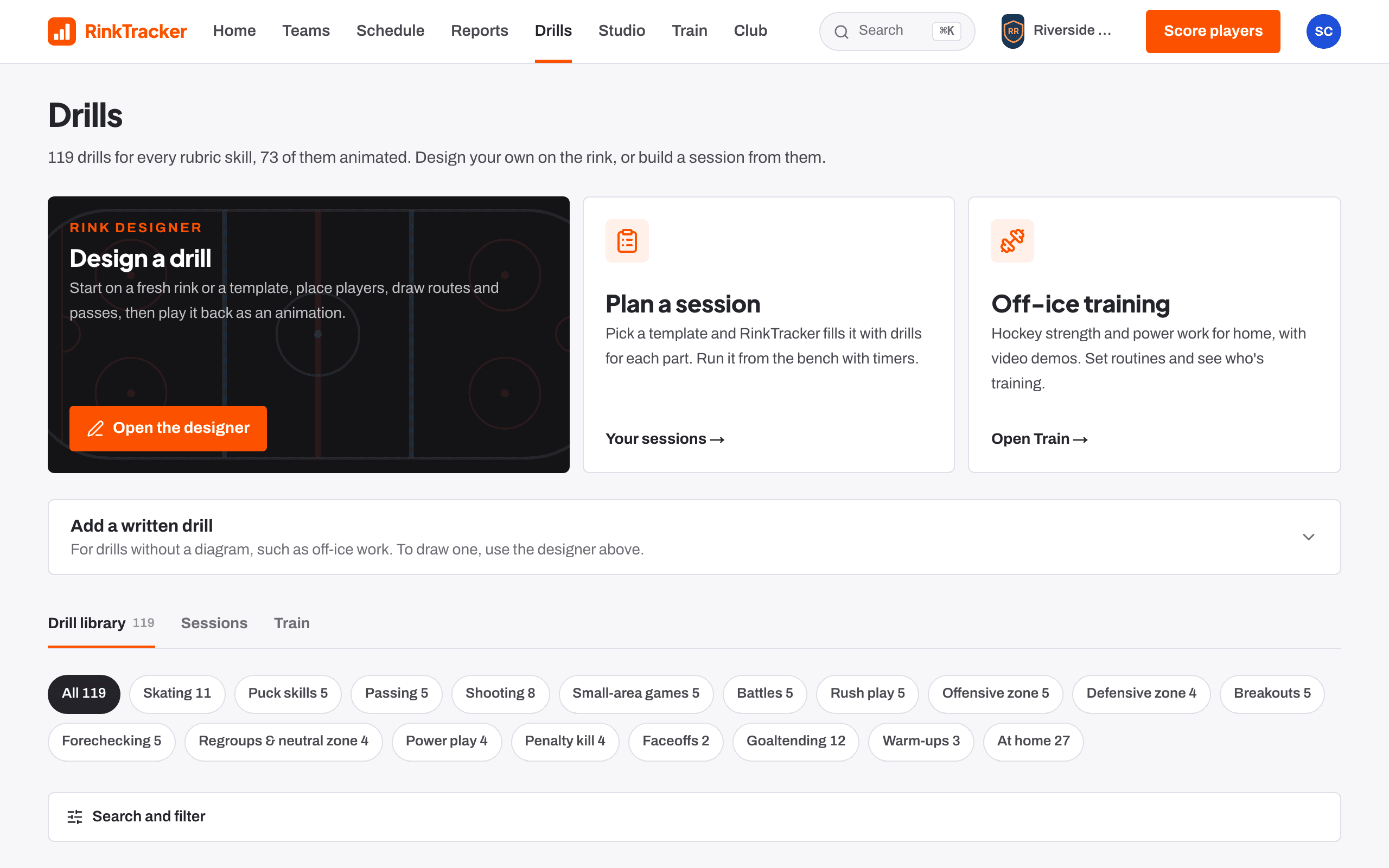
Press Choose drill on a block. The picker shows Best matches for the session's focus first, then the rest of the library.
Add the details
Set the Ice time and add Notes for coaches for anyone helping on the ice. The plan saves as you go.
Link it to the training
If you started from the schedule, the plan is already linked. Otherwise open the training on Schedule and use Link plan. The event then shows Open plan and Run it.
Print it or take it to the bench
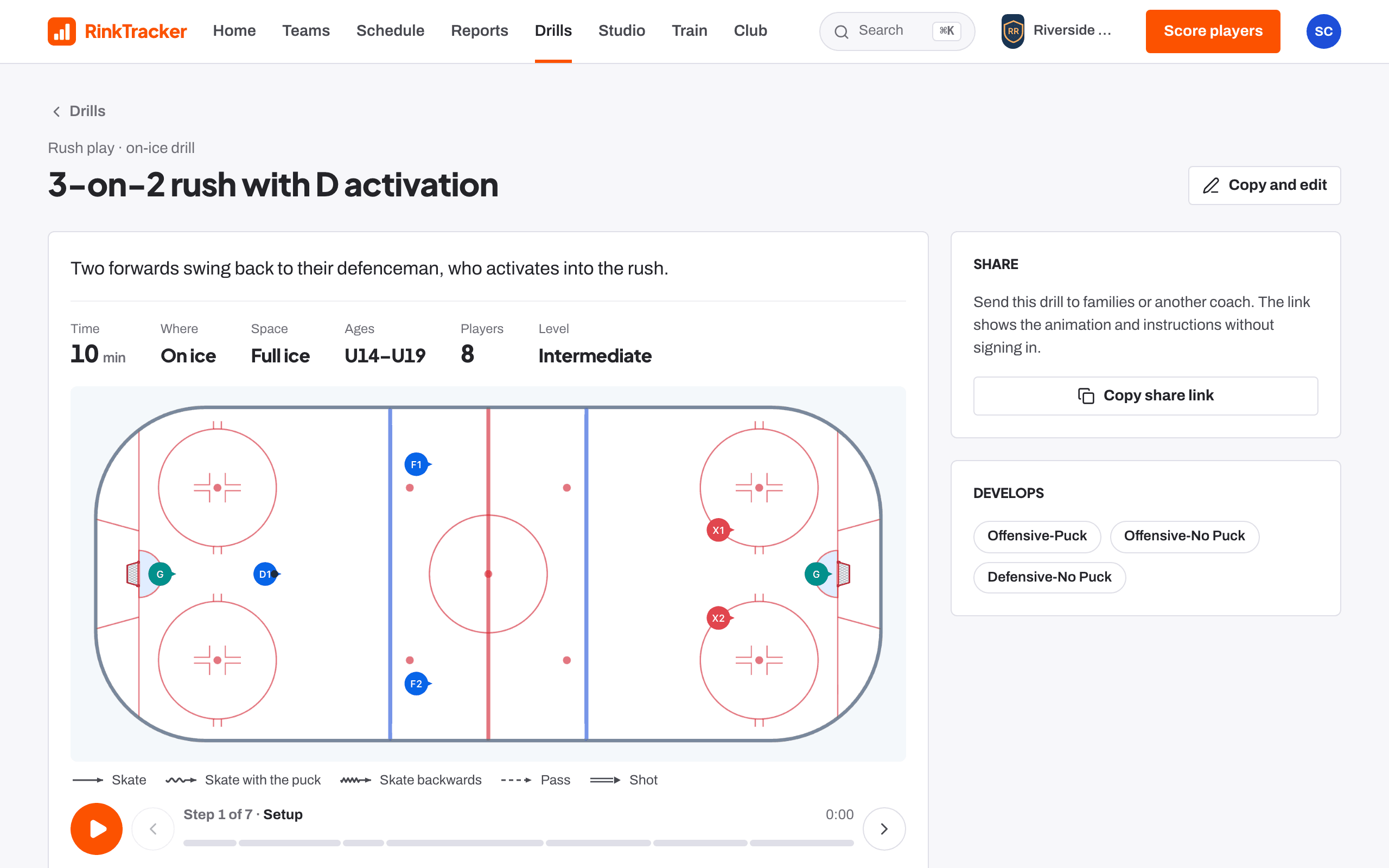
Press Print for a sheet with the timings, rink diagrams and notes, then Print or save as PDF. Or press Run on the bench to run it with timers.
- Run a session from the bench Guide
- Session plans and the bench runner Help article
- The season plan and drill of the week Help article
- The drill library Help article
Stuck? Email hello@rinktracker.com or search the help centre.