Open the runner
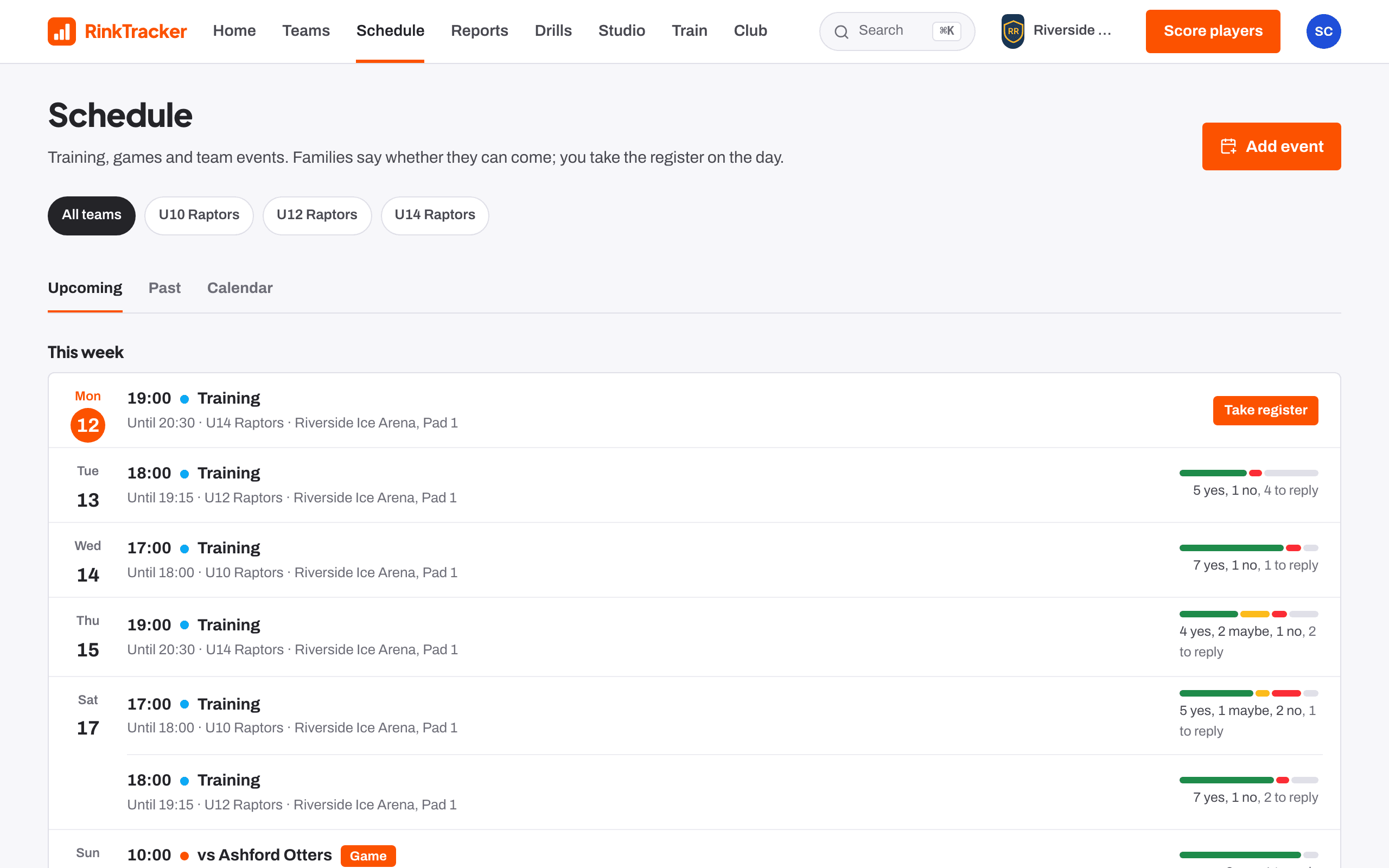
Open the training on Schedule and press Run it, or open the session plan and press Run on the bench. The runner fills the screen.
Start the clock
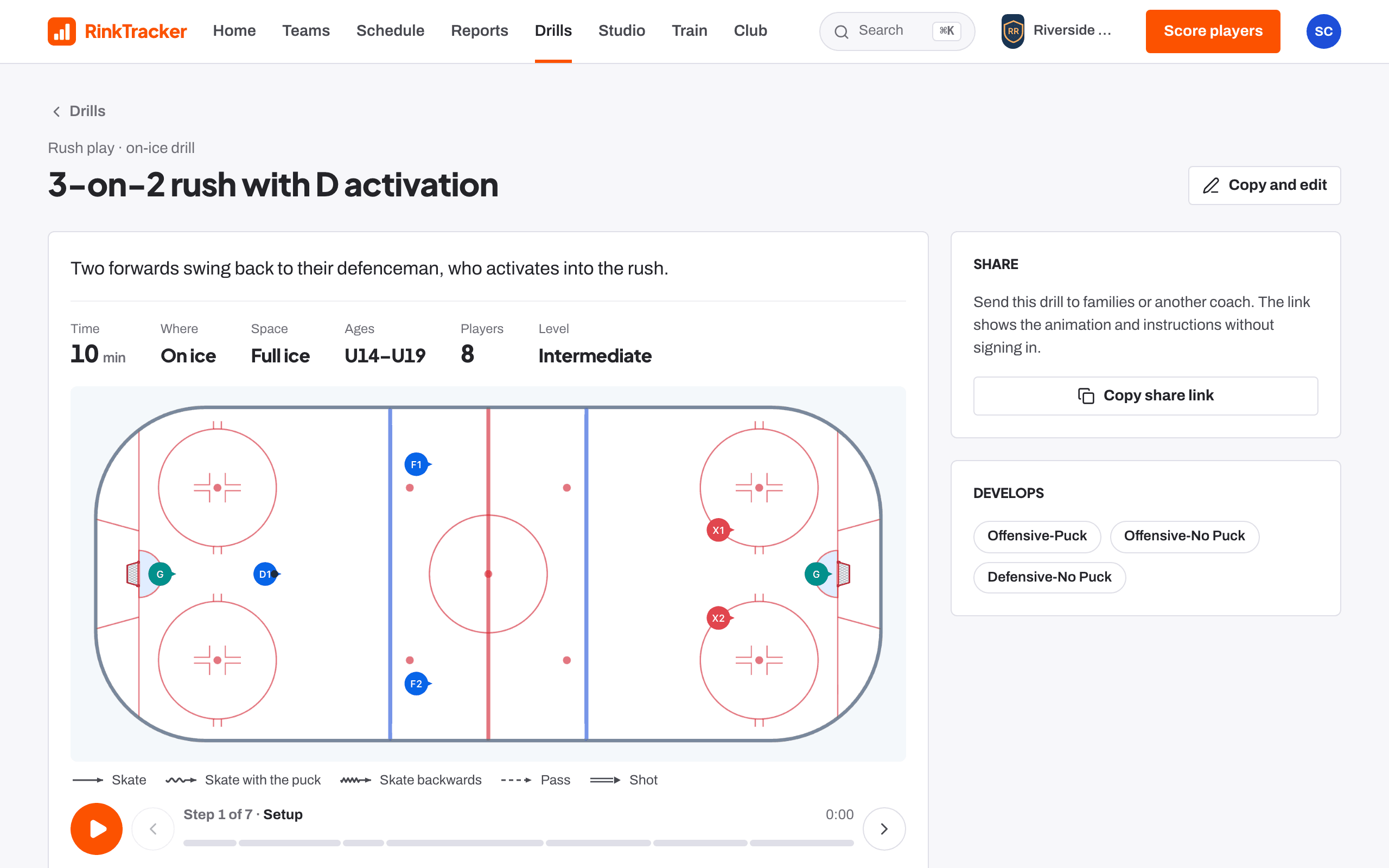
Press the big round start button. Each block counts down in large numbers, with the drill animating on the rink so the players can see it. Press it again to pause.
Move between blocks
Use Previous and Next to move. The runner shows what's coming next, so you can set up the next drill while this one runs.
Run stations
For a stations block, the runner shows which rotation you're on and how often groups move, for example "Rotation 2 of 3: groups move every 6 min".
Finish and take the register
The clock is saved on the device you're using, so run the session from one phone or tablet. When the session ends, take the register from the training's event page.
- Take the register and pick lines Guide
- Plan a training session Guide
- Session plans and the bench runner Help article
Stuck? Email hello@rinktracker.com or search the help centre.