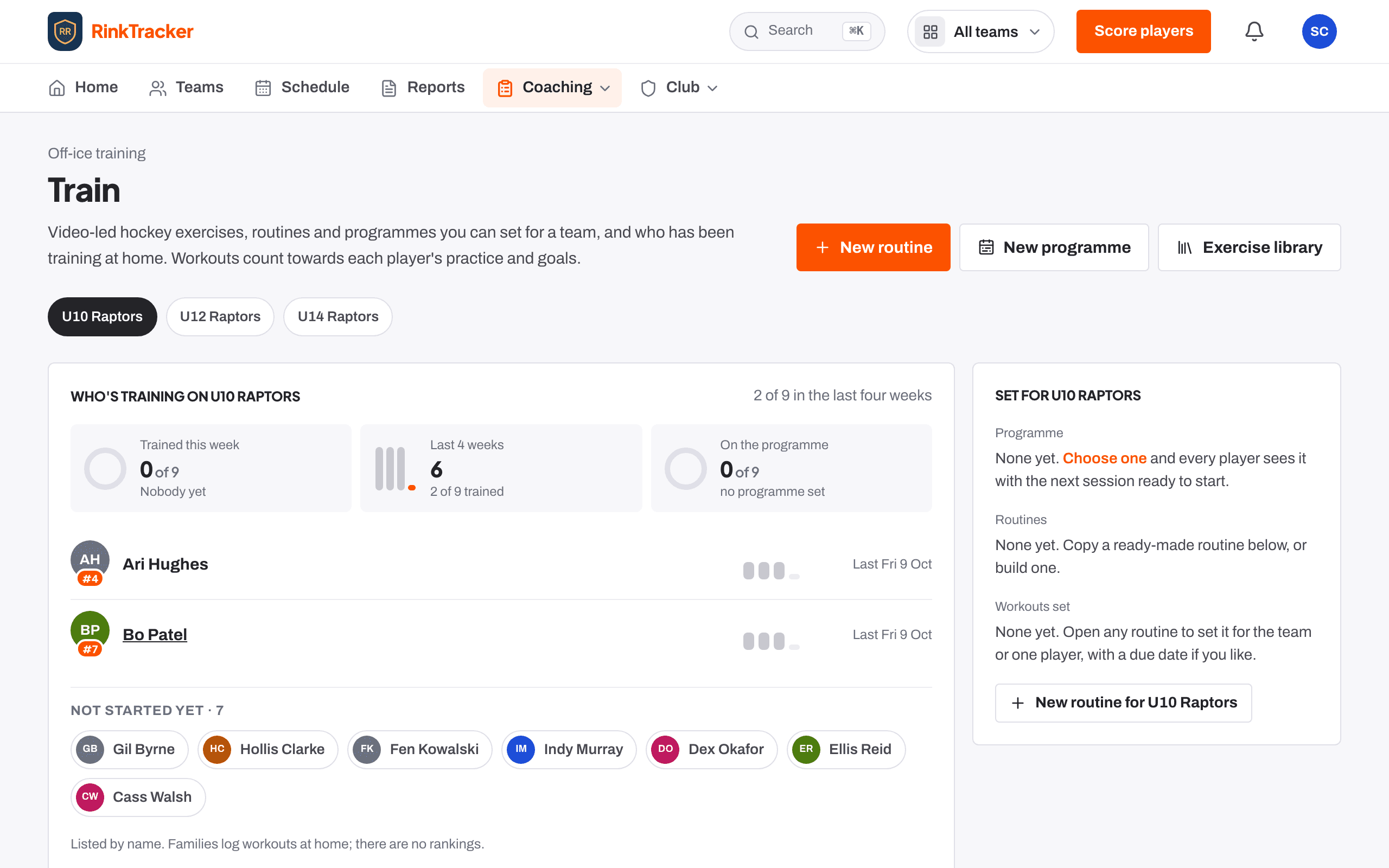
See who's training
Open Train and pick the team from the chips. Who's training shows how many trained this week and in the last four weeks, and who is on the programme. Players are listed by name. There are no rankings.
Set a programme for the team
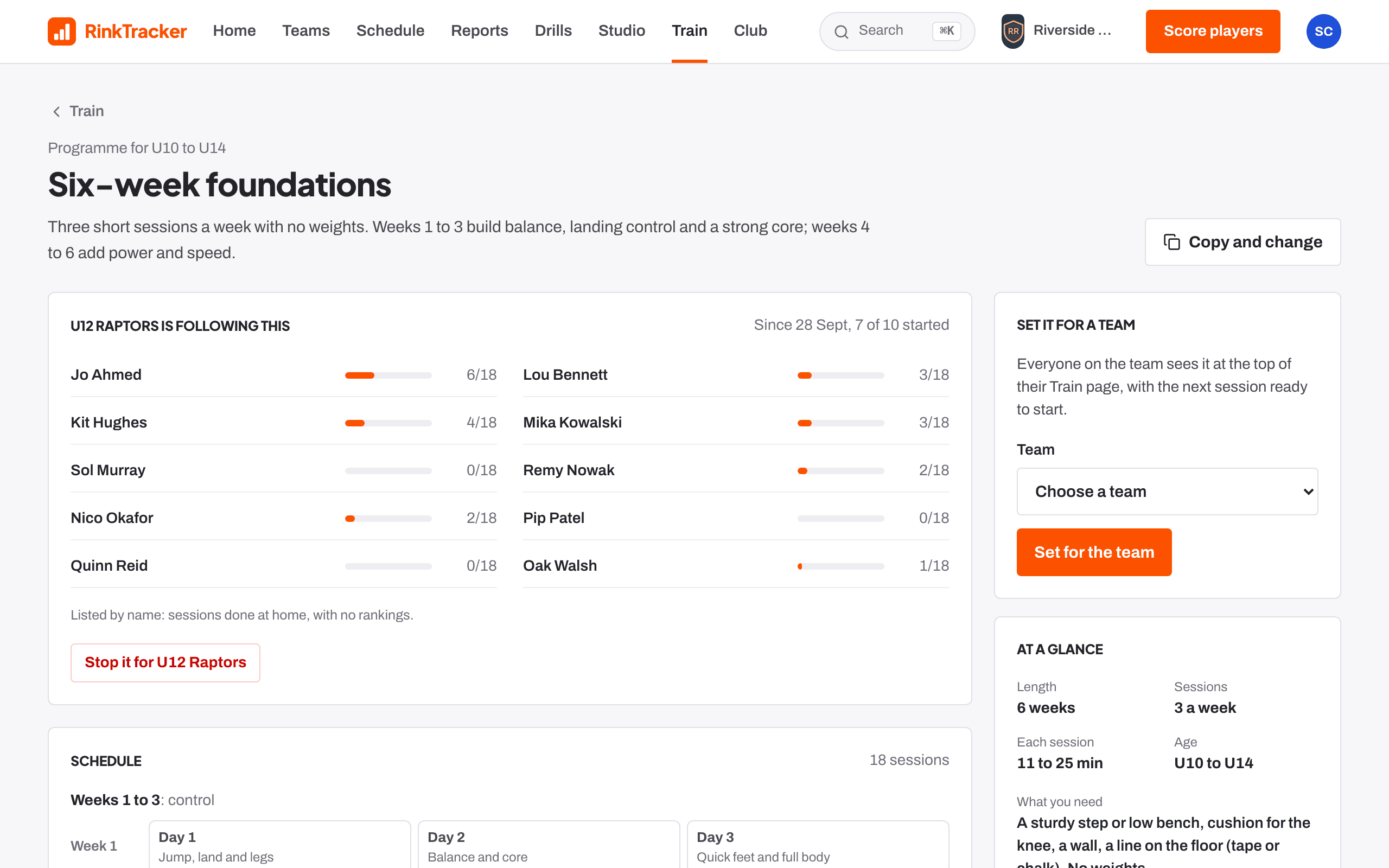
Programmes are a few weeks of sessions that ask a little more each week. Built-in ones include Six-week foundations, Four-week starter, Stick skills at home and Goalie foundations.
- Open a programme from the list.
- Choose the Team.
- Press Set for the team.
Work on the team's focus skills
The Off the ice card for the team takes its lowest skills at the last check and lists exercises that build them. Press Set a routine from these to open the routine builder already filled in.
Build your own routine or programme
Press New routine for a single session, or New programme for several weeks. In a routine, add exercises in order with sets, reps or seconds, and rest. Join exercises to make a circuit.
Know what families see
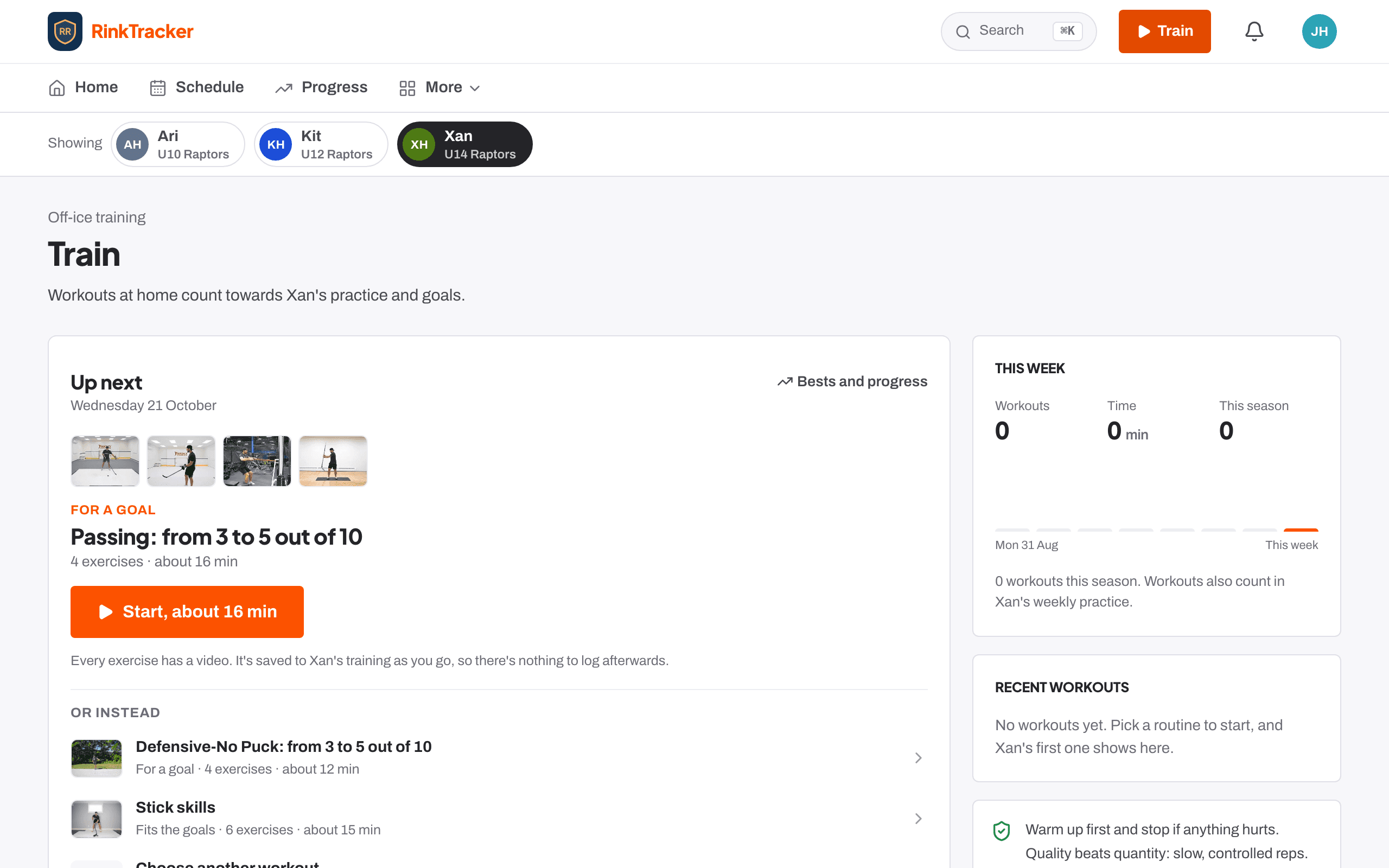
On their Train page, families see what's set for the team and For your goals: off-ice work picked for their child's goal skills. A workout with any of those exercises counts as practice on the goal, so it shows on your goals board.
- The Train page for coaches Help article
- Programmes and routines Help article
- Set and review goals Guide
- Log practice and workouts at home Guide
Stuck? Email hello@rinktracker.com or search the help centre.